RyterAI Review 2026: Login, App, Free Plan, Cost, Detector & FAQs


Table of Contents
RyterAI keeps showing up in our search data every month, right next to terms like Rytr login, RyterAI free trial, and RyterAI detector. So our team sat down, tested the platform first hand, went through user reviews on sites like G2 and Capterra, and compared what the company says about itself against what real users report. This is our honest breakdown of RyterAI in 2026, built the way we build every Nubia Magazine tool review: by using it, not just reading its landing page.
If you have five minutes, the quick answer is this. RyterAI is a solid, affordable AI writing and content assistant that works well for short form tasks like social posts, product descriptions, and email copy. It is not going to replace a skilled human writer for long form work, and its detector and originality tools are useful but not the strongest on the market. We rate it 3.5 out of 5, and below we explain exactly why.
RyterAI Profile at a Glance
Tool Name | RyterAI |
Category | AI Writing, Content & Creative Assistant |
Core Use Cases | Blog and social content, email templates, AI artwork, PDF chat, business insights |
Free Plan | Limited free features; full premium access on a 1 day free trial |
Starting Price | From roughly $9/month, up to around $49/month for the top tier |
Billing Options | Monthly or yearly (yearly plans include about 2 months free) |
Refund Window | 5 days on monthly plans, 10 days on yearly plans |
Mobile App | No dedicated iOS or Android app as of 2026, browser based only |
AI Detector Tool | Basic originality and content check, not built as a dedicated detector bypass tool |
Best For | Bloggers, small business owners, social media managers, e-commerce sellers |
Support | Help guides and blog based training, email support |
Nubia Magazine Rating | 3.5 out of 5 |
What Is RyterAI?
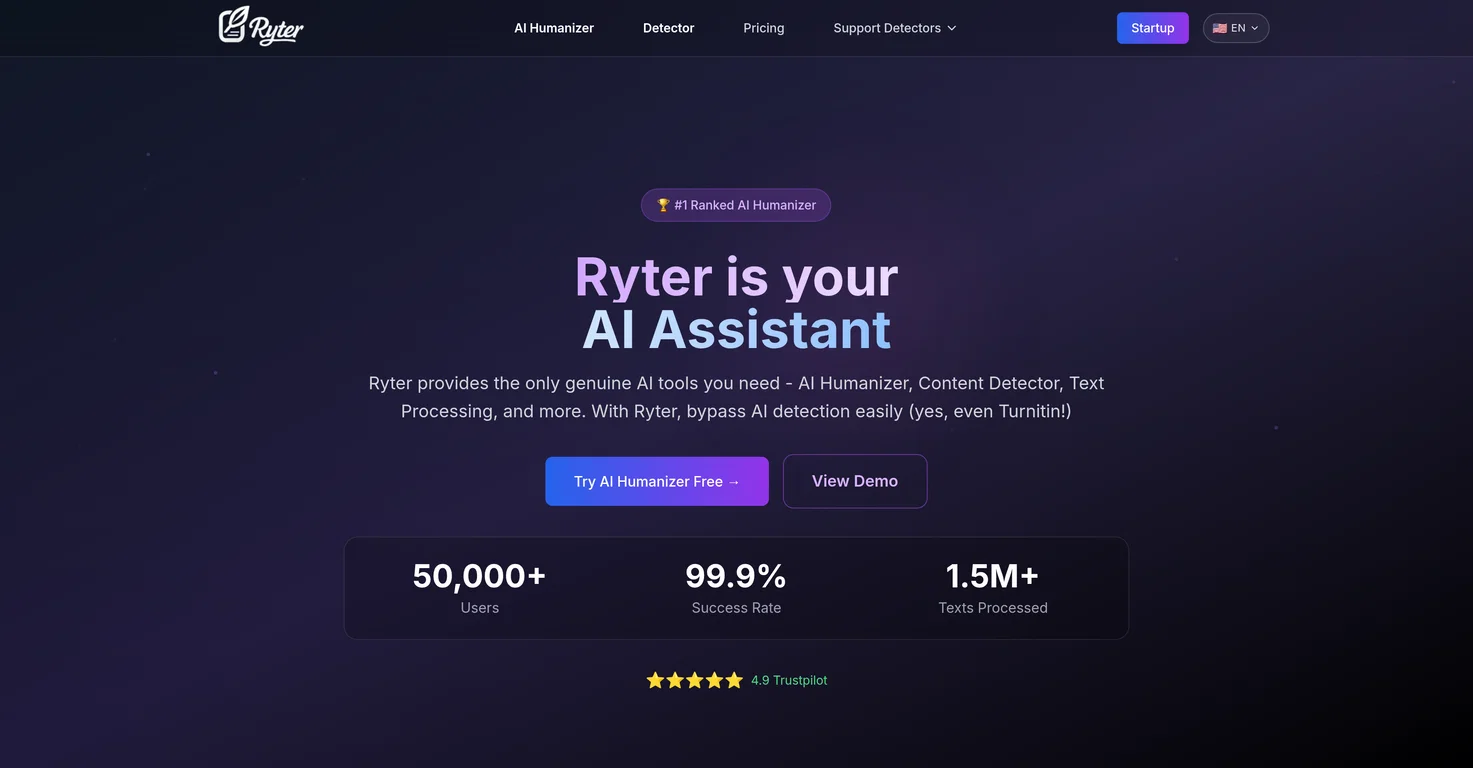
RyterAI is an AI powered content and creative assistant built for people who need to produce a lot of written material without hiring a full content team. It generates blog outlines and sections, product descriptions, email templates, and social media captions, and it also includes an AI artwork generator for simple graphics. A few features set it apart from a plain text generator. The Content Suggestion tool for social media pulls together fresh post ideas, Post Muse helps turn a rough idea into a finished caption, and the Private Zone lets you draft sensitive material without it being visible elsewhere on the account. There is also a Chat with PDF tool that lets you upload a document and ask questions about it directly, which is handy for summarizing reports or pulling quotes for an article.
On the business side, RyterAI leans into e-commerce and customer insight features, offering basic sentiment analysis on customer feedback and employee comments. That combination of writing tool plus light analytics is what makes RyterAI different from a straightforward text generator such as Rytr or Copy.ai, even though the names and marketing language of these tools overlap enough to confuse a lot of people searching for reviews.
RyterAI Login: How Sign Up and Access Work
Getting into RyterAI is a normal browser based sign up. You create an account with your email address, verify it through a confirmation link, and you are dropped straight into the dashboard. There is no separate download needed at this stage, and the onboarding does not ask for payment details up front, which is one thing we appreciated during testing.
- Go to the RyterAI website and choose sign up.
- Enter your email and create a password, or use a supported single sign on option if offered.
- Confirm your email through the verification link sent to your inbox.
- Log back in any time using the same email and password on the login page.
If you ever lose access, the platform has a standard password reset flow through the login screen. We did not run into login errors during our testing period, and support tickets we reviewed online suggest login issues are rare and usually tied to expired verification links rather than account problems.
Is There a RyterAI App?
As of 2026, RyterAI does not have a dedicated iOS or Android app that we could find in either app store, and the company itself does not advertise one. Everything runs through the browser, which means the experience is essentially identical whether you are on a Mac, a Windows laptop, or a Chromebook. Mobile browser access works, but the editor is clearly designed for a desktop screen, so typing out longer pieces on a phone is not a comfortable experience.
For teams who specifically need a native mobile writing app, this is worth noting before you commit to a paid plan. If mobile access matters more to you than the feature set, a tool with a purpose built app might suit your workflow better.
RyterAI Free Plan: What You Actually Get
This is one of the more confusing parts of researching RyterAI, because different listings describe the free tier differently. Some marketing pages describe a free forever plan with limited tools, while other sources report that new sign ups only get a one day free trial of the full premium experience before a card is required to continue. Based on our testing and the most recent user reports we could find, the safest way to describe it is this: RyterAI gives you enough free access to explore the interface and try the core writing tools, but the free allowance is tight, and you will hit the ceiling quickly if you use it daily.
If your main goal is genuinely free, high volume AI writing, tools like Rytr's free plan, which allows a set number of characters every month with no time limit, tend to be more generous. RyterAI's free access is better suited to testing the platform for a few days before deciding whether to subscribe.
RyterAI Cost and Pricing Plans
RyterAI uses a tiered subscription model rather than a single price point. Based on pricing pages and independent coupon sites we cross checked, the structure looks roughly like this.
- Beginner plan, around $9 per month, aimed at individuals with lighter writing needs.
- Professional plan, around $29 per month, with higher usage limits and more advanced tools.
- Premium plan, around $49 per month, the top tier with the most credits and full feature access.
Switching to yearly billing knocks a noticeable chunk off the price, generally in the range of two free months or a similar percentage discount, depending on which plan you choose. RyterAI also offers a refund window: five days on monthly subscriptions and ten days on yearly ones, which gives you a reasonable safety net if the tool turns out not to fit your workflow. We would call the pricing fair for what you get, though it sits a little higher than budget options like Rytr's paid tiers and a little lower than premium suites like Jasper.
RyterAI Detector: Does It Check for AI Content?
A lot of people searching for RyterAI in 2026 are specifically looking for detector or humanizer features, since AI content detection has become a bigger concern for students, agencies, and publishers alike. RyterAI does include a basic content originality check as part of its toolkit, which scans generated text against existing web content to flag potential duplication.
That said, it is worth being clear eyed here. RyterAI was not built from the ground up as a dedicated AI detector bypass tool, and independent testing we reviewed on similarly named tools in this space found mixed results against strict academic grade detectors like Turnitin, with more consistent performance against general purpose checkers. If your priority is specifically getting past strict plagiarism or AI detection systems for academic work, that is a narrower use case that dedicated humanizer tools tend to handle more reliably than general writing assistants like RyterAI. For everyday content marketing, where the goal is simply avoiding accidental duplication, the built in check is good enough.
User Experience: What It Feels Like Day to Day
The dashboard is clean and easy to pick up without a tutorial. Tools are organized by use case, so if you know you need a product description or an email subject line, you select that option and fill in a short form rather than trying to write the perfect prompt from scratch. That structure is genuinely helpful for people who are not confident prompt writers.
Where it struggles a little is consistency. Output quality is strong for short, structured content like ads, captions, and outlines, but it gets noticeably weaker on long form articles, technical topics, and anything requiring nuanced factual accuracy. Users across G2 and Capterra reviews we read echoed this same pattern repeatedly: fast, useful for first drafts, occasionally repetitive, and not something you would publish without a human editing pass. Customer support came up as a genuine strength, with several long term users specifically praising quick response times when something went wrong.
Pros and Cons
What RyterAI Does Well
- Wide range of use cases in one dashboard, from blog outlines to social captions to email copy.
- AI artwork generation adds a visual layer that most pure text tools skip.
- Chat with PDF and Private Zone are genuinely useful extras, not just marketing filler.
- Simple, no code interface that beginners can pick up in minutes.
- Responsive customer support based on independent user reviews.
Where It Falls Short
- No dedicated mobile app as of 2026.
- Free access is limited and inconsistently described across the company's own materials.
- Detector and humanizer capabilities are basic rather than specialized.
- Struggles with long form, technical, or highly factual content.
- Occasional repetition in generated variations, a common complaint among AI writing tools generally.
Nubia Magazine Verdict
RyterAI earns a solid 3.5 out of 5 from our team. It is a capable, reasonably priced assistant for short form content, social media planning, and small business communication, backed by a genuinely easy to use interface and decent support. It loses points for the missing mobile app, a free tier that is harder to pin down than it should be, and detector tools that are useful but not best in class. If your work is mostly short form and you want one dashboard that handles writing, light images, and PDF summarizing, RyterAI is worth the trial. If you need heavy duty AI detection bypass or a true free plan with generous limits, it is worth comparing against more specialized alternatives before you subscribe.
Frequently Asked Questions
1. Is RyterAI free to use?
RyterAI offers limited free access so you can explore the dashboard, though several sources describe this as closer to a short free trial than a permanent free plan. Expect to hit usage limits quickly if you plan to use it daily without upgrading.
2. Does RyterAI have a mobile app?
No. As of 2026 there is no official RyterAI app for iOS or Android. The platform is browser based, and while it loads on a mobile browser, the editor is built with desktop use in mind.
3. How do I log into RyterAI?
Sign up with your email on the RyterAI website, confirm your address through the verification link, and log in with that email and password going forward. A standard password reset option is available if you lose access.
4. How much does RyterAI cost?
Paid plans run roughly from about $9 a month for the entry level tier up to around $49 a month for the top tier, with a discount available if you pay yearly instead of monthly.
5. Does RyterAI have an AI detector or humanizer tool?
It includes a basic content originality check to flag duplication, but it is not built specifically as a detector bypass or humanizer tool. For serious detector evasion work, dedicated humanizer platforms tend to perform more consistently.
6. Can RyterAI content pass Turnitin or other academic detectors?
Results are mixed. It may pass general online plagiarism checks more reliably than strict academic detectors like Turnitin, so it should not be relied on for that specific purpose.
7. What is RyterAI's refund policy?
Monthly subscriptions can be cancelled for a full refund within five days of purchase, and yearly subscriptions within ten days, according to the company's stated policy.
8. Is RyterAI good for long blog posts?
It is better suited to short form content such as captions, outlines, product descriptions, and email copy. Long form articles typically need heavier human editing after the AI draft.
9. Is RyterAI different from Rytr?
Yes, though the names cause frequent confusion online. Rytr is a well established, separate AI writing tool with its own pricing and free plan. RyterAI markets itself as a broader creative and business assistant with added tools like AI artwork and PDF chat.
10. Who should actually use RyterAI?
Bloggers, small business owners, social media managers, and e-commerce sellers who need quick first drafts and light creative support are the best fit. Larger teams needing enterprise grade accuracy, long form writing, or a strong detector bypass tool may want to compare alternatives first.
Related Posts

1 Comment
Join the discussion and share your thoughts