Synthesia Review 2026: Login, Free Plan, Download, Software, AI & FAQs

Table of Contents
Synthesia keeps coming up whenever people search for ways to make training or marketing videos without booking a studio or hiring actors. It gets recommended in Slack threads, LinkedIn posts and G2 comparison pages, but what actually happens once you sign up, how the login works, what the free plan really gives you, whether there is a download you can install, is rarely explained in plain language. We spent several weeks testing Synthesia through the first half of 2026, cross checking what we found against current pricing pages, support documentation and real user reviews. This is our full breakdown, along with an overall rating of 3.6 out of 5.
What Is Synthesia, Exactly?
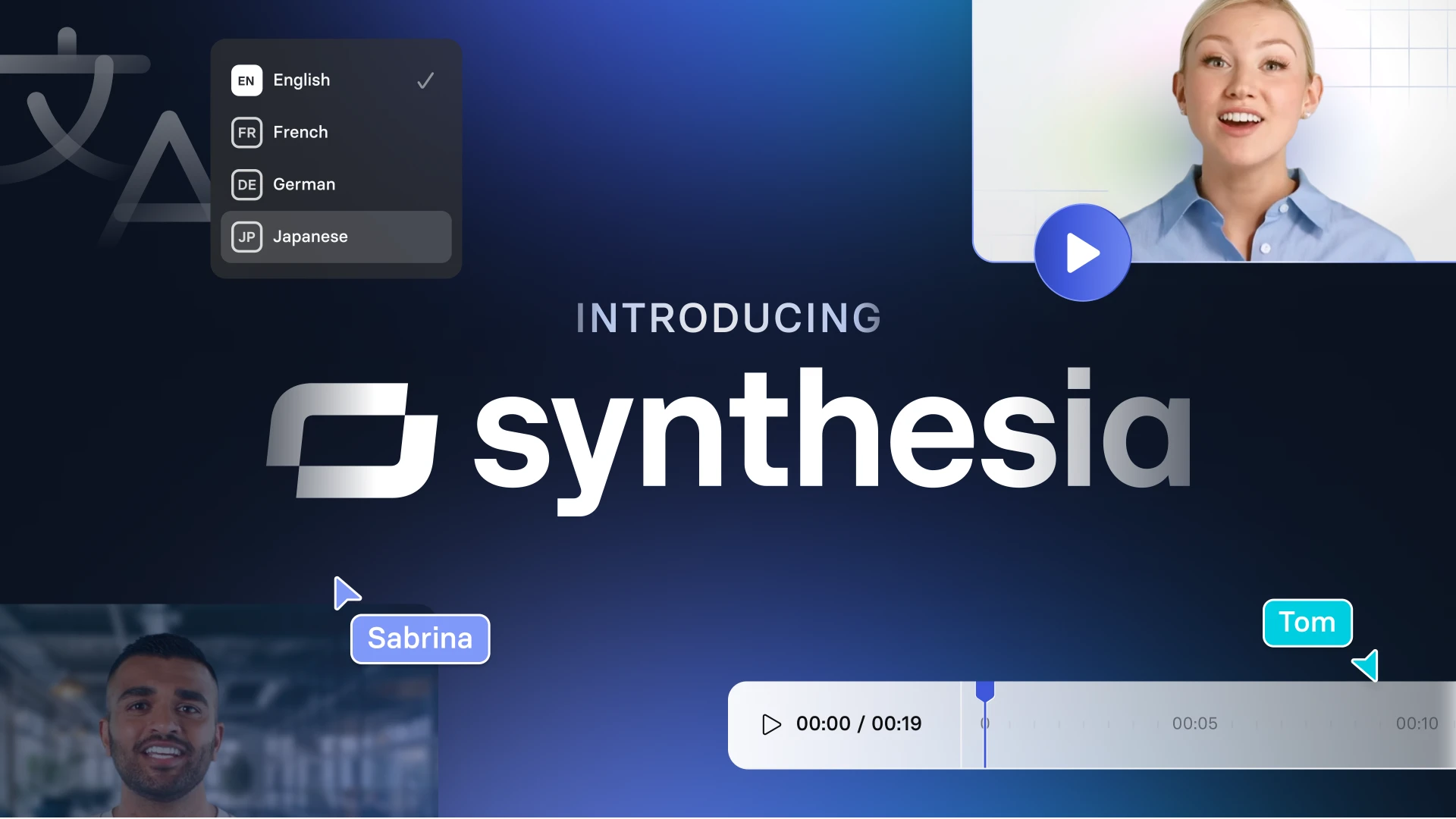
Synthesia is a browser based AI video platform. You type or paste a script, choose one of its digital avatars, and the software generates a video of that avatar speaking your words on camera, complete with lip sync, gestures and background music if you want it. There is no camera, no microphone and no editing timeline in the traditional sense. The company was founded in London in 2017 by Victor Riparbelli, Steffen Tjerrild, Lourdes Agapito and Matthias Niessner, and it has grown into what is generally regarded as the leading enterprise AI video tool, used by tens of thousands of businesses including well known names like Zoom, Amazon and IKEA for training, onboarding and internal communication.
The pitch is simple. Instead of paying a production crew to film a training video or a product update, you write the script, pick an avatar and voice, and Synthesia builds the finished clip in minutes. It leans heavily into localization too, offering voiceover in well over a hundred languages and AI dubbing that keeps the avatar's lip movements matched to the translated audio.
Synthesia Profile at a Glance
Detail | Information |
Company name | Synthesia Limited |
Founded | 2017 |
Headquarters | London, United Kingdom |
Founders | Victor Riparbelli, Steffen Tjerrild, Lourdes Agapito, Matthias Niessner |
Category | AI video generation software |
Core offering | Text to video creation using AI avatars |
Avatars | 240+ stock avatars plus custom personal avatars on paid tiers |
Languages | Voiceover in 140+ languages, AI dubbing in 30+ with lip sync |
Platform | Browser based on Windows, Mac and Linux, no dedicated desktop app |
Free plan | Yes, limited monthly credits with a watermark on exports |
Starting paid price | From roughly $18 to $29 a month on annual billing |
Enterprise pricing | Custom quote, typically negotiated with a sales team |
Notable clients | Zoom, Amazon, Xerox, Teleperformance, IKEA, SAP, Siemens |
Best suited for | Corporate training, onboarding, product marketing and internal comms |
NUBIA MAGAZINE rating | 3.6 out of 5 |
Synthesia Login: How It Actually Works
There is no separate login portal to hunt for. You sign in directly through a browser at synthesia.io, either with an email and password or through Google or Microsoft single sign on. Enterprise customers can also set up SAML SSO so employees log in through their company identity provider instead of a personal account.
A few things caught us off guard during testing. First, the editor itself only fully works on desktop browsers, so logging in from a phone gets you an account dashboard and not much creative control. Second, if you forget your password, the reset link comes through email and can take a minute or two to arrive, which is easy to mistake for a broken link. Once you are in, the dashboard is clean and the learning curve to publish a first video is genuinely short, probably fifteen to twenty minutes for a first timer.
Is Synthesia Free? What You Actually Get
Yes, Synthesia offers a free tier, usually called the Basic plan, and you do not need a credit card to start. What you get on it has shifted a bit through 2026 as the company adjusted its credit system, but broadly you are looking at a small monthly allowance, enough for a short video, a limited pool of stock avatars rather than the full library, a single editor seat, and a watermark stamped across anything you export.
The free plan is genuinely useful for testing whether the avatars and voice quality suit your project before you commit to a paid tier. It is not enough for anyone producing videos regularly, and features like personal avatar cloning, API access, and logo free exports are locked behind paid plans.
Synthesia Download: Is There a Desktop App?
This is one of the more common points of confusion, and it is worth clearing up properly. Synthesia the AI video platform does not have an official desktop application. It runs entirely in a modern web browser on Windows, Mac or Linux, and there is no installer to download from the company itself. If you come across a site offering a Synthesia .exe or .dmg download, treat it with caution and stick to the official website instead.
There is also an older, completely unrelated piece of software that shares the same name: a piano learning game called Synthesia, first released back in 2006, that teaches people to play keyboard using falling note bars similar to Guitar Hero. It has its own downloads for Windows, Mac and Android. If your search results are mixing the two, know that the AI video company and the piano trainer are entirely different products from entirely different developers that just happen to share a name.
The Software Itself: A Feature Breakdown
Once inside the editor, Synthesia is built around scenes. Each scene pairs a block of script with an avatar, a background and any on screen text or media you add. A few features stood out during our testing.
- AI avatars: over 240 stock presenters covering a wide range of ages, ethnicities and professional styles, with an Express engine that adds hand gestures and facial expression rather than a static talking head.
- Script to video: paste in a script or use the built in AI assistant to draft one, and the platform matches pacing, scene breaks and avatar delivery automatically.
- PowerPoint to video: upload an existing slide deck and Synthesia converts it into a narrated video, pulling speaker notes into the script where available.
- Translation and dubbing: one click translation into dozens of languages, with AI dubbing that adjusts lip movement so the avatar looks like it is actually speaking the new language.
- Personal avatars: record a short video of yourself or a colleague and Synthesia can build a digital twin, though this is an added cost on top of a paid plan.
- API access: available from the Creator tier upward, useful for teams that want to generate videos programmatically at scale.
User Experience: What We Noticed During Testing
For anyone with zero video editing background, Synthesia is refreshingly straightforward. You are not fighting a timeline or learning keyboard shortcuts, you are mostly just writing and clicking. That said, a few rough edges showed up consistently.
The avatars have clearly improved over the last couple of years, but gestures and lip sync can still drift into uncanny territory during longer sentences or unusual phrasing, especially with non English scripts. The credit based pricing model also takes getting used to. Instead of a flat number of minutes, usage is measured in credits per second of finished video, and it is not always obvious upfront how far your plan will stretch. On the positive side, customer support came up repeatedly in user reviews as fast and genuinely helpful, which matters a lot for teams onboarding non technical staff onto the platform.
Mobile use is limited to reviewing and light approvals rather than actual video creation, so this is not a tool you want to rely on away from a laptop.
Pricing Overview in 2026
Synthesia's pricing has come down slightly this year. The free Basic plan remains available with limited credits and a watermark. Starter, aimed at individuals and small teams, runs from around eighteen dollars a month on annual billing and removes the watermark. Creator, built for teams that need more volume, personal avatars and API access, runs from roughly sixty four dollars a month annually. Enterprise pricing is fully custom and typically involves a sales call, with reported annual spend often landing in the tens of thousands of dollars depending on team size and features like SSO, SCORM export and dedicated support.
Pros and Cons
What we liked
- Genuinely easy for non video people to pick up and start producing content within an hour.
- Strong language coverage, useful for global training and onboarding content.
- Responsive, patient customer support based on repeated mentions in user reviews.
- PowerPoint to video conversion saves real time for teams repurposing existing training decks.
Where it falls short
- Custom avatar creation is an expensive add on rather than included in a standard plan.
- Credit based usage can feel opaque compared to a simple minutes per month allowance.
- Avatar delivery still has occasional uncanny moments, particularly with gestures.
- Creative control is limited compared to a full video editor, so it suits scripted corporate content far more than social or entertainment video.
Nubia Magazine Verdict
Synthesia does what it says it will do. It turns a written script into a presentable, professional looking video without a camera crew, and for corporate training, onboarding and internal communication, that is genuinely valuable. Where it loses points is cost clarity, the still occasionally stiff avatar delivery, and how quickly the free plan runs out for anyone trying to use it seriously. Weighing ease of use, feature depth, pricing fairness and real world reliability, we are landing on 3.6 out of 5. It is a solid, dependable tool for the audience it was built for, businesses producing scripted, repeatable video content, rather than a creative video editor for everyone.
Frequently Asked Questions
1. Is Synthesia free to use?
Yes, there is a free Basic plan that lets you generate a short video each month using a limited set of avatars. Exports carry a watermark and features like custom avatars, API access and unlimited seats are reserved for paid plans.
2. How do I log into Synthesia?
Go to synthesia.io in a browser and sign in with your email and password, or use Google or Microsoft single sign on. Enterprise accounts can also log in through company SAML SSO if their organization has it configured.
3. Can I download Synthesia on my computer?
Not as a standalone app. Synthesia runs in your browser on Windows, Mac and Linux, and there is no official installer. Be cautious of third party sites offering an executable download, since the real platform is browser only.
4. Is Synthesia the same as the piano learning software called Synthesia?
No. That is a separate, unrelated product, a piano and keyboard learning game released back in 2006 with its own downloads for Windows, Mac and Android. The AI video platform covered in this review is a different company entirely.
5. Does the free plan add a watermark to my videos?
Yes, videos created on the free Basic plan include a Synthesia watermark. Removing it requires upgrading to at least the Starter paid plan.
6. Can Synthesia clone my own voice and face?
Yes, through its personal avatar feature you can record a short video of yourself and Synthesia will build a digital version of you that can deliver any script. This is an additional paid add on rather than something included by default.
7. Does Synthesia work well on mobile phones?
You can log in and review or approve videos from a mobile browser, but the actual video editor is built for desktop use. If you plan to create videos regularly, expect to do that work from a laptop or desktop.
8. How much does Synthesia cost in 2026?
Pricing ranges from free on the Basic plan to around eighteen to twenty nine dollars a month for Starter, roughly sixty four to eighty nine dollars a month for Creator, and custom quoted pricing for Enterprise, which typically scales into the tens of thousands annually for larger teams.
9. Is Synthesia good for YouTube videos or social media content?
It can work for explainer style content, but it is built primarily for scripted corporate use cases like training and onboarding. Creators wanting more freeform, personality driven social content often find dedicated social video editors give them more creative control.
10. Can I cancel my Synthesia subscription at any time?
Self serve Starter and Creator plans are typically billed monthly or annually and can be cancelled from account settings before the next billing cycle. Enterprise contracts usually follow the terms agreed during the sales process, so check your specific agreement.
Related Posts




1 Comment
Join the discussion and share your thoughts



