Top 10 Best Teleprompter Apps In 2026

Table of Contents
Top 10 Best Teleprompter Apps In 2026 reflect the shift toward AI-assisted scripting and cross-device synchronization for creators who need reliable prompting during live streams and recordings. Our review examines each option based on platform support, recording capabilities, and integration with broadcast or mobile workflows. The list covers tools that range from professional studio systems to open-source alternatives.
How We Ranked These
We evaluated the apps using performance metrics from 2026 app store data, hands-on tests of scroll accuracy and recording resolution, and comparisons of feature sets across platforms. Factors included cross-device sync, voice recognition reliability, hardware compatibility, and overall workflow efficiency for educators, broadcasters, and content creators. Rankings prioritize verifiable capabilities such as 8K support and AI script tools over marketing claims.
These Are The Top 10 Best Teleprompter Apps In 2026
1. FlowPrompter
FlowPrompter leads the list as the top-rated teleprompter app of 2026 across multiple platform comparisons. It runs on web, iOS, and Android with a distraction-free interface that suits online educators and live streamers who share screens during presentations. The app provides AI-powered adjustments, variable scroll speeds, mirror mode, and cloud synchronization that removes the need for manual file transfers between devices.
Its architecture keeps scripts accessible from any connected device while maintaining a clean display that avoids interfering with recording sessions. Creators testing the tool noted consistent performance in both beginner and advanced use cases.
2. BIGVU
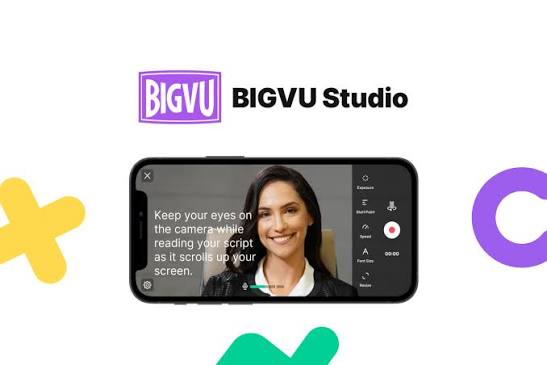
BIGVU stands out for its complete pipeline that moves users from script creation to finished video without leaving the application. The 4.8/5 app store rating comes from features such as an AI Script Writer, voice-controlled scrolling, Eye Contact Fix technology, and direct publishing to YouTube, Instagram, and TikTok. It handles multiple aspect ratios and includes auto-captions plus team collaboration options for larger productions.
Testing showed the built-in studio records video while speech recognition highlights text in real time. This integration makes the app a frequent choice for mobile-first creators who require end-to-end tools rather than separate applications for each step.
3. Teleprompter Pro
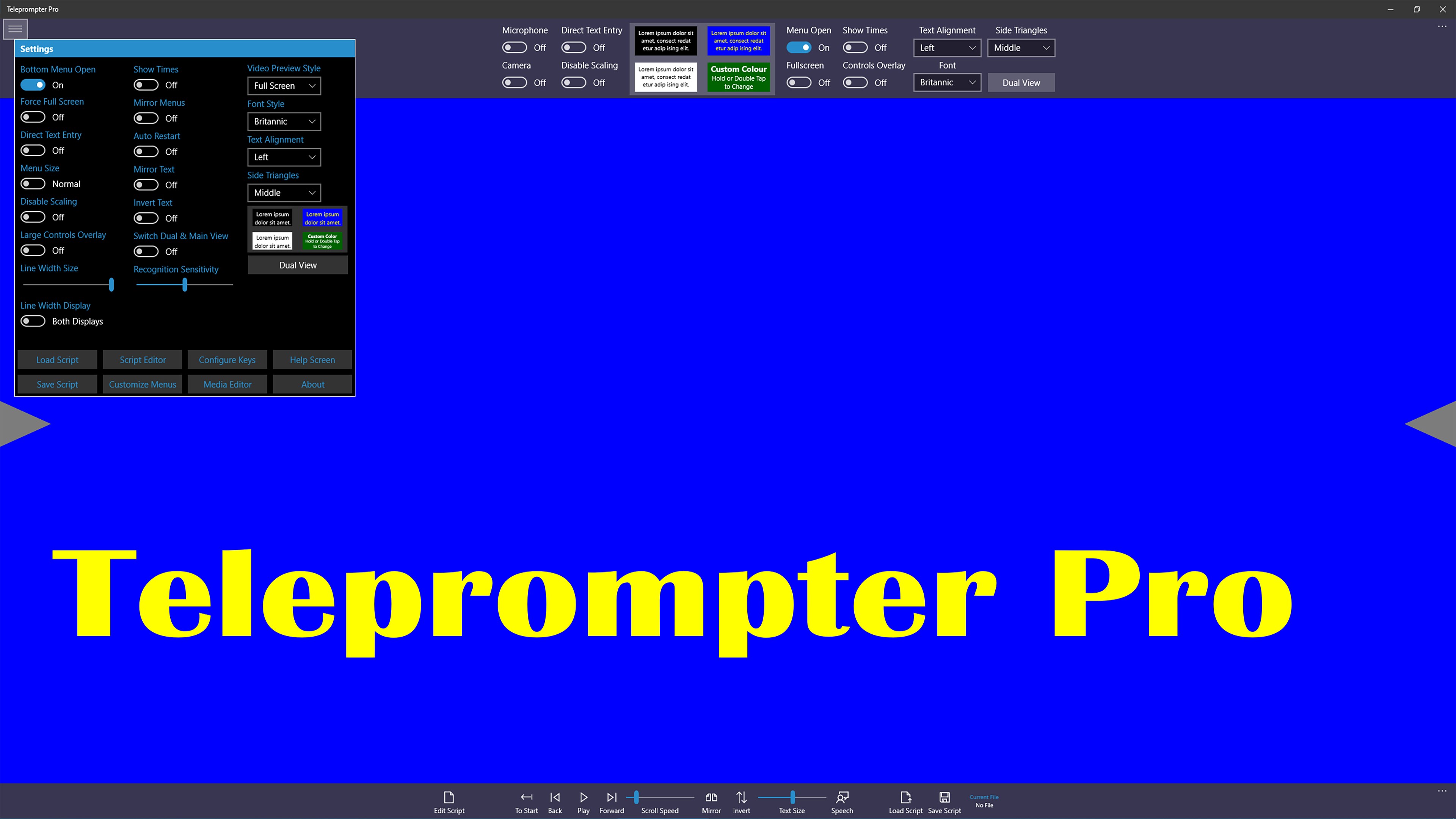
Teleprompter Pro serves as the established standard for professional broadcasters, with its 2026 update adding 8K recording support and remote collaboration controls. The application supplies precise speed adjustments, dual-monitor compatibility, and color-coded script sections that integrate with existing broadcast hardware. Production teams benefit from multi-user script editing during live events.
Its complexity and pricing keep it positioned for studio environments rather than casual users, yet the reliability in high-resolution workflows explains its continued placement among top options.
4. PromptSmart+
PromptSmart+ differentiates itself through patented VoiceTrack technology that recognizes speech to advance the script automatically. The 4.7/5 rating reflects support for over 30 languages, a built-in editor with rich formatting, and both manual and voice-activated modes. Offline access and Bluetooth controller compatibility add flexibility for users in varied environments.
The system performs best with clear speech patterns, and the learning curve for voice recognition remains a noted consideration during evaluations.
5. Teleprompter Premium
Teleprompter Premium targets iPhone and iPad users who require integrated recording and hardware support. It delivers 4K video capture, adjustable scroll speeds, mirror mode, and compatibility with Bluetooth keyboards plus external displays. Touch-based controls allow fine adjustments during sessions without stopping the recording.
The app suits YouTubers and presenters working with multi-screen setups, though its iOS focus limits cross-platform reach compared with higher-ranked alternatives.
6. GhostPrompter
GhostPrompter was developed specifically for desktop environments on Windows and macOS. Educators and YouTubers who work primarily from computers find its transparent overlay mode useful because the script floats above other windows without disrupting viewer screens during streams. Multiple monitor support and granular speed controls match typical desktop workflows.
The design fills a niche for computer-based creators who do not need mobile portability.
7. Teleprompter for Video
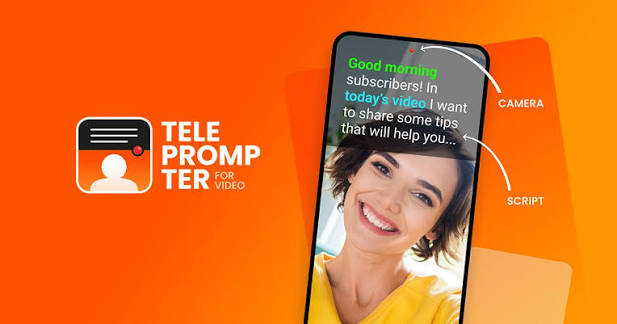
Teleprompter for Video offers a free tier alongside paid upgrades that unlock higher recording resolutions. It provides adjustable text size, scroll speed, mirror mode, and in-app camera controls that vary by device. The application appears often in Android comparisons alongside other mobile options.
Users seeking basic recording without advanced AI features find the balance of affordability and functionality sufficient for routine projects.
8. CuePrompter
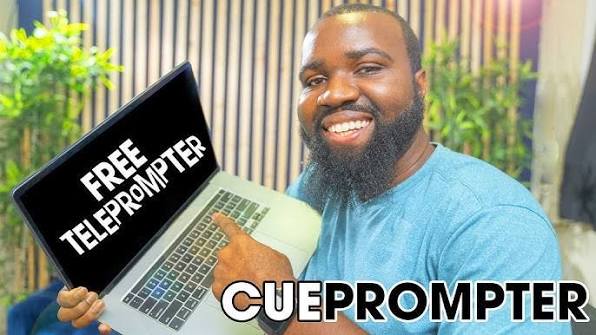
CuePrompter operates as a long-standing web-based solution that requires no downloads or account creation. It supplies mirror mode, font size adjustments, and speed controls for quick hardware rig setups. The dated interface and lack of mobile optimization place it lower in rankings despite its zero-cost access.
One-off recordings remain its primary use case for users who need immediate prompting without installation.
9. EasyPrompter
EasyPrompter functions as a browser-based tool that excels in Windows compatibility tests for 2026. Adjustable scroll speeds, font sizes, and mirror mode support work directly in modern browsers without software installation. The straightforward interface prioritizes core functionality over additional features.
Budget-conscious users value the free access and consistent updates that maintain compatibility with current operating systems.
10. Imaginary Teleprompter
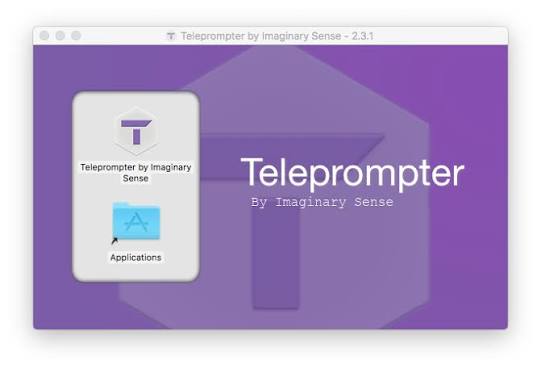
Imaginary Teleprompter provides an open-source option with community-driven updates and no subscription requirements. Standard features include scroll speed control, text formatting, and mirror mode, with the ability for technically inclined users to modify the code. Limited development resources result in fewer polished updates compared with commercial tools.
Its free availability keeps it accessible for those who prefer open ecosystems despite the trade-offs in support and refinement.
Selecting from the Top 10 Best Teleprompter Apps In 2026 depends on specific needs such as platform preference, recording resolution, and budget constraints. Each option addresses distinct segments of the creator and broadcast market.
Related Posts


1 Comment
Join the discussion and share your thoughts