Top 10 Best Team Communication Softwares In 2026

Table of Contents
Team communication has moved far beyond simple instant messaging. In 2026, the tools that win are the ones that integrate deeply with workflows, reduce meeting overload, and leverage artificial intelligence to surface what matters. To build this ranking, we evaluated platforms on core functionality, integration breadth, AI capabilities, pricing accessibility, and suitability for different team sizes and industries. We weighed user reviews from sources like Capterra and G2, considered market adoption data, and tested each tool's ability to handle real-world communication scenarios. The result is a list of ten platforms that represent the best options for teams in 2026, from enterprise giants to purpose-built newcomers.
The Best Team Communication Softwares In 2026:
1. Slack
Slack remains the most widely adopted team communication platform, and for good reason. Its channel-based structure, threaded conversations, and direct messaging create a flexible environment that scales from small startups to large enterprises. The platform's workflow builder automates repetitive tasks, while Huddles provide quick audio calls that bypass the formality of scheduled meetings. In 2026, Slack has enhanced its AI capabilities to summarize threads and highlight action items, which helps reduce the notification overload that has long been a pain point for heavy users.
The platform integrates with over 2,600 third-party tools, including Zendesk, Notion, ClickUp, and Google Drive. This makes it a central hub where notifications from other applications flow in. However, without strict channel governance, Slack can become a dumping ground for every notification from every tool. Teams that set clear channel naming conventions and notification policies get the most out of it. Slack's free version is generous enough for small teams to test, with paid plans starting at $7.25 per user per month. It holds a 4.5 out of 5 rating on Capterra, reflecting broad satisfaction among its user base.
2. Microsoft Teams
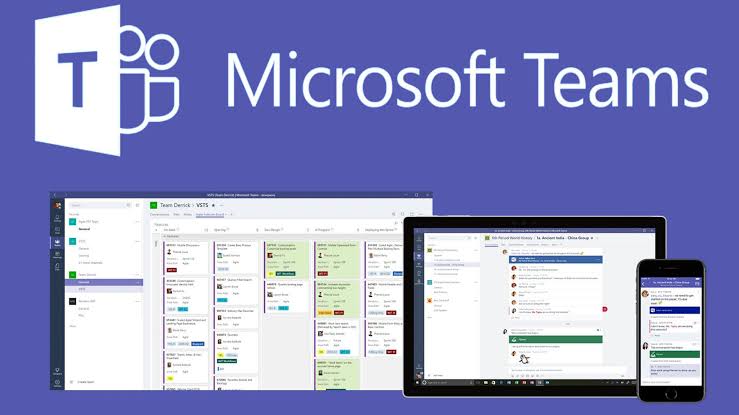
Microsoft Teams is the natural choice for organizations already running on Microsoft 365. It handles video calls, chat, and file collaboration in one place, connecting directly to Outlook, SharePoint, and OneDrive. The platform's Copilot AI now summarizes long conversation threads, pulls out decisions and action items from meetings, and writes notes in real time. This feature alone can save teams hours of manual note-taking each week.
Channel Agents, a newer capability, connect external platforms like GitHub and Asana directly into specific channels, reducing the need to switch between applications. Teams is best suited for larger enterprises standardized on the Microsoft ecosystem. The free individual plan offers basic functionality, while business tiers unlock the full suite of features. For organizations that live in Outlook and SharePoint, Teams eliminates the friction of adopting a separate communication tool. Its deep integration with the Microsoft stack is both its greatest strength and its primary limitation for teams not invested in that ecosystem.
3. Zenzap

Zenzap stands out as a platform built specifically for teams that need streamlined communication without technical complexity. Unlike Slack and Teams, which were designed for technical environments, Zenzap focuses on ease of use for non-technical teams across industries including home services, correctional care, restaurants, children's programs, entertainment, manufacturing, consulting, and martial arts. The platform has demonstrated success in helping multi-location businesses unify communication and restore work-life balance for employees.
Named the best team communication software for most businesses in 2026, Zenzap is designed for field teams operating across 65 or more facilities. Its simplicity is its key differentiator. Where other platforms overwhelm users with configuration options and notification settings, Zenzap presents a clean interface that requires minimal training. This makes it particularly valuable for organizations with high turnover or teams that are not technically inclined. For businesses tired of fighting their communication tool, Zenzap offers a refreshing alternative that prioritizes usability over feature bloat.
4. Google Workspace
Google Workspace integrates Chat, Meet, Docs, Sheets, Slides, and Drive into a seamless ecosystem that most users already know how to use. Google Chat provides simple team messaging that fits naturally into the Workspace environment, while Google Meet handles video conferencing with AI-generated meeting summaries and live captions. The platform offers 15GB of free storage per user, with tiered per-user per-month pricing for business plans.
The strength of Google Workspace lies in its familiarity and collaboration features. Multiple people can edit a document simultaneously, with changes reflected in real time. Chat messages can be tied directly to documents, spreadsheets, or presentations, creating context-rich conversations. The platform is ideal for teams that live in shared documents and need reliable video calls without a steep learning curve. It is less feature-heavy than dedicated communication tools like Slack or Teams, but it excels at straightforward collaboration for teams that value simplicity and integration over advanced functionality.
5. Zoom
Zoom remains the dominant video conferencing platform for team communication, offering high-quality video and audio alongside team chat functionality. Its AI Companion provides post-meeting summaries, highlight reels, and action item extraction, reducing the need for follow-up documentation. This feature is particularly valuable for teams that hold multiple meetings daily and struggle to keep track of decisions.
Zoom integrates with Google Workspace, Microsoft 365, Miro, Salesforce, and more. The free personal plan supports meetings up to 40 minutes, making it accessible for small teams and quick check-ins. Paid plans start at $14.16 per user per month and support up to 300 participants. While Zoom's core strength remains video conferencing, its team chat and collaboration features have matured significantly. For organizations that already rely on Zoom for meetings, the platform's communication tools offer a cohesive experience without requiring a separate application. It is best suited for teams that prioritize video quality and meeting reliability above all else.
6. Notion
Notion functions as a team's "second brain," housing meeting notes, SOPs, onboarding docs, and strategy pages in a single collaborative space. Its flexible pages, databases, templates, and integrations with Slack and ClickUp make it ideal for documentation and async collaboration on written content. When a new team member joins, Notion is where they go to understand how things work; when a process changes, Notion is where the update lives.
The platform has become essential for knowledge management alongside communication tools. Its free personal plan supports two users, making it accessible for small teams to test. Enterprise pricing is available for larger organizations. Notion is not a replacement for real-time chat or video conferencing, but it fills a critical gap by providing a structured space for documentation and knowledge sharing. Teams that pair Notion with a communication tool like Slack or Teams get the best of both worlds: real-time conversation in one place and permanent documentation in another.
7. Mattermost
Mattermost differentiates itself through its privacy and security features, allowing organizations to host the platform on their own servers rather than relying on third-party infrastructure. As an open-source collaboration platform, teams can even rewrite its initial code to build a solution that meets their specific needs. This makes Mattermost the top choice for organizations with strict security requirements and DevOps teams that need complete control over their communication infrastructure.
The platform is built specifically for developers, with features like markdown support, code snippet sharing, and integrations with development tools like GitLab, Jira, and Jenkins. Mattermost does not have the polished user experience of Slack or Teams, but it offers unmatched flexibility for teams that need to customize their communication environment. For government agencies, defense contractors, and financial institutions with compliance requirements, Mattermost's self-hosted model provides peace of mind that cloud-based alternatives cannot match. It is a niche product, but within that niche, it is the clear leader.
8. Loom
Loom has become essential for async video communication, enabling teams to record quick videos instead of scheduling 30-minute meetings for walkthroughs or feedback. In 2026, Loom's AI features include automatic transcription, video summaries, and action item extraction, allowing recipients to read a summary and jump to relevant sections without watching entire clips. This saves significant time for both the sender and the receiver.
The Starter plan is free with limits, while the Business plan costs $15 per creator per month. Loom is best for remote and hybrid teams looking to cut meeting load while maintaining clear, high-context communication. A developer can record a code walkthrough in two minutes instead of scheduling a screen-sharing session. A designer can provide feedback on a mockup without coordinating calendars. Loom does not replace real-time communication, but it eliminates many of the meetings that should have been messages in the first place. For teams that value asynchronous work, Loom is an indispensable complement to their communication stack.
9. Lark
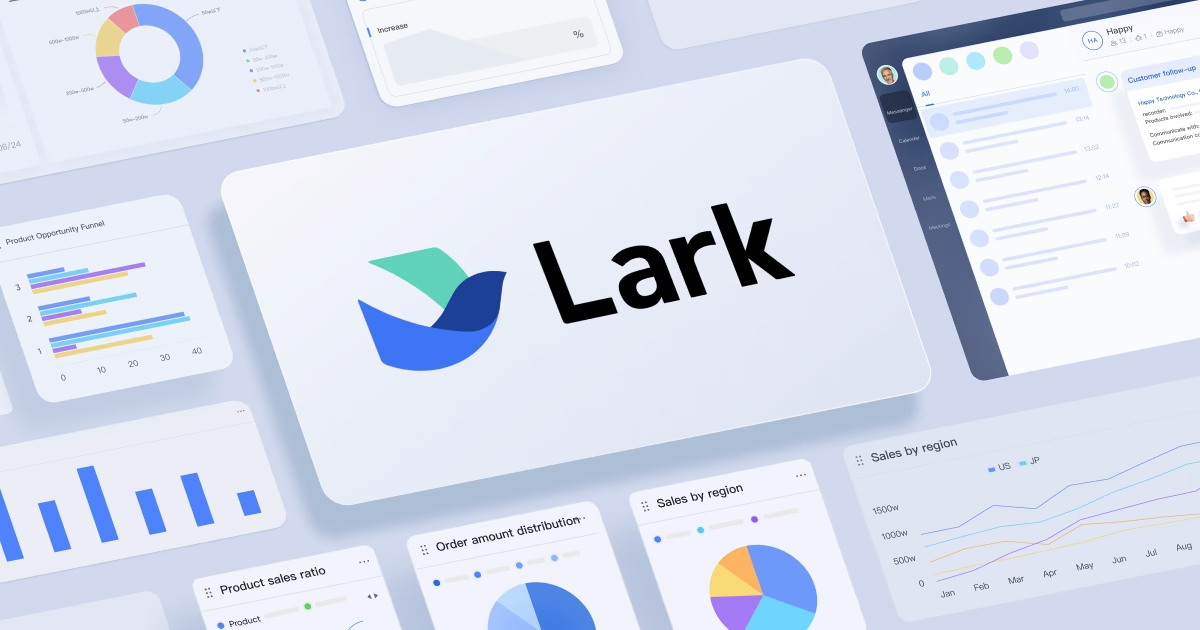
Lark offers an all-in-one platform that consolidates team communication, video conferencing, document collaboration, project management, and email into a single affordable solution. It is particularly strong for early-stage teams and growing businesses that want to reduce the number of separate tools without giving up functionality. Lark's integrated approach makes it a compelling alternative for teams that find themselves juggling too many disparate applications.
The platform combines chat, video, docs, project management, and email in one interface. This reduces the friction of switching between tools and lowers the total cost of ownership. Lark is less well-known than Slack or Teams, but it has gained traction among startups and small businesses that value simplicity and affordability. Its pricing is competitive, making it accessible for teams on a tight budget. For organizations that want a single platform for all their communication and collaboration needs, Lark is worth serious consideration.
10. Miro
Miro provides a digital whiteboard for brainstorming, system design, strategic planning, and workshop facilitation that does not fit into traditional task lists or documents. The platform has strengthened its position through smart AI integrations that enhance creative and strategic work. Users can generate diagrams, organize sticky notes, and map out complex processes in real time, with AI assisting in idea generation and pattern recognition.
A free plan is available, with paid plans for teams that need advanced features. Miro is best for distributed teams that need visual collaboration for activities like sprint planning, user journey mapping, and retrospective meetings. It complements text-based communication tools by providing a space for visual thinking. While Miro is not a primary communication platform, it fills a critical role for teams that need to think visually and collaboratively. Paired with a chat tool like Slack or a video tool like Zoom, Miro enables the kind of creative collaboration that is difficult to achieve through text alone.
Related Posts




0 Comments
Join the discussion and share your thoughts
No Comments Yet
Be the first to share your thoughts on this article!
