Squarespace Review 2026: App, Login, Alternatives, Pricing & FAQs

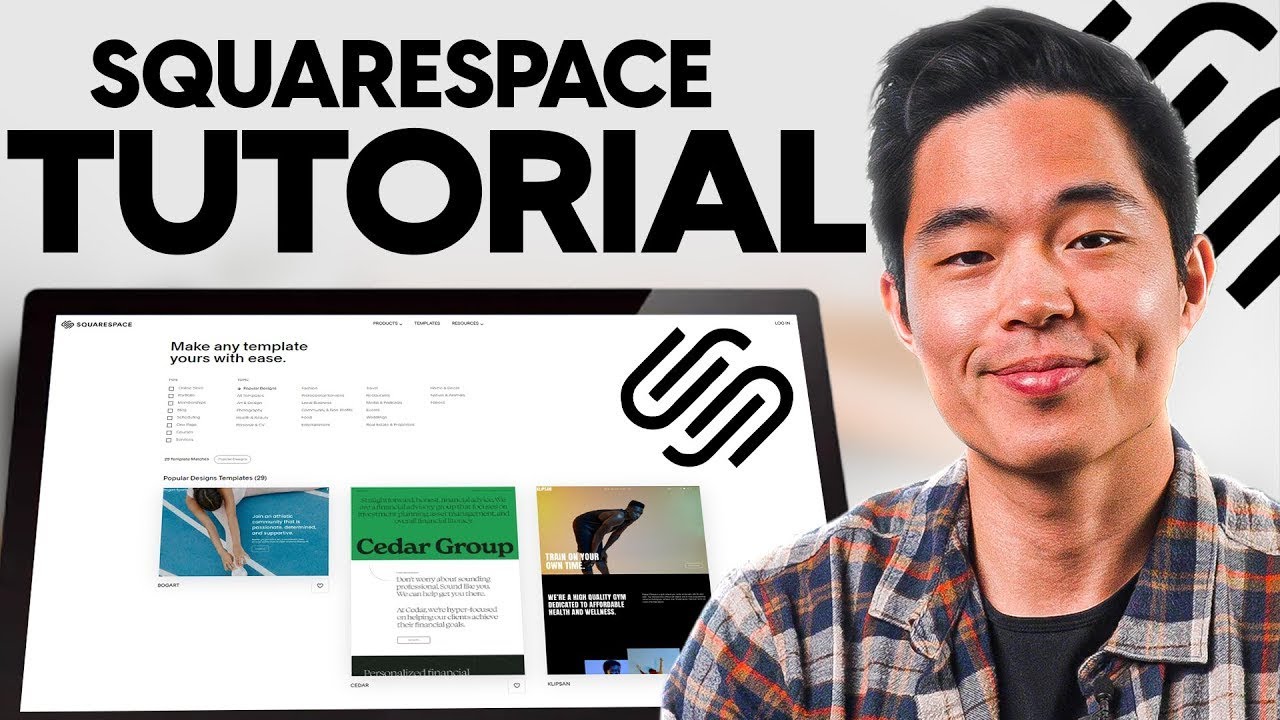
Table of Contents
Squarespace has been one of the most talked about names in website building for over two decades, and in 2026 the conversation around it has not slowed down. People still search for it every day, wanting to know if it is worth their money, whether the app actually works, and how it holds up against newer competitors. At Nubia Magazine, we spent weeks testing the platform ourselves, reading through hundreds of user complaints and praises across review sites, and comparing plans line by line before writing this piece. Here is our honest, research backed take on Squarespace in 2026.
Company Profile
Before we get into the review itself, here is a quick snapshot of who Squarespace is as a company.
Full name | Squarespace, Inc. |
Founded | 2003, by Anthony Casalena |
Headquarters | New York City, New York, United States |
CEO | Anthony Casalena (Founder and CEO) |
Ownership | Private, owned by Permira after the company was taken private in October 2024 |
What it does | Website builder, hosting, domains, online stores and email marketing tools in one platform |
Pricing (2026, billed annually) | Basic from $16/mo, Core from $23/mo, Plus from $39/mo, Advanced from $99/mo |
Free trial | 14 days, no credit card required to start |
Mobile app | Squarespace app for iOS and Android, free to download |
Best for | Portfolios, blogs, service businesses and small to mid sized online stores |
Main competitors | Wix, Shopify, Webflow, WordPress |
Nubia Magazine rating | 3.1 out of 5 |
What Is Squarespace in 2026?
Squarespace is an all in one website builder that lets anyone, regardless of coding experience, design and publish a website. The platform bundles hosting, a custom domain, SSL security, an online store, email marketing and analytics under one subscription. It started out in 2003 as a simple blogging tool built by Anthony Casalena and has since grown into a publicly recognised brand that powers millions of sites worldwide, from personal portfolios to full scale online stores.
Since being taken private by Permira in late 2024, Squarespace has kept investing heavily in its product, particularly around AI powered design tools, its Blueprint AI site builder, and a more capable mobile app. The core promise, however, has not changed much: pick a template, drag and drop your content, and launch a site that looks like it was built by a professional designer.
The Squarespace App
One of the most searched topics around Squarespace this year is the mobile app, and for good reason. Squarespace merged what used to be several separate apps into one unified app that lets you manage your entire site from a phone. Through the app you can:
- Edit pages, swap images and update text on the go
- Track orders, manage inventory and fulfil shipments from the Commerce tab
- Accept in person payments using Tap to Pay, without extra hardware
- Check site analytics and traffic in real time
- Send email campaigns and schedule social posts
The app is free to download on both iOS and Android, though some advanced features still work better on a desktop browser. In our testing, the app was smooth for quick edits and order management, but for building a site from scratch or making detailed design changes, we still preferred the desktop editor. If you run a store and need to respond to orders while away from your laptop, the app genuinely earns its keep.
Squarespace Login: Common Issues and Fixes
Login trouble is one of the most common reasons people search for Squarespace help, so we dug into what actually goes wrong and how to fix it.
- Wrong login method: Squarespace lets you sign in with an email and password, or through Google, Apple or Facebook. If you signed up through Google but try logging in with an email and password, the system will not recognise you.
- Forgotten password: use the Can't log in link on the login page to reset it. A reset email usually arrives within a few minutes.
- Two factor authentication code not arriving: check your authenticator app rather than waiting for a text message, and keep your backup codes stored somewhere safe.
- Account shows as disabled: this usually happens after a billing failure or a flagged security check, and support will typically ask for identity verification documents before restoring access.
- Multiple email addresses: if you cannot find your site, try every email address you may have used to sign up, since Squarespace treats each one as a separate account.
Most login problems clear up within minutes once you identify the correct method. For anything that drags on for days, going straight to Squarespace support with proof of account ownership tends to move things along faster than repeated login attempts.
Squarespace Pricing in 2026
Squarespace runs four core plans, all billed either monthly or annually, with annual billing working out noticeably cheaper. Here is the current breakdown.
Plan | Monthly billing | Annual billing | Best for |
Basic | $25/mo | $16/mo | Simple portfolios, blogs and personal sites |
Core | $33/mo | $23/mo | Small businesses that need online selling with lower fees |
Plus | $56/mo | $39/mo | Growing stores that need cart recovery and subscriptions |
Advanced | $139/mo | $99/mo | High volume stores that want the lowest transaction rates |
A 14 day free trial is available on every plan, and no card is required to start it. Annual subscribers also get a free custom domain for the first year. Keep in mind that Squarespace's checkout pricing can vary slightly by region and occasionally by promotional code, so always confirm the number shown at checkout before committing to a plan.
Squarespace Alternatives Worth Considering
No single website builder fits everyone, and plenty of Nubia readers write in asking what else is out there. Based on our comparison research, here is how the main alternatives stack up against Squarespace.
- Wix: more templates, a larger app marketplace, and generally cheaper entry level plans, though its higher tiers have crept up in price this year.
- Shopify: the clear winner if selling products is your main goal, thanks to deeper inventory tools, more payment options and a massive app ecosystem.
- Webflow: built for people who want pixel level design control and are comfortable with a steeper learning curve.
- WordPress: unmatched flexibility through thousands of plugins and themes, but it demands more technical upkeep than Squarespace.
- Framer: a newer, design focused option that leans heavily on AI generation and real time collaboration for fast, modern looking sites.
Our take: choose Squarespace if design consistency and simplicity matter most to you. Choose Shopify if selling is your priority. Choose Webflow or WordPress if you need more control than Squarespace's templates allow.
User Experience: What People Actually Say
Across the review platforms we checked, Squarespace consistently earns praise for its templates and how polished a finished site looks, even for total beginners. The drag and drop editor is intuitive once you get past the first hour of learning its quirks, and the built in SEO and analytics tools remove the need for extra plugins that other platforms often require.
The complaints tend to cluster around three areas: customer support response times, the learning curve for the newer fluid engine editor, and pricing that climbs quickly once you add commerce features. Domain registration and transfer issues also come up often enough in user reviews to be worth flagging before you commit.
Weighing the design quality against these frustrations, Nubia Magazine rates Squarespace at 3.1 out of 5 for 2026. It remains a strong pick for portfolios, blogs and small service based businesses, but larger stores and technically minded users may find themselves outgrowing it faster than they expected.
Nubia Magazine Rating: 3.1 / 5
Frequently Asked Questions
1. Is Squarespace still good in 2026?
Yes, for the right use case. It remains one of the best platforms for design quality and ease of use, especially for portfolios, blogs and small service businesses. It is less ideal for large scale ecommerce or highly custom builds.
2. How much does Squarespace cost per month?
Plans run from $16 to $99 per month when billed annually, or $25 to $139 per month when billed monthly. The right plan depends mostly on whether you plan to sell products and how much you sell.
3. Does Squarespace have a free plan?
No. Squarespace offers a 14 day free trial instead of a permanent free plan. You need to choose a paid plan to publish your site and keep it live after the trial ends.
4. Why can't I log into my Squarespace account?
The most common reasons are using the wrong login method, an expired password, or an unreceived two factor authentication code. Confirm which method you originally signed up with before requesting a reset.
5. Is the Squarespace app free?
Yes, the Squarespace app is free to download on iOS and Android. Some advanced design and setup tasks are still easier to handle from a desktop browser.
6. What is the best alternative to Squarespace?
It depends on your goal. Shopify is stronger for serious ecommerce, Wix offers more budget friendly entry plans, and Webflow suits users who want full design control.
7. Can I sell products on Squarespace?
Yes, every plan includes some level of online selling, though transaction fees and advanced commerce tools only appear on the Core plan and above.
8. Is Squarespace beginner friendly?
Mostly yes. The drag and drop editor and ready made templates make it approachable for beginners, though the newer fluid engine editor takes a short adjustment period even for experienced users.
9. Does Squarespace offer customer support?
Support is available through email and live chat, along with an extensive help centre. Response times vary, and this is one of the more common complaints found in user reviews.
10. What rating does Squarespace deserve in 2026?
Nubia Magazine rates Squarespace 3.1 out of 5 based on hands on testing, current pricing, and a wide review of user feedback across the web.
Related Posts



1 Comment
Join the discussion and share your thoughts