Screen Studio Review 2026: Windows, Alternative, Free, Download, Login & FAQs

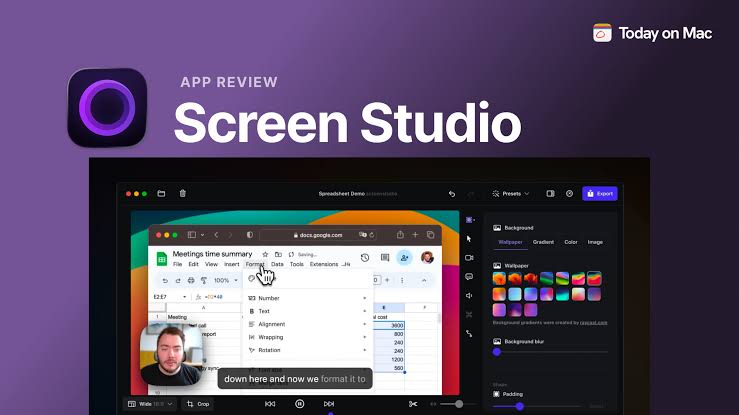
Table of Contents
We spent the last few weeks testing Screen Studio on two different Macs, an M2 MacBook Air and an older Intel machine, to see whether it still deserves its reputation as the go to app for polished screen recordings. This review breaks down everything people keep searching for in 2026: whether Screen Studio works on Windows, if there is a free version, how to download and log in, what the actual day to day experience feels like, and how it compares to newer alternatives. We also put together a quick profile table below so you can scan the essentials before reading the full breakdown.
What Is Screen Studio?
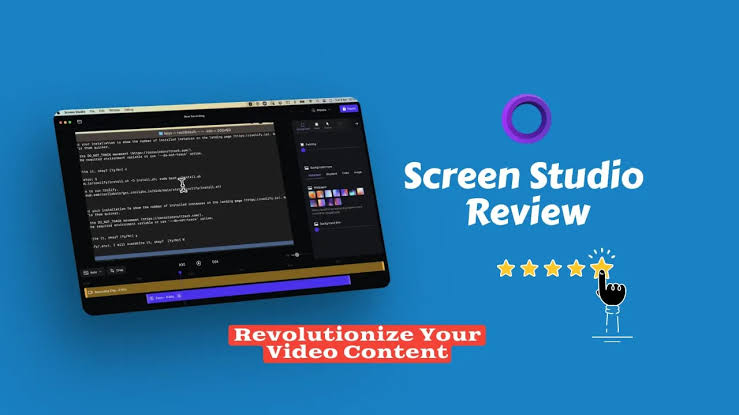
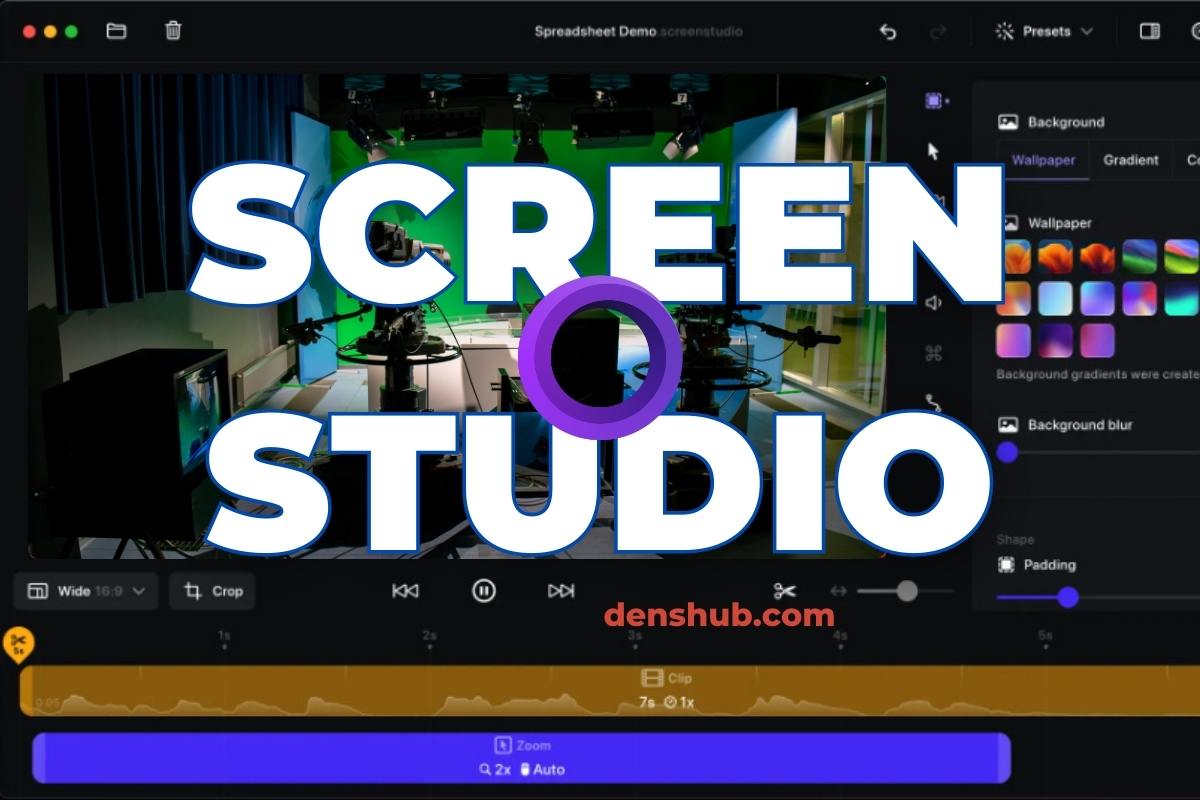
Screen Studio is a macOS app built by developer Adam Pietrasiak that turns ordinary screen recordings into something that looks professionally edited, without asking the user to touch a timeline. It automatically zooms into wherever you click, smooths out jerky cursor movement, and drops your capture onto a clean gradient background with rounded corners and a soft shadow. It became popular first among indie developers making launch videos on social media, then spread to product teams, course creators, and support teams recording quick walkthroughs.
The pitch is simple: record your screen the normal way, and let the app handle the cinematic polish that used to take hours in After Effects or Premiere. Having tested it ourselves, that pitch mostly holds up in 2026, though there are a few caveats worth knowing before you commit to a subscription.
Screen Studio Profile at a Glance
Developer | Adam Pietrasiak |
Category | Screen recording and video editing software |
Platform | macOS only (Intel and Apple Silicon) |
Windows Version | Not available, no plans announced |
Free Plan | No permanent free plan, trial available on the official site |
Pricing (2026) | $29 per month, or $108 billed yearly ($9/month) |
Lifetime License | Discontinued for new buyers since October 2025 |
Core Features | Automatic zoom, cursor smoothing, gradient backgrounds, 4K export, iPhone and iPad recording, webcam overlay, GIF export |
Best For | Developers, indie founders, tutorial creators, and marketing teams making polished demo videos |
Device Limit | Up to three Mac devices per license |
Minimum macOS | macOS 12 or later |
App Store Availability | Not listed, download only from the official website |
Our Rating | 4.0 out of 5 |
Key Features We Tested
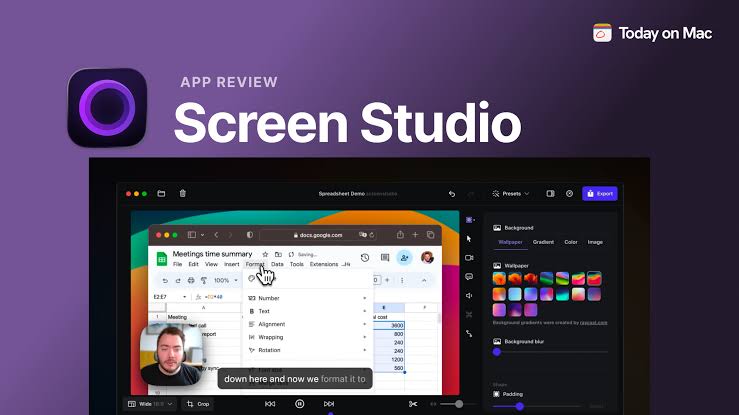
- Automatic zoom on click: the camera follows your cursor and zooms into the area you interact with, which is genuinely the standout feature and the reason most people try the app.
- Cursor smoothing: mouse movement is recalculated so it glides rather than jumps, even if your actual hand movement was shaky.
- Gradient and custom backgrounds: recordings sit inside a frame with rounded corners, drop shadows, and a background you can customize or brand.
- 4K export: output holds up well on large screens and in YouTube tutorials without looking soft.
- iPhone and iPad recording: connect an Apple device with a cable and record it alongside your Mac screen, useful for app demo videos.
- Aspect ratio presets: quick switching between 16:9, 1:1, and 9:16 for YouTube, Instagram, and TikTok exports.
- Webcam and system audio: bundle your camera, microphone, and system sound into one capture without extra software.
- GIF export: handy for changelogs, release notes, and quick Slack shares.
Screen Studio for Windows: Does It Exist?
No. As of 2026, Screen Studio remains a Mac only application, and the developer has not announced any plans to bring it to Windows or Linux. This is the single most common complaint we found while researching user feedback, especially from mixed platform teams where half the staff runs Windows machines. If your workflow depends on a Windows build, Screen Studio simply is not an option right now, and you will need to look at cross platform tools instead, several of which we list further down in the alternatives section.
Is Screen Studio Free?
There is no permanent free plan. Screen Studio offers a trial through the official website so you can test the auto zoom and editing tools before paying, but ongoing use requires a subscription. This is a change from the app's earlier days, when a one time lifetime license was available. That lifetime option was pulled for new buyers back in October 2025, and existing lifetime holders are set to keep receiving updates only through September 2027. New customers in 2026 are looking at $29 billed monthly, or $108 billed yearly, which works out to about $9 a month. There is currently no way to buy the app outright.
If a one time purchase matters to you more than the specific look of Screen Studio's output, it is worth comparing that cost against Mac alternatives that still sell a lifetime license, since a few of them land well under $100 total.
How to Download Screen Studio
Screen Studio is not listed on the Mac App Store, so the only safe way to get it is through the official website. We would steer clear of third party download sites and cracked installers that circulate online. Beyond the obvious security risk, the developer has confirmed these are unauthorized copies and has pursued legal action against some of the sites distributing them.
- Go to the official Screen Studio website and click the Download button for macOS.
- Open the downloaded file and drag the app into your Applications folder, the same as any other Mac app.
- Launch Screen Studio and grant screen recording permission when macOS prompts you, this is required for the app to function.
- Sign in or start your trial to unlock recording and export.
The app supports both Intel and Apple Silicon Macs, and you will need macOS 12 or later. On M series chips, performance and battery efficiency are noticeably better, which matches what we saw in our own testing on an M2 machine compared to an older Intel MacBook.
How to Login to Screen Studio
Once installed, Screen Studio asks you to sign in with the email tied to your purchase or trial. If you bought through the official site, use the same email address from your order confirmation. Lost your login details or having trouble accessing your account? The support team can be reached through the help section of the official website, and they typically respond within a day or two based on user reports we came across during research. One small thing worth knowing: your license covers up to three Mac devices, so signing in on a second or third machine uses the same login, no separate purchase needed.
User Experience: What We Liked and What We Didn't
What we liked
- Setup is genuinely fast. We were recording within a couple of minutes of installing the app, with no confusing settings to dig through first.
- The auto zoom effect looks as good as advertised and saved us real editing time compared to manually keyframing zooms in other software.
- The interface feels native to macOS rather than bolted on, and the editing timeline stays simple instead of overwhelming.
- Output quality out of the box, rounded corners, shadows, and gradients, looks premium without any design skill required.
What we didn't like
- File sizes get large fast. One of our longer test recordings, close to three hours, produced a file over 40GB, which caused real headaches when uploading to cloud storage.
- No Windows or Linux support, which rules the app out for teams that are not fully on Mac.
- No built in voice recording tools or on screen text annotations, so more detailed instructional callouts still require a separate app.
- Subscription only pricing for new users means the ongoing cost adds up compared to older one time purchase software.
Overall, the day to day experience is smooth and the learning curve is close to nonexistent. Most of the friction we ran into was around cost and platform limits rather than the software itself misbehaving.
Best Screen Studio Alternatives in 2026
If Windows support, a lower price, or a one time purchase matters more to you than Screen Studio's specific visual style, a few alternatives are worth a look.
- CursorClip: a Mac only recorder with automatic zoom, sold as a $59 one time purchase with lifetime updates, a solid pick if you want to own the app outright.
- Loom: cross platform, built around fast async sharing and team collaboration rather than cinematic polish.
- Tella: a lighter weight recorder aimed at creators who want quick, simple screen capture without a steep learning curve.
- Supercut: positioned as a modern async recorder built for teams.
- Matte: another Mac focused option often compared directly against Screen Studio for demo and tutorial recording.
- CleanShot X: a longtime favorite for Mac users who want screenshots and recordings in one lightweight tool.
Nubia Magazine Verdict
Screen Studio earns its reputation. The automatic zoom and cursor smoothing are still ahead of most competitors, and the output looks polished enough that plenty of companies use it for real product launch videos. We are docking a point for the lack of Windows support, the removal of the lifetime license for new buyers, and the missing annotation and voice tools that would make it a more complete package on its own. For solo Mac users and small teams making demo or tutorial content, it is still one of the strongest options on the market in 2026. For mixed platform teams or anyone who wants to avoid a subscription, it is worth testing the free trial first and comparing it against CursorClip or Matte before committing.
Screen Studio FAQs (2026)
1. Does Screen Studio work on Windows?
No. Screen Studio is built exclusively for macOS, and there is no official Windows or Linux version as of 2026. The developer has not announced plans to build one.
2. Is Screen Studio free to use?
Screen Studio offers a free trial but no permanent free plan. After the trial, you need a monthly or annual subscription to keep recording and exporting.
3. How much does Screen Studio cost in 2026?
Pricing is $29 per month, or $108 per year when billed annually, which comes out to about $9 a month. There is no lifetime or one time purchase option for new customers.
4. Can I still buy a lifetime license for Screen Studio?
Not as a new customer. The lifetime license was discontinued for new buyers in October 2025. Existing lifetime license holders keep their access and are expected to receive updates through September 2027.
5. Where can I download Screen Studio safely?
Download it only from the official Screen Studio website. It is not available on the Mac App Store, and third party download sites sometimes distribute unauthorized or unsafe copies.
6. How do I log into Screen Studio after installing it?
Open the app and sign in using the email address linked to your purchase or trial. The same login works across up to three Mac devices under one license.
7. What are the best alternatives to Screen Studio?
CursorClip, Loom, Tella, Supercut, Matte, and CleanShot X are the alternatives that come up most often, depending on whether you want Windows support, a lower price, or a one time purchase.
8. What are the minimum system requirements for Screen Studio?
You need a Mac running macOS 12 or later. The app runs on both Intel and Apple Silicon, though M series chips deliver noticeably better performance and battery life.
9. Does Screen Studio support recording an iPhone or iPad?
Yes. You can connect an iPhone or iPad to your Mac with a cable and record its screen directly inside Screen Studio, which is useful for mobile app demos.
10. Is Screen Studio worth it in 2026?
For Mac based creators, developers, and marketing teams who want polished demo videos without manual editing, most users find it worth the subscription. If you are on Windows or want to avoid recurring costs, it is worth trying the alternatives listed above first.
Related Posts


1 Comment
Join the discussion and share your thoughts