Google Keep Review 2026: App, Login, Download, Extension, Free Plan &. FAQs

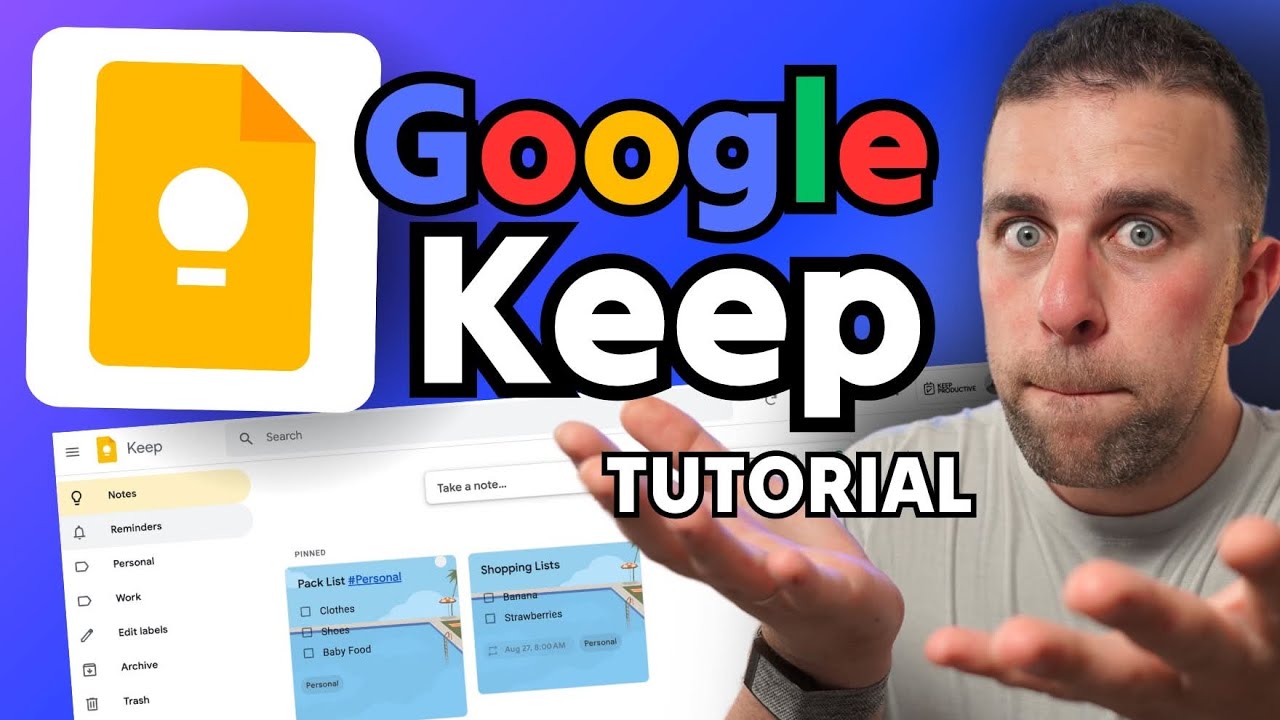
Table of Contents
Google Keep has quietly become one of the most used note taking apps in the world, mostly because it comes pre installed on almost every Android phone and sits one click away inside Gmail. At Nubia Magazine, we spent several weeks going through the app on Android, iOS, and the web, testing the Chrome extension, checking the login process from scratch, and reading through hundreds of user comments to see how people actually feel about it in 2026. This review pulls all of that together into one honest, no fluff breakdown.
We are not going to pretend Google Keep is trying to be Notion or Evernote. It never has been. What we wanted to find out is whether it still does its own job well, whether it is worth downloading in 2026, and where it genuinely falls short. Here is everything we found.

Google Keep Profile at a Glance
Attribute | Details |
|---|---|
Developer | Google LLC |
Category | Note taking and list making app |
First released | 2013 |
Platforms | Android, iOS, Web browser, Chrome extension, Wear OS |
Price | Free, no paid tier of its own |
Storage limit | Shares your 15 GB free Google Account storage |
Sign in requirement | Google Account required |
Core features | Notes, checklists, voice notes, image notes, labels, reminders, collaboration |
Offline support | Yes, on mobile and web with sync on reconnect |
Rich text formatting | Basic formatting on web and Android, still limited overall |
Collaboration | Real time shared notes and lists with other Google accounts |
Best suited for | Quick notes, shopping lists, reminders, light personal organization |
Nubia Magazine rating | 4.2 out of 5 |
What Is Google Keep in 2026
Google Keep is Google's free note taking and list making tool. It lets you jot down quick text notes, build checklists, record voice memos that get transcribed automatically, snap photos of receipts or whiteboards, and set time or location based reminders. Everything syncs instantly across your phone, tablet, and browser because it is tied directly to your Google Account.
It has not changed its core identity much over the years, and that is intentional. Google has kept the app lightweight rather than turning it into a bloated workspace tool. In 2026, it still opens in under a second, still looks like a digital board of colored sticky notes, and still does not require you to learn anything before using it.
The Google Keep App: Our Hands On Experience
On Android, Keep feels native because it basically is. The app is fast, the widgets are genuinely useful for a home screen to do list, and voice to text notes work well even in a slightly noisy room. On iOS, the app is a bit more limited compared to Android but it still covers the essentials well: creating notes, checking off list items, adding labels, and syncing changes within a second or two of typing.
The web version at keep.google.com is where a lot of people actually spend their time, especially anyone doing work at a desk. The layout is a simple grid of notes, and you can drag them around, pin the important ones to the top, and search by color or label. It is not flashy, but during our testing it never crashed and never lost a note, which honestly matters more than looks for a tool like this.
- Android app: fast, includes widgets, deep integration with Gmail and Google Assistant
- iOS app: functional and reliable, slightly fewer extras than Android
- Web app: clean grid layout, drag and drop notes, works in any modern browser
- Wear OS support: quick voice notes straight from a smartwatch
Google Keep Login: How Sign In Works
Signing in to Google Keep is not a separate account system at all, and this trips up new users more often than you would expect. Keep runs entirely on your existing Google Account, the same one you use for Gmail, YouTube, or Google Drive.
To log in on the web, you simply go to keep.google.com and sign in with your Google email and password, the same way you would for any other Google product. On Android, if you are already signed into your phone with a Google Account, the Keep app opens straight into your notes with no extra login step. On iOS, you download the app from the App Store and sign in once with your Google credentials, and after that it stays logged in until you manually sign out.
If you use two factor authentication on your Google Account, which we always recommend, that same layer of protection automatically covers Keep. There is no separate password to remember and no separate security setting to configure, which is one of the quieter advantages of the whole ecosystem.
Google Keep Download: Where to Get It in 2026
Google Keep is available on every major platform, and the download process takes under a minute on any of them.
- Android: pre installed on most devices, otherwise free on the Google Play Store
- iPhone and iPad: free download from the Apple App Store
- Windows and Mac: no dedicated desktop app, but the web version at keep.google.com works fully offline once loaded and behaves like a native app
- Chrome, Edge, and other Chromium browsers: available as a browser extension from the Chrome Web Store
One thing worth noting is that Google has never released a true desktop application for Windows or macOS. Some third party sites host outdated installer files claiming to be a Keep desktop app, and we would steer clear of those entirely. The safest and only official way to use Keep on a computer is through your browser or the Chrome extension.
Google Keep Chrome Extension Review
The Chrome extension is a small but handy add on. Once installed from the Chrome Web Store, it sits in your browser toolbar and lets you save a highlighted piece of text, a link, or an entire webpage into a new Keep note without switching tabs. If you are mid research and want to save a quote or a product page, this saves a surprising amount of time.
During our tests, the extension was quick to open and reliably linked the source webpage to the note it created. The main limitation is that it is intentionally basic. You cannot do heavy formatting or organize notes from inside the extension itself, it is really just a fast capture tool that feeds into the main Keep app. Reviews for the extension on the Chrome Web Store tend to average in the mid range, mostly because people expect more functionality from it than Google ever intended it to have.
Is Google Keep Free? Full Pricing Breakdown
Yes, Google Keep is completely free, and there is no premium tier, subscription plan, or paywall of any kind hidden inside the app. Every feature we tested, including reminders, collaboration, voice notes, image notes, and labels, was available without paying anything.
The only cost consideration is storage. Keep does not have its own separate storage allowance. It draws from the same 15 GB that Google gives every free account, shared across Gmail, Google Drive, and Google Photos. Text notes take up almost no space at all, but if you regularly attach large images or long voice recordings, that usage does add up against your overall Google storage. Once you hit the limit, upgrading through a Google One subscription increases the shared pool, which then benefits Keep along with everything else in your account.
User Experience: What Nubia Magazine Liked
- Genuinely fast to open and use, notes save the instant you stop typing
- Syncs instantly and reliably across phone, tablet, and browser
- Voice to text transcription is accurate even with background noise
- Sharing a list with a partner or roommate for groceries or errands is effortless
- Deep integration with Gmail and Google Calendar means reminders actually show up where you will see them
- Zero cost and no account beyond the Google Account you probably already have
User Experience: Where It Falls Short
- No folders or nested notebooks, only color and labels for organization
- Rich text formatting is still limited compared to apps like Notion or Evernote
- Search can struggle to surface older notes that were never labeled
- No dedicated desktop application for Windows or Mac
- Not built for long form writing or complex, structured projects
None of these issues are dealbreakers on their own, but together they explain why some long time users eventually outgrow Keep once their note taking needs become more complex. It remains, by design, a tool for capturing things quickly rather than building a knowledge base.
Nubia Magazine Rating
After testing the app across every platform, going through the login and download process from a fresh account, and comparing our experience against what real users report elsewhere, we landed on a rating of 4.2 out of 5. Here is how that score breaks down.
Category | Score out of 5 |
|---|---|
Ease of use | 4.6 |
Features | 3.8 |
Design and interface | 4.3 |
Value for money | 4.8 |
Customer support | 3.6 |
Overall rating | 4.2 |
Google Keep earns high marks for ease of use and value for money since it costs nothing and asks nothing of new users in terms of a learning curve. It loses some points on features and customer support, since Google offers very little direct help beyond community forums and a basic help center, and the app itself has stayed intentionally minimal for years.
Frequently Asked Questions About Google Keep in 2026
1. Is Google Keep still around in 2026?
Yes. Google Keep is still fully active and receiving regular updates in 2026, including minor formatting improvements on web and Android. It has not been discontinued and remains one of Google's core productivity apps.
2. Is Google Keep free to use?
Yes, Google Keep is completely free with no premium subscription. It uses your existing free 15 GB Google Account storage rather than charging its own fee.
3. How do I log in to Google Keep?
You log in using your existing Google Account email and password, either at keep.google.com, through the Android or iOS app, or through the Chrome extension. There is no separate Keep specific account to create.
4. Can I use Google Keep without a Google account?
No. A Google Account is required since Keep stores and syncs all of your notes through Google's servers under that account.
5. Does Google Keep have a desktop app for Windows or Mac?
Google has not released an official standalone desktop app. Instead, you access Keep through a web browser at keep.google.com, which works offline once loaded, or through the Chrome extension for quick note capture.
6. Is the Google Keep Chrome extension safe to install?
Yes, as long as you install it directly from the official Chrome Web Store listing published by Google. It only requests the permissions needed to save notes and links, and it does not require any extra account beyond your existing Google login.
7. Can multiple people edit the same Google Keep note?
Yes. Keep supports real time collaboration, so you can add another Google account as a collaborator on any note or checklist, which is commonly used for shared shopping lists and household task lists.
8. Does Google Keep work offline?
Yes. Both the mobile apps and the web version allow you to view and edit notes offline, and any changes automatically sync once your device reconnects to the internet.
9. Is Google Keep better than Evernote or Notion?
It depends on what you need. Keep is faster and simpler for quick notes and lists, but Evernote and Notion offer far more structure, formatting, and organization for larger, long term projects. Most users who need both end up using Keep for quick capture and a heavier tool for deeper work.
10. Is my data private and secure in Google Keep?
Google Keep uses the same account level security as the rest of your Google Account, including two factor authentication if you have it enabled. That said, Keep is best used for everyday notes and lists rather than storing highly sensitive personal information.
Google Keep in 2026 is exactly what it has always tried to be: a free, fast, no nonsense note taking app that lives quietly inside the Google ecosystem and does a handful of things very well. It will not replace a dedicated project management tool or a full featured notebook app, and it was never trying to. For quick capture, shared lists, reminders, and everyday organization, it remains one of the easiest and most reliable options available, which is exactly why Nubia Magazine is giving it a solid 4.2 out of 5.
Related Posts



0 Comments
Join the discussion and share your thoughts
No Comments Yet
Be the first to share your thoughts on this article!
