Evernote Review 2026: Download, Free Plan, Login, App, Alternatives & FAQs

Table of Contents
Evernote has been part of the note-taking conversation since 2008, long before Notion, Obsidian or Apple Notes were household names. For a lot of people reading this in 2026, Evernote is the app they started their digital note habit with, and the question now is whether it still deserves a spot on the home screen. We spent time going through the current app, the pricing pages, the free plan, and a wide spread of user reviews to put together this NUBIA MAGAZINE review of Evernote in 2026.
Short answer: Evernote is still capable, particularly for scanned documents and search inside images, but the free plan is thin and the paid plans cost more than they used to. Here is everything you need to know before you download it, log in, or hand over your card details.
Evernote at a Glance
Full name | Evernote |
Category | Note-taking and personal organization app |
Developer / owner | Bending Spoons (acquired Evernote in 2023) |
First released | 2008 |
Platforms | Windows, macOS, iOS, Android, and web browser |
2026 pricing tiers | Free, Starter, Advanced, and Enterprise (custom) |
Starter plan | Around $99 per year, or roughly $14.99 billed monthly |
Advanced plan | Around $249.99 per year, or roughly $24.99 billed monthly |
Free plan limits | 50 notes total, 1 notebook, 1 device, 1GB monthly uploads |
Standout features | Web clipper, OCR in scanned documents and images, cross device search |
Newer additions | AI Edit, AI Transcribe, AI Cleanup, and Semantic Search on paid tiers |
Best for | Long-time users with an existing note archive and people who need OCR heavy document scanning |
Not ideal for | Budget conscious users, students, and anyone who wants a generous free plan |
NUBIA MAGAZINE rating | 3.4 out of 5 |
What Is Evernote in 2026
Evernote is a note-taking and organization app that lets you capture text, images, scanned documents, voice memos and web pages into searchable notebooks. It syncs across desktop, mobile and the web, and it has long been known for its optical character recognition, which means it can search for text inside a photo or a scanned PDF.
Since Bending Spoons bought Evernote in 2023, the company has rebuilt the app, renamed several plans, and pushed harder into AI tools like AI Edit, AI Transcribe and Semantic Search. Some longtime users say the app runs more reliably now than it used to. A larger group of reviewers say the pricing changes and the shrinking free tier have made the whole experience feel less generous than it once was.
Evernote Download: How to Get the App
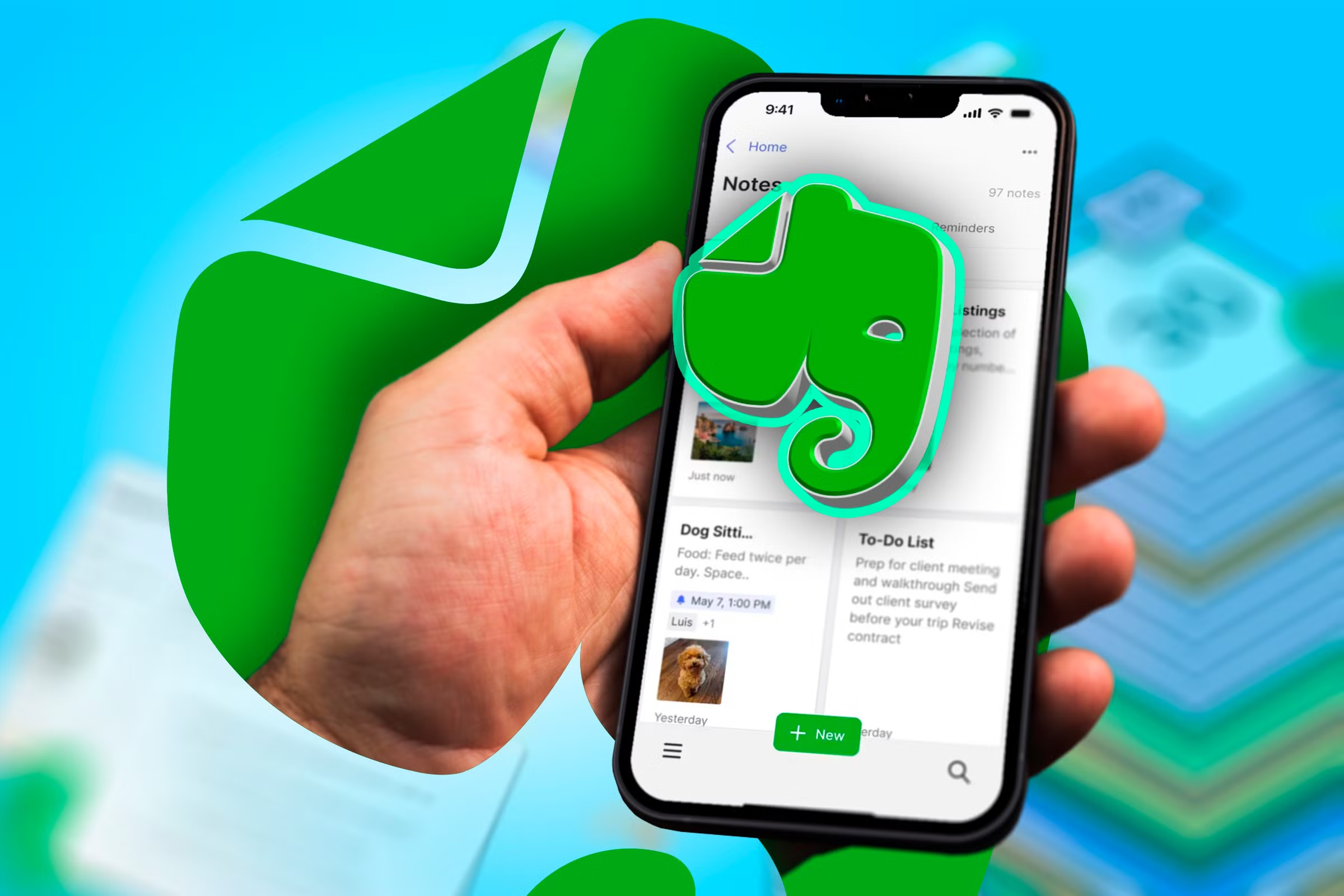
Evernote is available for Windows, macOS, iOS, Android and as a web app you can use straight from a browser without installing anything. You can download the desktop and mobile apps from the Evernote website, the Microsoft Store, the Mac App Store, the Apple App Store, or Google Play, depending on your device.
Installation itself is simple and takes a couple of minutes. The part that trips people up is what happens after you open the app for the first time, since the free account you land on is far more limited than the Evernote a lot of people remember from a few years ago.
Evernote Login and Account Access
Logging in works the way you would expect from any modern app: email and password, or single sign on through Google or Apple. Two factor authentication is available and worth turning on given how much personal material tends to end up inside a notes app.
A recurring complaint in user reviews is repeated login prompts on some browsers and devices, even when a password has already been saved. It is not a dealbreaker, but it is one of the small frictions that shows up often enough in reviews to be worth mentioning.
Evernote Free Plan in 2026
The free plan is the part of Evernote that has changed the most. As of 2026 it is capped at 50 notes for the life of the account, one notebook, 1GB of monthly uploads, and a single connected device at a time. Search inside PDFs and other documents, offline access, and multi device sync are all locked behind a paid plan.
For someone testing the app for the first time, 50 notes is enough to get a feel for the interface. For anyone who wants to actually use Evernote as a daily notebook, the free tier runs out quickly, and that is by design. It functions more like an extended trial than a permanent free option, which is a real shift from the Evernote of a decade ago.
Evernote Pricing in 2026
Evernote retired its old Personal and Professional plans and replaced them with Starter, Advanced and Enterprise. Pricing varies slightly by billing source and region, so treat the figures below as a general guide and check the official pricing page before you buy.
Plan | Annual price | Monthly billing | Notes / notebooks | Devices |
|---|---|---|---|---|
Free | $0 | $0 | 50 notes / 1 notebook | 1 device |
Starter | ~$99/yr | ~$14.99/mo | 1,000 notes / 20 notebooks | 3 devices |
Advanced | ~$249.99/yr | ~$24.99/mo | Unlimited notes and notebooks | Unlimited |
Enterprise | Custom quote | Custom quote | Unlimited, plus admin controls | Unlimited |
The jump between Starter and Advanced is significant. Starter still caps you at 1,000 notes and 20 notebooks, so if you are migrating years of notes from another tool, you may need Advanced just to remove the ceiling. Advanced is also the tier that unlocks the newer AI features, along with Slack and Microsoft Teams integrations.
Reviewers frequently point out that Evernote's Starter plan costs more per month than comparable tiers from Notion, while Advanced sits close to what a Notion Business seat costs. The trade off Evernote offers in return is a more mature OCR engine and search inside scanned documents, which some competitors still do not match.
The Evernote App and User Experience
The apps themselves are polished, and the iOS version in particular gets consistent praise for feeling smooth and native. Sync across devices works well once you are on a paid plan, and the editor supports checklists, tables, tags and nested notebooks.
Where the experience gets mixed reviews is everywhere else. Several users describe the app as heavier on memory and battery than it used to be, especially on desktop. Others mention frequent update pop ups and changelog notices that interrupt a simple note-taking session. Search quality also comes up as inconsistent in some reviews, with users saying results either miss what they are looking for or return too much unrelated material.
Customer support is the most consistently criticized part of the current experience. Multiple reviewers describe a request based support system with no phone number or direct email, along with slow response times on billing questions and account issues.
What People Like About Evernote
- OCR and search inside scanned documents and photos is still ahead of most competitors
- The mobile apps, especially on iOS, are smooth and reliable
- Offline access is included on every paid tier
- Long time users with years of notes already inside Evernote have a lot to lose by switching
- Web clipping remains one of the strongest implementations in the category
What People Do Not Like
- The free plan's 50 note lifetime cap feels more like a trial than a real free tier
- Price increases since 2023 have been steep, with some users reporting bills that more than doubled
- Customer support is largely automated and slow to resolve billing disputes
- The app feels heavier and busier than earlier, simpler versions
- Exporting large archives out of Evernote is described as tedious by several reviewers
Evernote Alternatives in 2026
If the pricing or the free plan limits are the reason you are reading this review, you are not alone. A wave of users have been comparing Evernote against other tools this year. Here is how the main alternatives stack up.
- Notion: the most common all around replacement, strong for databases, docs and collaboration, with a more generous free plan
- Obsidian: local first and markdown based, a favorite for people who want to own their files instead of renting cloud storage
- Microsoft OneNote: free with a Microsoft account, a solid pick for freeform notes and handwriting
- Apple Notes: free with iCloud, the simplest option for people fully inside the Apple ecosystem
- Joplin: free and open source, with encrypted sync to a storage provider of your choice
- Bear: a clean, markdown first app for Apple users who want a lighter alternative
None of these fully replace Evernote's OCR strength in one move, so if scanned document search is the feature you rely on most, expect a short adjustment period after switching.
Nubia Magazine Verdict
Evernote in 2026 is a tool caught between its history and its current pricing strategy. The core product still does what it has always done well: capture, tag, and search, including inside scans and images. What has changed is the value equation. A free plan that caps out at 50 notes is not much of a free plan, and the paid tiers now cost more than several competitors that offer comparable or broader feature sets.
We landed on 3.4 out of 5. That score reflects a genuinely capable app pulled down by a shrinking free tier, rising prices, and customer support that reviewers consistently describe as hard to reach. If you already have years of notes inside Evernote and lean on its OCR search, staying and paying for Starter or Advanced still makes sense. If you are starting from zero in 2026, it is worth trying Notion, Obsidian or OneNote before committing your wallet to Evernote.
Frequently Asked Questions About Evernote in 2026
1. Is Evernote still free in 2026?
Yes, but the free plan is limited to 50 notes for the life of the account, one notebook, one connected device, and 1GB of uploads per month. Most people outgrow it within a few weeks of regular use.
2. How much does Evernote cost now?
Paid plans start with Starter at roughly $99 per year, or about $14.99 billed monthly, and go up to Advanced at roughly $249.99 per year, or about $24.99 billed monthly. Enterprise pricing is custom and requires contacting sales.
3. Why did Evernote get so expensive?
Evernote was acquired by Bending Spoons in 2023, and pricing has climbed since then as the company reworked its plans and pushed users toward paid tiers. Several reviewers describe the increase as steep compared to what they were paying before the acquisition.
4. How do I download Evernote?
Evernote is available for Windows, macOS, iOS and Android through their respective official app stores, plus a web app that works from any browser without installing anything.
5. I am locked out of my Evernote login, what should I do?
Use the password reset option on the login page, and check that two factor authentication codes are going to the correct device. If the issue is billing related, expect a slower response, since Evernote's support is mostly handled through a request form rather than live agents.
6. What is the best free alternative to Evernote?
Microsoft OneNote and Apple Notes are the most commonly recommended free alternatives, since both offer generous storage without the note limits Evernote now enforces on its free tier. Obsidian and Joplin are strong free options too, if you prefer local storage over the cloud.
7. Can I export my notes if I decide to leave Evernote?
Yes, Evernote supports exporting notes as ENEX files, which most competitors, including Notion, Obsidian and Joplin, can import. Several reviewers note that the process works but takes patience with larger note archives.
8. Is Evernote worth it for students?
It can be, mainly because of the student discount on the Starter plan, which brings the price down meaningfully. Even with the discount, students who mainly need basic notes may find OneNote or Notion's free tiers cover their needs without a subscription.
9. Does Evernote have AI features?
Yes, paid plans include AI Edit, AI Transcribe, AI Cleanup and Semantic Search. Feedback on these tools is mixed, with some reviewers finding them useful and others saying the built in AI search still lags behind dedicated AI note tools.
Is Evernote safe to trust with sensitive notes?
10. Evernote uses standard encryption for data in transit and offers two factor authentication for account security. As with any cloud based notes app, it is worth avoiding storing highly sensitive information like passwords or financial account numbers directly in note text.
Related Posts



0 Comments
Join the discussion and share your thoughts
No Comments Yet
Be the first to share your thoughts on this article!