Adobe Podcast Review 2026: Enhance, Free, Download, Ai, App & FAQs

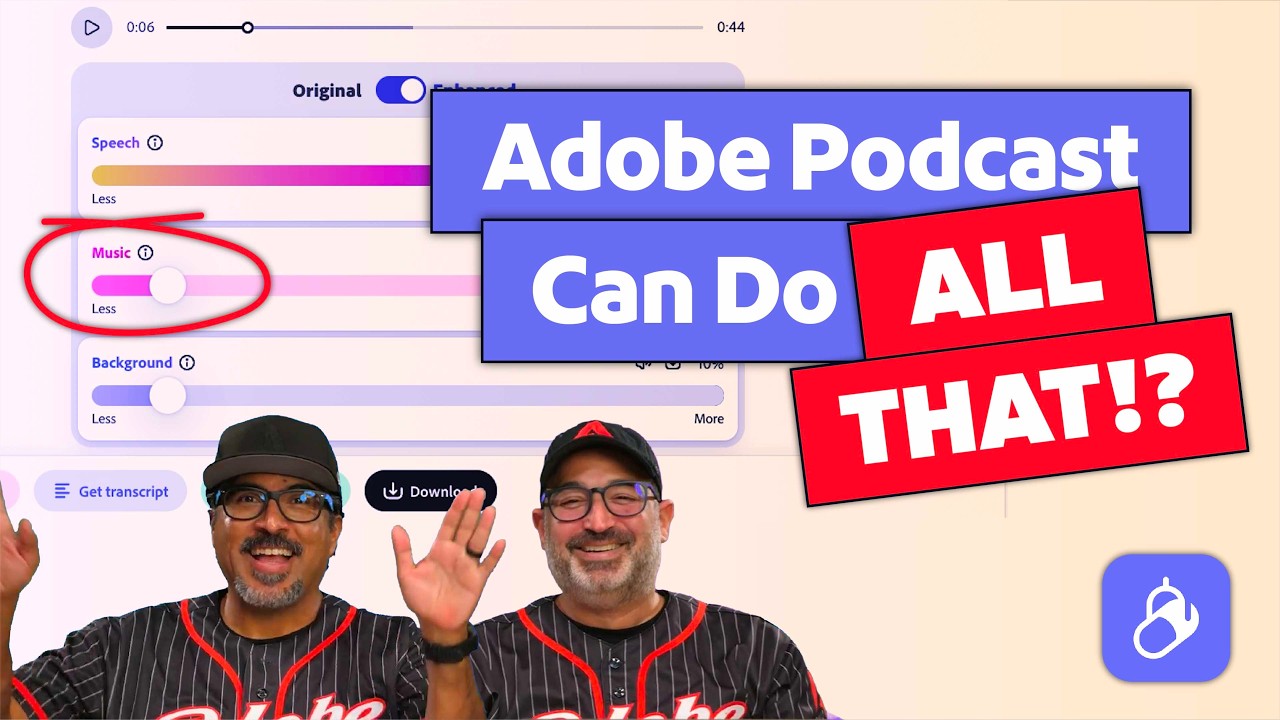
Table of Contents
Adobe Podcast has quietly become one of the most talked about free AI audio tools of the year, and our team at NUBIA MAGAZINE spent weeks testing it across real recordings, from rough laptop mic interviews to noisy outdoor conversations, to see whether it still holds up in 2026. Below is our full breakdown covering the Enhance feature, the free plan, downloads, the AI engine behind it, the app experience, and the overall user experience, followed by answers to the questions readers keep asking us about the brand.
What Is Adobe Podcast
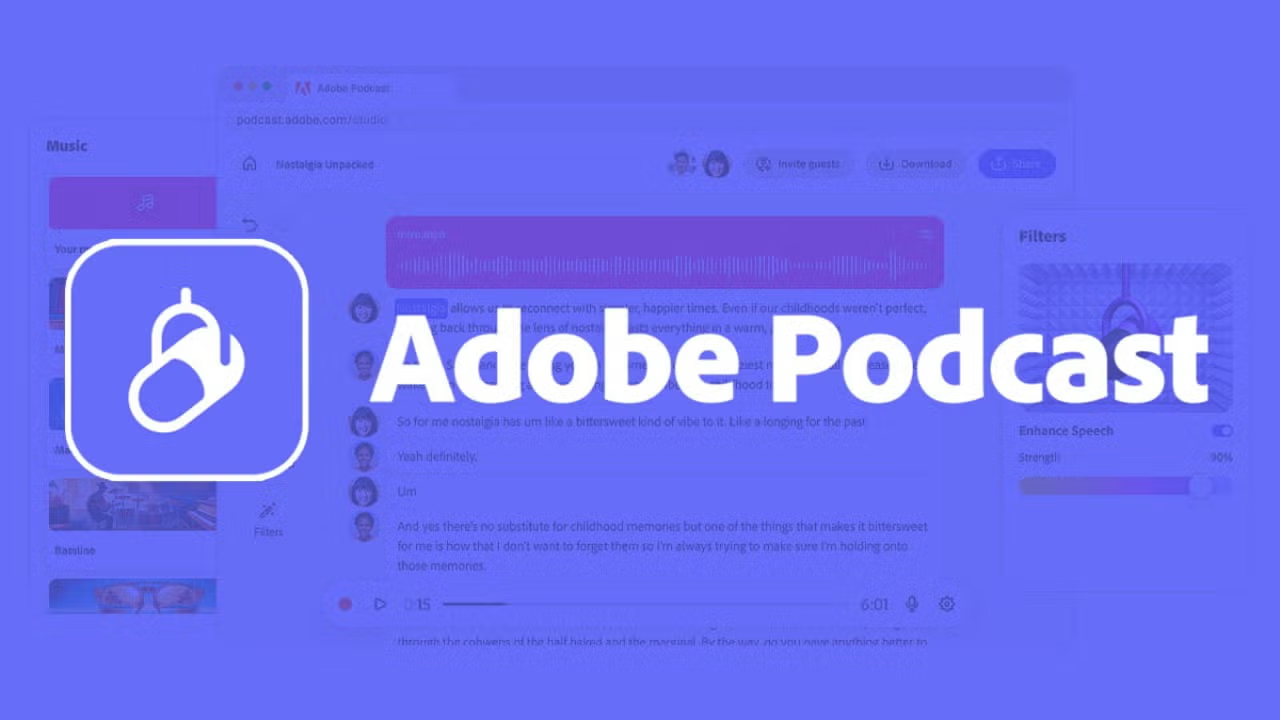
Adobe Podcast is a browser based suite of AI audio tools built by Adobe, centered around a feature called Enhance Speech. The idea is simple. You upload a recording that sounds rough, perhaps recorded on a laptop microphone, in an echoey room, or outdoors with traffic in the background, and the AI processes it into something that sounds much closer to a professional studio recording. Beyond enhancement, the platform now includes Studio for remote recording, Mic Check for pre-recording diagnostics, and transcript based editing for trimming filler words without touching a waveform.
Adobe Podcast Enhance: Does It Still Work Well In 2026
The Enhance feature remains the heart of the platform, and it has clearly received serious investment this year. Adobe has rolled out an upgraded version that introduces source separation, meaning users can now independently adjust background noise, isolate dialogue, and tame background music using sliders instead of relying on one blanket filter. In our own tests, this gave noticeably more natural results on tricky recordings compared to the older single pass version.
On straightforward problems, such as a noisy laptop mic or a recording with mild room echo, the results are still impressive. Speech comes out clearer, hiss and hum disappear, and the audio sounds far closer to studio quality. Where it gets shakier is on heavily degraded audio, such as voices buried under music or recordings where speakers talk over one another. In those cases the AI sometimes overcorrects, and a handful of users online have described the processed voice as sounding slightly robotic at higher enhancement strengths.
Our advice after testing dozens of clips is to start with a moderate enhancement setting and always compare it against the original file before publishing. Used this way, Enhance remains one of the strongest free noise cleanup tools available right now.
Adobe Podcast Free Plan: What You Actually Get
One of the biggest reasons Adobe Podcast keeps getting recommended is that the core enhancement tool is genuinely free, with no Adobe account required for a single file. The free tier currently allows roughly one hour of processing per day, with individual files capped around 30 minutes and 500MB.
- Enhance Speech available with no account for quick single uploads
- Daily processing limit of about one hour, refreshing every 24 hours
- File size cap of approximately 500MB and 30 minute duration per upload
- Basic in browser recorder included at no cost
- Premium plan starting around $9.99 a month unlocks longer files, batch uploads, and video support
For most solo podcasters and small creators publishing a handful of episodes a week, the free tier comfortably covers normal usage without ever needing to upgrade.
Download And File Handling
Adobe Podcast does not require any software download for the core experience. Everything happens in the browser, and once a file finishes processing you simply download the enhanced version directly to your device, with original recordings still recoverable and now speaker separated on the Premium tier. This keeps the workflow lightweight, especially helpful for creators who do not want to install a full digital audio workstation just to clean up a single interview.
The AI Behind Adobe Podcast
Under the hood, Adobe Podcast Enhance works by mapping the frequency spectrum of an uploaded recording, identifying patterns that correspond to human speech, and separating those from background noise using machine learning trained on large audio datasets. The newer version goes further by splitting a recording into separate elements, speech, ambient noise, and music, so each can be controlled on its own rather than processed as one mixed signal.
This is a meaningful shift from the earlier version of the tool, which applied a single intensity slider across an entire file. The added control gives experienced users more precision, while beginners can still rely on the automatic default settings for a quick one click fix.
Adobe Podcast App And User Experience
There is currently no dedicated standalone mobile app for Adobe Podcast. The platform is built as a web based experience, accessed entirely through a browser at podcast.adobe.com, and the workflow is clearly optimized for desktop use, particularly when working with Studio's multitrack editing or transcript based trimming.
The user experience itself is one of the platform's strongest points. There is no need to understand waveforms, decibels, or noise floors to get a result. Upload a file, let the AI process it, listen to a before and after comparison, then download. Studio extends this simplicity to remote recording, letting hosts share a single link with guests and capture separate, automatically synced tracks with no special equipment required on either end.
Where the experience can feel limiting is for more advanced editing needs. Multi speaker projects, detailed mixing, and complex post production still benefit from a dedicated editor, and Adobe Podcast is upfront that it is not trying to replace that layer of professional audio work.
Nubia Magazine Verdict
Adobe Podcast continues to earn its reputation as one of the easiest entry points into clean, professional sounding audio without any technical background. The 2026 updates to Enhance, particularly the move to source separation, address some of the earlier criticism around over processed sound, and the Studio expansion into video recording shows Adobe is clearly building this into a more complete creator platform rather than a single trick tool.
It is not a replacement for a trained audio engineer on complex projects, and a small number of users still notice an artificial edge on aggressively enhanced files. For the everyday use case it is designed for, fixing rough but usable recordings, it remains one of the best free options on the market in 2026.
Adobe Podcast Profile
Brand name | Adobe Podcast |
Parent company | Adobe Inc. |
Core product | Enhance Speech (AI audio cleanup) plus Studio recording and editing |
Launch | Public beta in 2022, expanded steadily through 2025 and 2026 |
Platform | Browser based at podcast.adobe.com, no software download required |
Free plan | Up to 1 hour of enhancement daily, files up to 30 minutes and 500MB |
Premium plan | From $9.99 a month, files up to 1GB and 2 hours, batch uploads, video support |
Account requirement | Not required for basic Enhance Speech, required for Studio and saved projects |
Best for | Podcasters, YouTubers, course creators, remote interviewers, small teams |
Not built for | Music mastering, scriptwriting, voice cloning, or full multitrack mixing |
NUBIA MAGAZINE rating | 4.3 out of 5 |
Frequently Asked Questions
1. Is Adobe Podcast actually free in 2026?
Yes. The core Enhance Speech tool remains free with no account needed for a single upload. The free tier currently allows around one hour of processing per day, with a 30 minute and 500MB limit per file. The paid Premium tier, priced from $9.99 a month, removes those caps and adds batch processing, longer files, and video support.
2. Do I need to download anything to use Adobe Podcast?
No. Everything runs in the browser at podcast.adobe.com. There is no desktop app required for Enhance Speech or Studio, which makes it convenient for anyone who wants quick results without installing a digital audio workstation.
3. How good is the Adobe Podcast AI Enhance feature compared to other tools?
It performs very well on noisy but understandable speech, such as laptop microphone recordings, echoey rooms, or outdoor interviews with traffic noise. It struggles more when voices are buried under music or heavy distortion. Reviewers in 2026 continue to rate it strongly for noise handling specifically, while ranking it slightly behind dedicated restoration tools for complex repair work.
4. Does Adobe Podcast have a mobile app?
Adobe Podcast does not currently offer a dedicated standalone mobile app. It is designed as a browser based platform, and most users access it through mobile browsers when a desktop is not available, though the full editing workflow is built primarily for larger screens.
5. What is new in Adobe Podcast for 2026?
Adobe has rolled out a major overhaul of Enhance Speech with source separation, letting users adjust or remove background noise, isolate dialogue, and control background music independently using sliders rather than a single blanket filter. Studio has also expanded to support video recording alongside audio and now allows multitrack upload, so separate guest tracks recorded on Zoom or similar platforms can be synced automatically into one project.
6. Is the AI enhancement ever too aggressive or does it sound robotic?
Some users have reported that newer versions of Enhance Speech can sound slightly processed or artificial at higher intensity settings, particularly on already clean recordings. The general advice from experienced podcasters is to use moderate enhancement levels and to always compare the original and processed versions before publishing.
7. Can Adobe Podcast replace a professional audio editor?
Not entirely. It is excellent for quick cleanup and accessible to beginners with no audio engineering background, but it does not replace manual mixing, dedicated restoration software, or a trained editor for complex multi-speaker projects with overlapping dialogue or music.
8. Who owns Adobe Podcast and is it part of Creative Cloud?
Adobe Podcast is developed by Adobe Inc. The standalone Enhance Speech tool is free outside of any subscription, while the broader platform, including extended limits and Studio features, is bundled into Adobe Creative Cloud subscription plans.
9. What file formats does Adobe Podcast support?
The platform accepts common audio formats including MP3, WAV, M4A, AAC, and FLAC for the Enhance Speech tool, and outputs a cleaned version typically in WAV format for the best quality.
10. Is Adobe Podcast worth it for beginner podcasters?
For beginners without access to professional recording equipment or a treated room, it offers one of the most accessible ways to get presentable audio quickly and without cost. As production needs grow more complex, many creators eventually pair it with or move toward more advanced tools.
Related Posts


0 Comments
Join the discussion and share your thoughts
No Comments Yet
Be the first to share your thoughts on this article!