Top 10 Best Window Management Apps In 2026


Table of Contents
Window management apps have become essential tools for anyone working across multiple displays or juggling dozens of open applications. The best window management apps in 2026 do far more than snap windows to screen edges. They organize entire workflows, remember project layouts, and adapt to how different people actually work.
Our ranking draws on hands-on testing, user feedback across Reddit and other communities, and developer documentation. We focused on real-world usability, feature depth, pricing, and whether each app solves problems that actually slow people down. The result is a list that spans free open-source tools, paid powerhouses, and everything in between.
How We Ranked These
We evaluated each app against five criteria: core window management capability, workflow integration, customization depth, value for money, and user sentiment across Mac-focused communities. Apps that handle the complete window workflow ranked higher than those solving only one piece of the puzzle. We also weighed how actively each project is maintained and whether it works on locked-down corporate machines, a growing concern for many professionals.
The Top 10 Best Window Management Apps 2026:
1. BetterStage
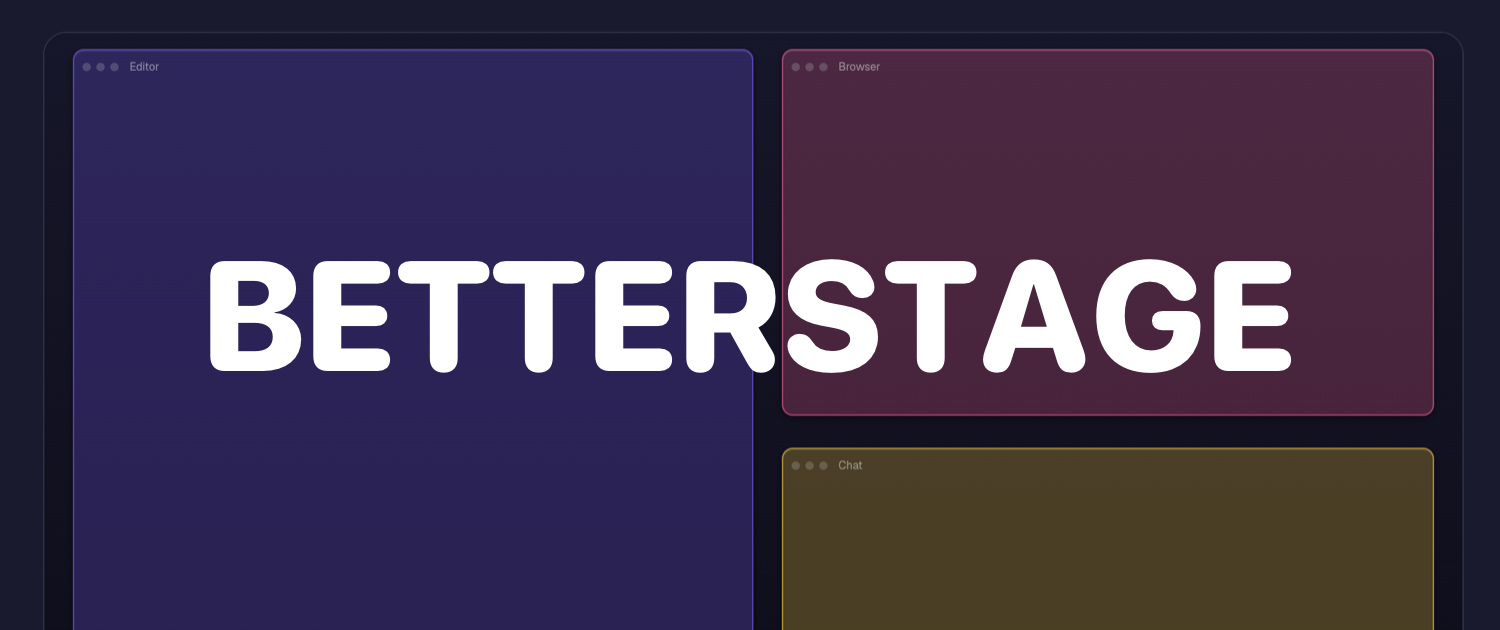
BetterStage takes the top spot because it treats window management as a workflow problem, not just a positioning problem. Where most apps let you arrange windows, BetterStage lets you save named stages for different projects, apply per-display Window Modes, and restore everything automatically when you come back to work.
The app includes a native GUI for automatic tiling, which sets it apart from keyboard-only alternatives. Its Bento Box auto-tiling feature arranges windows into organized grids without manual intervention. Multi-monitor users get stage switching that moves entire layouts between displays, and the AI Staging feature learns how you work and suggests layouts accordingly.
For developers, BetterStage publishes a workflow guide that walks through setting up consistent project-based window arrangements. That attention to a specific audience shows in the product design. It is the rare window manager that remembers not just where windows were, but which project they belonged to.
2. Rectangle (and Rectangle Pro)
Open any Reddit thread about Mac window management and someone will recommend Rectangle. That consistency is earned. The core app is free, open source, and actively maintained, which explains its near-universal adoption.
Rectangle snaps windows into halves, thirds, quarters, and corners using keyboard shortcuts. Users with large external displays or portrait monitors find it especially valuable, since the keyboard-driven approach makes quick work of complex layouts. The free version covers the essentials well enough that many users never need more.
Rectangle Pro adds gestures and custom sizes for $9.99, but the core remains at zero dollars. One reviewer described it as a small app with a daily payoff, noting that users notice its absence more than its presence. That sentiment captures why Rectangle remains the default recommendation despite more feature-rich competitors.
3. AeroSpace

AeroSpace brings i3-style tiling to macOS, and it does so without requiring users to disable System Integrity Protection. That single decision makes it viable on corporate laptops where older tiling managers simply will not work.
The app is keyboard-first in the truest sense. Every action, from splitting windows to swapping panes to jumping between monitors, has a keyboard shortcut. Windows tile themselves automatically as you open them, and navigation happens entirely without touching the mouse.
Configuration lives in a single TOML file, which makes AeroSpace dotfiles-friendly and easy to sync across machines. For developers who already manage their setup through version control, that is a significant advantage. It is free, open source, and arguably the best free window manager for macOS in 2026.
4. Moom
Moom earns its place through one feature that competitors overlook: layout snapshots. For $15 as a one-time purchase, users can save complete window arrangements and restore them with a single click.
That capability matters most for people who manually arrange the same windows every morning. Anyone who docks and undocks a laptop regularly will appreciate restoring a full multi-monitor layout without repositioning every window by hand.
Moom pairs particularly well with Raycast. Users who already rely on Raycast for launching apps and automating tasks can add Moom for saved layouts, creating a complete workflow without switching between tools. It is a focused app that does one thing exceptionally well.
5. Raycast (Window Management)
Raycast built window management directly into its launcher, and for many users that is enough. The built-in tools handle basic snapping and resizing with fast shortcuts, which covers the majority of what people need.
In a three-week test of six window management options on macOS Tahoe, the tester chose Raycast as a personal pick precisely because it consolidates tools. One fewer app to think about is a real benefit for users who already have Raycast installed and configured.
The tradeoff is depth. Raycast handles the basics well but does not offer saved layouts or advanced tiling. For users who need those features, pairing Raycast with Moom provides a complete solution. For everyone else, the built-in tools are free and fast, which is hard to argue with.
6. BetterTouchTool
BetterTouchTool has been around long enough to be considered a veteran, and it remains one of the most flexible automation tools on macOS. The app supports an arbitrary number of keyboard shortcuts, mouse gestures, and trackpad gestures bound to OS functions, custom scripts, and even Siri commands.
Its window management capabilities are part of a much larger toolkit. Users who already have BetterTouchTool for other purposes should check whether its window snapping covers their needs before installing anything else. Many people discover they already own a window manager and did not know it.
The licensing model shifted to pay-what-you-want, with a $12 standard license or $22 for lifetime access. That flexibility makes it accessible despite its power, and the sheer range of customization options keeps it relevant year after year.
7. Magnet
Magnet is the app that makes macOS feel like home for users switching from Windows or Linux. At $4.99 on the Mac App Store, it replicates the window management setup that many users built with DisplayFusion on Windows, smoothing the transition between operating systems.
The app is straightforward by design. Drag a window to a screen edge and it snaps into place. Keyboard shortcuts handle the same actions for users who prefer not to use the mouse. There is no configuration file to edit and no scripting layer to learn.
That simplicity makes Magnet an attractive option for users who want basic window snapping without the complexity of more advanced tools. It is not the most powerful app on this list, but it does exactly what it promises at a price that is easy to justify.
8. Amethyst

Amethyst offers i3-style automatic layouts for macOS as a free, open-source download. It relies on macOS Spaces for workspaces and is configured through keyboard shortcuts and a plist file, making it a solid choice for users comfortable with configuration-file-based setups.
The app tiles windows automatically as you open them, which suits users who prefer not to think about window placement at all. Keyboard shortcuts handle workspace switching and layout changes, keeping hands off the mouse.
Amethyst lacks the native GUI and instant workspace layer that BetterStage provides, and it does not offer the same visual workspace system. For users who want a free, keyboard-driven tiling manager and are comfortable editing configuration files, it remains a viable option.
9. Swish

Swish is built around gestures, making it the best choice for MacBook users who prefer trackpad navigation over keyboard shortcuts. Swipe and pinch gestures snap, resize, and move windows in ways that feel natural on a trackpad.
The app is elegant and responsive, and its gesture-based approach can be faster than memorizing keyboard combinations for users who are already comfortable with trackpad workflows. It is a different philosophy from the keyboard-first tools that dominate this category.
The tradeoff is that Swish does not offer keyboard-first workspace management with named stages, Bento Box auto-tiling, or multi-monitor stage switching. It is a specialized tool for a specific workflow, and it excels within those boundaries.
10. yabai
yabai is the most powerful tiling window manager available for macOS, offering deep customization and scripting capabilities that appeal to developers and power users. It can do almost anything, provided you are willing to learn how.
The catch is significant: yabai requires disabling System Integrity Protection. That makes it unsuitable for locked-down work machines, which is a dealbreaker for many professionals. The configuration is also highly technical, with a steep learning curve even for experienced users.
For users who want complete control and are willing to accept the security tradeoffs, yabai is unmatched. For everyone else, its complexity and requirements place it at the bottom of this list. It is a powerful tool for a specific audience, and that audience knows who they are.
The right window management app depends entirely on how you work. Keyboard-first users will find a lot to like in AeroSpace or Rectangle. Trackpad enthusiasts should look at Swish. Users who juggle multiple projects across multiple displays will get the most from BetterStage.
Budget-conscious users can start with Rectangle or AeroSpace, both free and both excellent. Raycast users should try its built-in tools before paying for anything. Power users who need maximum control and can accept the security tradeoffs will appreciate what yabai offers.
Related Posts




0 Comments
Join the discussion and share your thoughts
No Comments Yet
Be the first to share your thoughts on this article!
