Top 10 Best Screen Time Apps In The World 2026

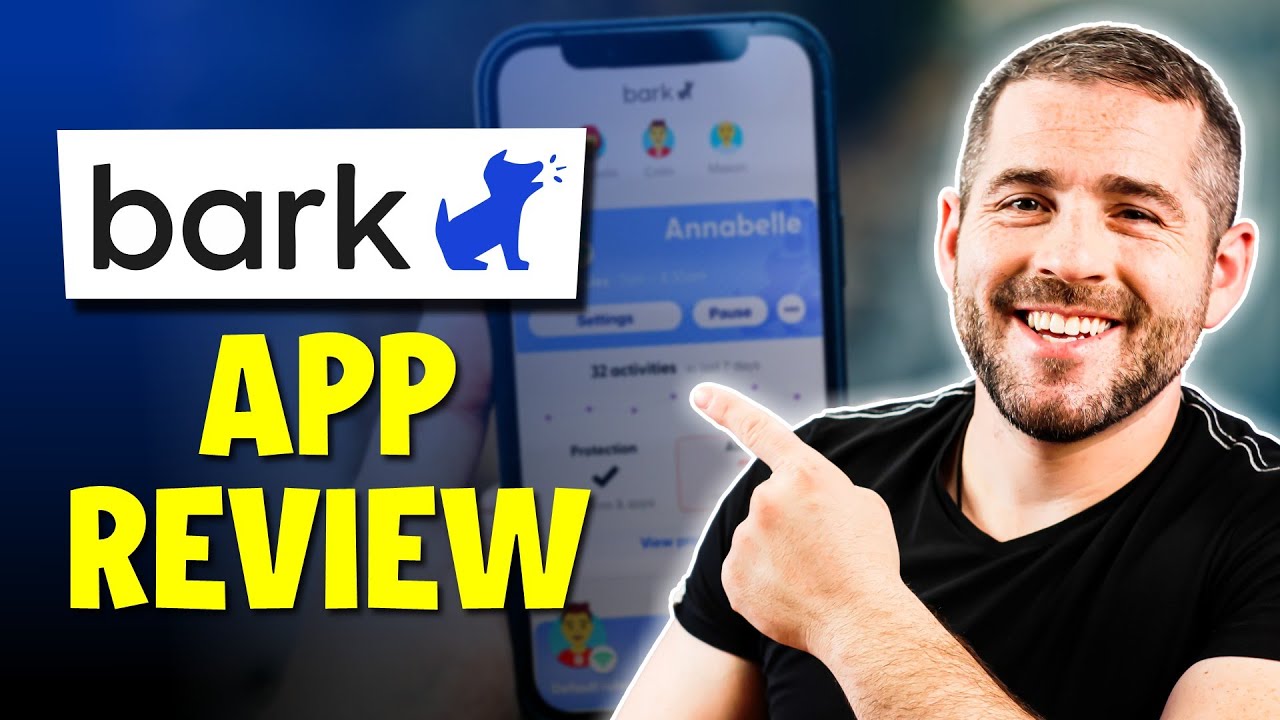
Table of Contents
The average person now checks their phone 96 times per day, according to a 2025 analysis by Rescuetime. That number keeps climbing. Screen time apps have moved from being a niche productivity tool to a near-essential part of modern digital life, and the market has responded with increasingly sophisticated options.
We evaluated dozens of screen time management tools to build this ranking of the top 10 best screen time apps in the world for 2026. Our criteria weighed several factors: effectiveness of blocking mechanisms, cross-platform support, ease of use, pricing models, user reviews, and independent testing from sources like CNET, The New York Times Wirecutter, and the ScreenBuddy 2026 screen time statistics report. We also considered user sentiment across app store reviews and digital wellbeing forums, since real-world adherence matters more than theoretical features.
What emerged is a clear picture: the best apps in 2026 fall into two camps. The first group uses hard blocking, physically preventing access to distracting apps during scheduled periods. The second uses friction-based intervention, inserting moments of mindfulness before you can open an app. Both approaches have passionate advocates, and both appear on this list. Here are the top 10 screen time apps for 2026.
These Are The Top 10 Best Screen Time Apps In 2026:
1. Opal
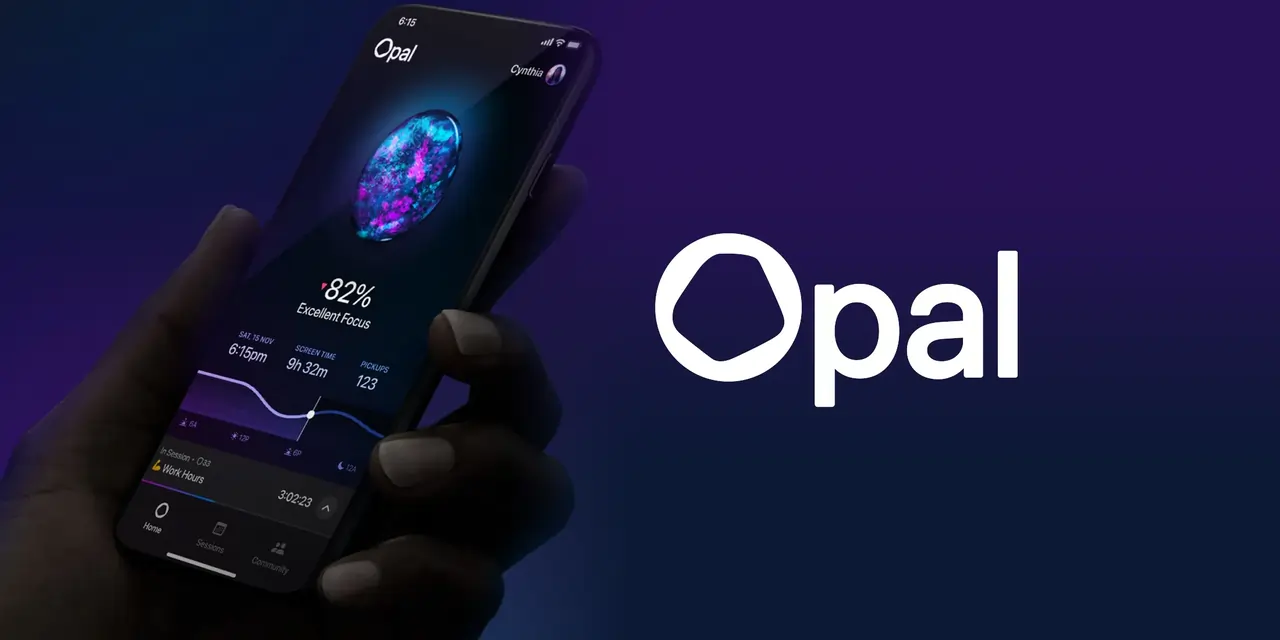
Opal takes the top spot because it offers the most complete cross-platform approach to screen time management. At $9.99 per month, it isn't cheap, but it delivers a combination of hard blocking and proactive coaching that few competitors match.
The app uses session-based blocking, which prevents access to distracting apps during scheduled focus periods. What sets Opal apart is its adaptive rule system. The app studies your behavior patterns and suggests limits based on when you actually use problematic apps, rather than forcing you to guess at your own habits. This coaching model helps users understand why they reach for their phones, not just when they should stop.
Opal works across iOS, Android, and desktop browsers, making it a strong choice for people who need consistent enforcement across multiple devices. The iOS experience is notably stronger than the Android version, which some users report has weaker blocking enforcement. If you live inside the Apple ecosystem, Opal is arguably the most polished option available. For Android users, it still works, but you may want to pair it with a dedicated Android blocker.
2. Freedom
Freedom has been around longer than almost any other app on this list, and it remains the gold standard for cross-platform blocking. The service synchronizes blocklists across iOS, Android, desktop, and web simultaneously, which means when you block Instagram on your phone, it also disappears on your laptop.
What makes Freedom unusually powerful is its ability to block entire websites and even offline periods when no internet access is permitted. This goes beyond simple app blocking. You can schedule recurring sessions that automatically activate during known distraction windows, like work hours or bedtime. Professionals who need consistent enforcement across work and personal devices consistently rate Freedom as their top choice.
Freedom uses a premium subscription model, which some users find expensive compared to one-time purchase alternatives. But the reliability and breadth of its blocking capabilities justify the cost for many. If you have tried and failed with weaker blockers, Freedom's aggressive approach is worth the investment.
3. AppBlock
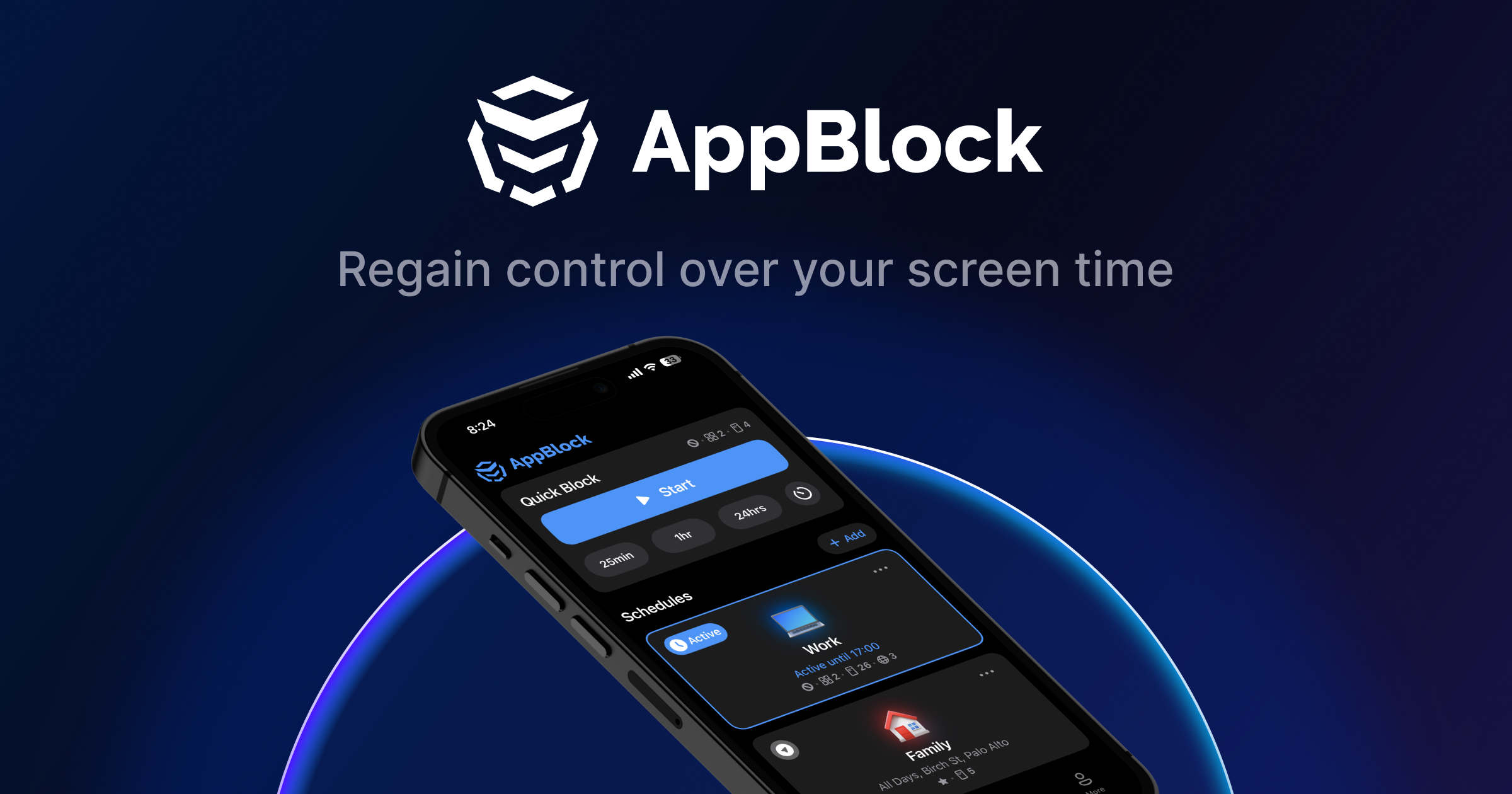
AppBlock earns its place near the top through sheer enforcement power. The app's Strict Mode makes it nearly impossible to bypass blocks, addressing the biggest weakness of most screen time tools. Most apps let you disable the blocker when you really want to check Instagram. AppBlock's Strict Mode removes that escape hatch, which is exactly what some users need.
The platform includes pre-built schedules like "Mindful Morning," which blocks Instagram and TikTok until 10 a.m., and "Study Time," which blocks entertainment and shopping apps during work sessions. A Usage Limits feature automatically shuts down apps after a set time limit, such as 20 minutes of Instagram per day. Location-based rules add another layer of contextual control, letting you block certain apps at work but not at home.
AppBlock's effectiveness is backed by survey data. In a poll of 779 users, 76% reported major productivity boosts after adopting the app. That kind of evidence-backed result is rare in this category. AppBlock is particularly effective for professionals and students who have failed with basic limit settings before and need hard enforcement.
4. ScreenZen
ScreenZen takes a fundamentally different approach from the hard blockers on this list. Instead of preventing access entirely, it adds friction. When you try to open a distracting app, ScreenZen forces you to wait and asks, "Do you really want to do this?" This mindfulness-based intervention breaks the automatic habit loop without creating the frustration that leads users to find workarounds.
The app is free with a premium tier, and it has gained significant attention from digital wellbeing experts. CNET featured ScreenZen in its coverage of the best apps to help manage screen time, specifically praising the friction-based approach. The psychological reasoning is sound: when you force a pause between impulse and action, many impulsive app openings simply never happen.
ScreenZen works best for users who are already motivated to reduce screen time but need a consistent nudge rather than a hard wall. If you find yourself immediately disabling hard blockers, ScreenZen's gentler approach may be more sustainable long-term.
5. Forest
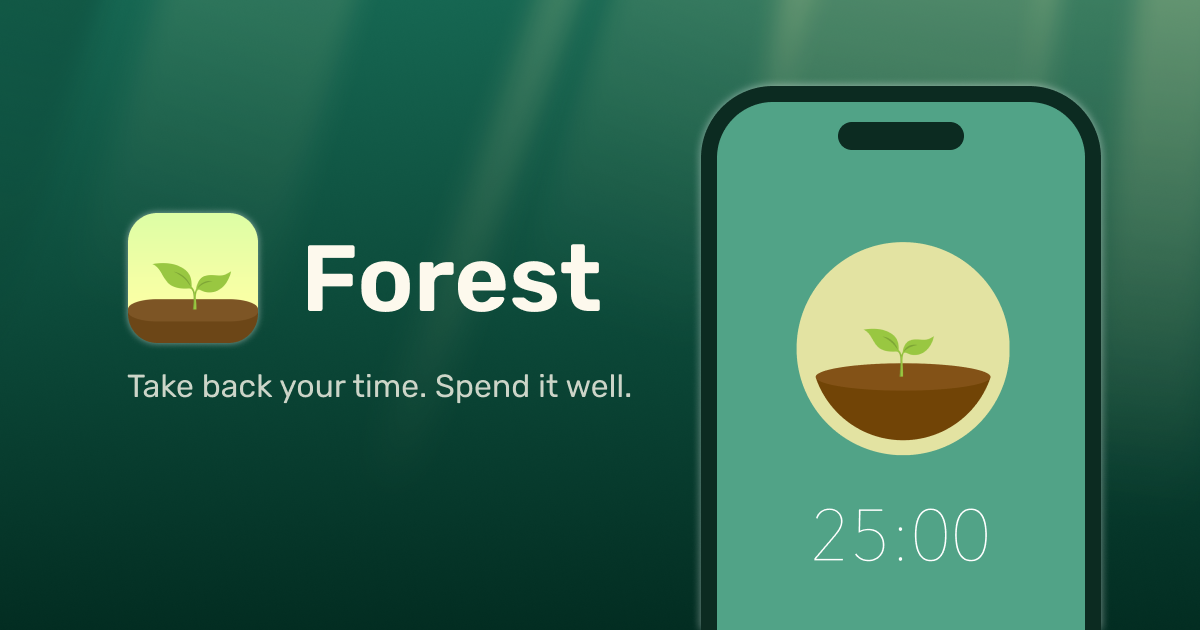
Forest gamifies focus in a way that has made it one of the most enduring screen time apps on the market. The premise is simple: you plant a virtual tree when you start a focus session, and the tree grows while you stay off your phone. If you leave the app to check Instagram, your tree dies. Over time, you build a forest that represents your accumulated focus time.
The app costs roughly $3.99 as a one-time purchase on iOS and Android, with no subscription required. It offers multiple focus modes including a Pomodoro timer, timer mode, stopwatch mode, and a count-up timer for habit tracking. The environmental angle adds genuine motivation: the Forest team partners with real tree-planting organizations, and users can spend their in-app currency to plant actual trees.
Students and young professionals respond particularly well to Forest's gamification. The visual representation of a growing forest provides powerful positive reinforcement, and the tangible environmental impact gives focus sessions meaning beyond personal productivity. Forest has been a consistent favorite since its launch and remains one of the best values on this list.
6. Qustodio
Qustodio consistently ranks among the top parental control and screen time management solutions, and for good reason. The platform offers robust filtering functionality alongside extensive monitoring capabilities, making it a complete digital parenting tool rather than just a screen time limiter.
The New York Times Wirecutter specifically recommended Qustodio as a top pick for families with kids 13 and up, particularly for Android users. The platform provides detailed activity reports, flexible time limits, and seamless cross-platform compatibility across multiple devices and operating systems. Parents can see exactly what their children are doing online, set appropriate limits, and adjust rules as kids get older.
Qustodio's strength lies in combining comprehensive screen time management with advanced content filtering. It is not the cheapest option available, but for parents who want a single solution that handles both time limits and content safety, it is one of the most complete packages on the market.
7. Bark
Bark has earned recognition for providing one of the most comprehensive parental control toolsets available. The platform enables parents to manage screen time, filter websites and apps, monitor social media platforms, and track real-time locations with geo-fencing alerts. Independent testing organizations have validated Bark's effectiveness across multiple aspects of digital parenting through a single, integrated solution.
What sets Bark apart is its sophisticated social media monitoring. The platform scans text messages, emails, and more than 30 social media platforms for potential issues like cyberbullying, depression, and online predators. This goes far beyond simple screen time limits, addressing the content and context of digital activity rather than just its duration.
Bark's comprehensive approach addresses multiple aspects of digital parenting that would otherwise require several separate tools. For parents concerned about both screen time and online safety, Bark is the most complete option available. It is more expensive than basic screen time apps, but the additional monitoring capabilities justify the premium for many families.
8. ActionDash
ActionDash serves as an enhanced replacement for Google's Digital Wellbeing, offering significantly more detailed usage statistics and stronger control features. Built by the same developer behind Action Launcher, the app provides incredibly detailed usage visualizations, a more robust Focus Mode than Google's default, and usage history going back months.
The app costs $4.99 as a one-time purchase for the Plus tier, with no subscription required. This makes it particularly attractive for users who want comprehensive data without recurring costs. The one-time purchase model is increasingly rare in this category, where most competitors have moved to subscriptions.
ActionDash is best suited for data-driven users who are motivated by understanding their usage patterns before attempting to change them. The Material Design interface makes data exploration genuinely enjoyable, with clear visualizations of which apps consume your time and when. If you are the type of person who needs to see the problem before you can fix it, ActionDash is the best tool for that job.
9. OneSec
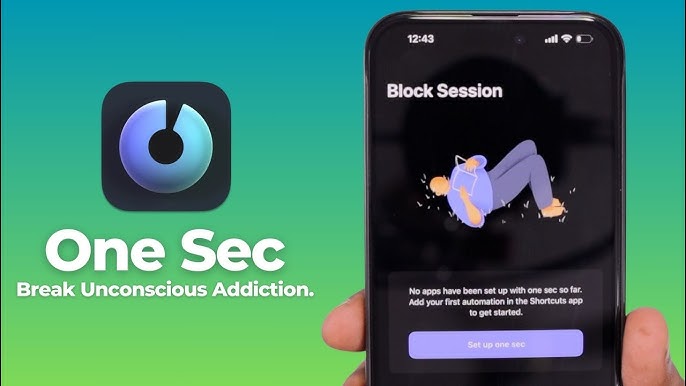
OneSec is a friction-based app that forces users to take a deep breath before opening distracting apps. The app costs $2.49 per month, and its simplicity is its greatest strength. Rather than complex blocking schedules, OneSec inserts a moment of mindfulness that interrupts the automatic scroll reflex.
The breathing exercise approach has been praised by digital wellbeing experts for its psychological sophistication. Rather than addressing the symptom of excessive screen time, OneSec targets the root habit of impulsive app opening. Research on habit formation suggests that interrupting the automatic loop is more effective long-term than imposing external restrictions.
OneSec is particularly popular among Gen Z and millennial users who prefer gentle nudges over hard blocks. The app helps build sustainable digital habits rather than forcing temporary compliance. If you have tried hard blockers and found yourself immediately bypassing them, OneSec's softer approach may produce better results.
10. StayFree
StayFree rounds out the top 10 as a comprehensive, accessible screen time management solution available on Google Play. The app provides detailed usage statistics, app blocking capabilities, and flexible scheduling options that help users understand and control their digital habits.
The free tier makes StayFree one of the most accessible options for users who want to start managing their screen time without financial commitment. A premium tier adds additional features for users who need more control. This freemium model has made StayFree one of the most widely downloaded screen time apps on Android.
StayFree's strength lies in its balance of tracking and enforcement features. It is suitable for both casual users who want awareness of their habits and more serious users who need hard limits. The app's scheduling options are flexible enough to accommodate different lifestyles, and the usage data is detailed enough to provide genuine insight. For Android users looking for a free starting point, StayFree is the best option on this list.
The best screen time app depends entirely on your situation. For cross-platform blocking across work and personal devices, Freedom remains the strongest choice. For parents managing children's devices, Qustodio and Bark offer the most complete parental controls. For individuals who need hard enforcement they cannot bypass, AppBlock's Strict Mode is unmatched.
Related Posts



1 Comment
Join the discussion and share your thoughts