Top 10 Best Podcast Recording Softwares In 2026

Table of Contents
We evaluated podcast recording software across several factors: recording quality, remote interview reliability, editing capabilities, pricing, ease of use, and video support. We weighed user sentiment from podcaster communities, feature comparisons from industry reviews, and hands-on testing data. Tools that combine reliable capture with strong post-production workflows ranked higher. Free tiers and one-time purchase options factored into value assessments. We prioritized solutions that solve real problems for creators at different experience levels, from first-time hosts to professional production teams.
Podcast recording software has changed dramatically over the past few years. What was once a simple choice between a digital audio workstation and a USB microphone has become a crowded field of browser-based platforms, AI-powered editors, and all-in-one production suites. For creators launching a show in 2026, the decision matters more than ever because the tool you pick shapes your entire workflow.
The Best Podcast Recording Softwares In 2026:
1. Riverside
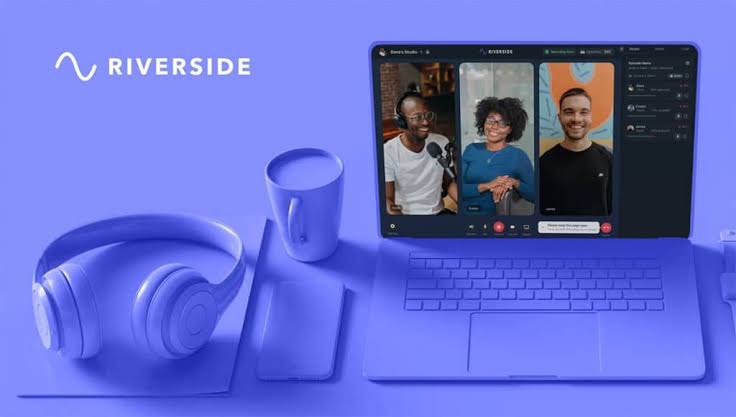
Riverside sits at the top of our list for good reason. The platform uses local recording technology that captures audio and video on each participant's device at full quality before uploading afterward. That means your guests can have terrible internet and you still get studio-quality files. It supports up to 4K video and 48kHz WAV audio, which covers nearly any production standard you would need.
What makes Riverside the gold standard is how much it has expanded beyond simple recording. The platform now includes AI transcription, text-based editing, automatic highlight detection, podcast hosting, webinars, live streaming, and clip creation. Separate tracks per participant come standard, and guests join through a browser with no downloads required. The producer mode gives you control over the session while guests just talk.
The free plan is genuinely usable, and paid plans start around $24-29 per month. For podcasters who need remote interviews and video, Riverside combines the highest recording quality with the most complete feature set available. It is the closest thing to a one-stop shop in this category.
2. Descript (with SquadCast)
Descript changed how people think about podcast editing. Instead of waveforms and tracks, you edit audio by editing a transcript like a Word document. Cut a sentence from the text and it disappears from the recording. This text-based approach made editing accessible to creators who never touched a DAW and never wanted to.
The 2023 acquisition of SquadCast added professional-grade remote recording with separate tracks. That combination gives you Descript's editing power paired with reliable capture capabilities. The platform also offers AI voice cloning, filler word removal, and automatic transcription as part of its toolkit.
Paid plans start at $12 per month, which is reasonable for what you get. Descript ranks second because its editing approach is genuinely revolutionary, but it is not primarily a recording tool. You will likely use it in tandem with other software for capture, then bring everything into Descript for post-production.
3. Zencastr
Zencastr was born directly out of the pandemic-era frustration with poor-quality Zoom recordings. The platform captures high-quality audio and video locally on each participant's device, so inconsistent internet connections do not ruin your episode. It was one of the first tools to solve this problem, and it still does it well.
The free tier is generous, which makes Zencastr one of the easiest places for new podcasters to start. You can record a full episode without paying anything, and the quality holds up against paid competitors. Paid plans run from approximately $12-18 per month.
Zencastr ranks third because of its reliable local recording technology and strong all-around performance for remote interviews. It does not have the flashiest features or the most polished interface, but it gets the job done consistently. For podcasters who want dependable quality without a steep learning curve, this is a solid choice.
4. Adobe Podcast (Studio + Enhance)
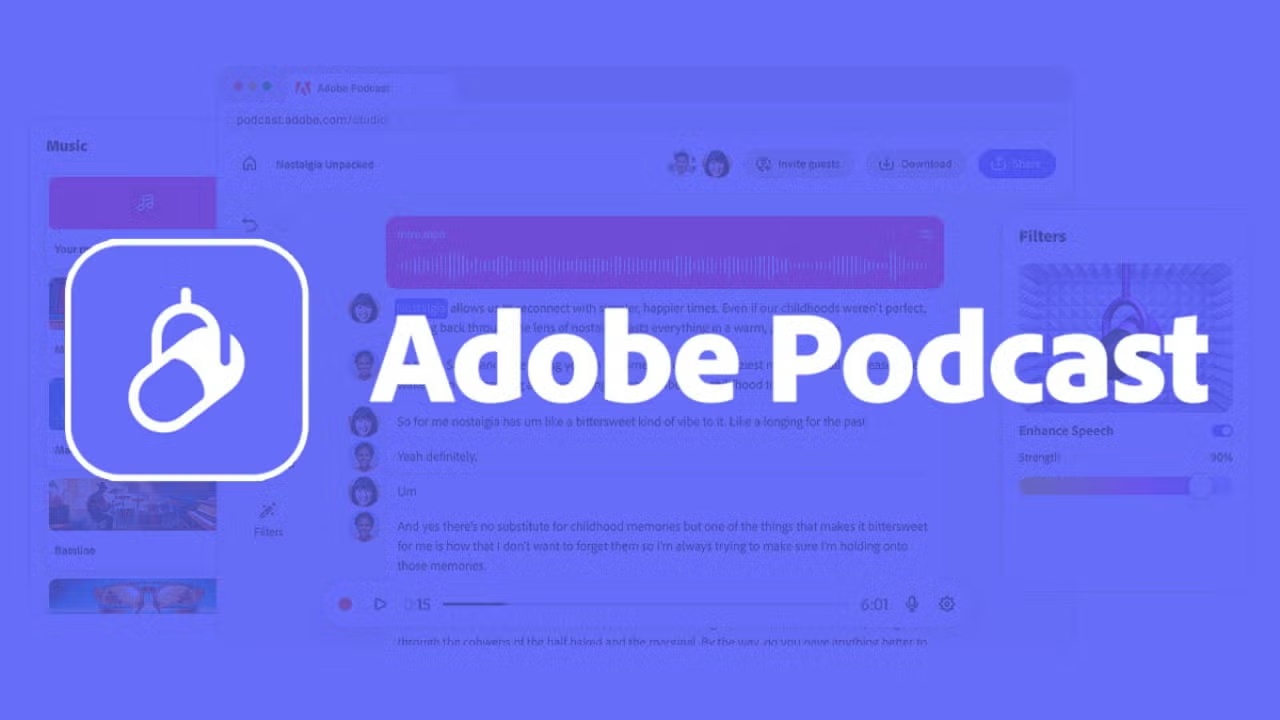
Adobe Podcast earns its place on this list for one specific superpower: rescuing bad recordings. The Enhance feature uses AI to clean up audio from noisy environments. If your guest records in a hotel room with an air conditioner humming or a coffee shop with background chatter, Enhance can save the episode.
The browser-based Studio provides a simple workflow for remote capture. It is not designed to be a full production stack like Riverside or Descript. But for real-world recording conditions that fall short of ideal, Adobe Podcast is essential. We have seen episodes that would have been unusable become perfectly listenable after running through Enhance.
Because it is part of the Adobe Creative Cloud ecosystem, it integrates with other Adobe tools. The main limitation is the lack of comprehensive workflow features. You will need separate software for editing, hosting, and distribution. But if audio cleanup is your priority, nothing else matches it.
5. Alitu The Podcast Maker
Alitu is the speed pick. It is designed for podcasters who want to get from recording to published episode without learning traditional audio production. The platform automates noise reduction, leveling, and hum removal. You record, upload, and the software handles the technical cleanup automatically.
This makes Alitu ideal for solo hosts and small teams who value momentum over technical control. The interface is straightforward, and the workflow removes most of the friction from podcast production. You can record, edit lightly, and publish all within the same platform.
At $38 per month, it is not the cheapest option, but the all-in-one nature justifies the price for many creators. Alitu ranks fifth because it is the best solution for beginners who want consistency and schedule reliability. The trade-off is that it lacks the advanced controls that professional producers need.
6. Audacity
Audacity is the granddad of podcast recording software. It predates the word "podcasting" by almost four years, and it is still going strong at 26 years old. The software is 100 percent free and open-source, with no subscriptions, no account requirements, and no hidden costs.
A survey of roughly 500 podcasters found that nearly 17 percent use Audacity as their primary recording platform. That is remarkable for a tool with an admittedly outdated user interface. The large community means endless tutorials, plugins, and support resources are available online.
Audacity offers solid recording and editing capabilities for anyone willing to learn its quirks. It ranks sixth because of its unbeatable price and reliability. The downsides are clear: no video support, no modern collaboration tools, and a learning curve that feels steeper than newer software. But for budget-conscious creators, it remains a powerhouse.
7. StreamYard
StreamYard excels at live production and audience interaction. If you want to record a live video podcast with comments rolling in and guests joining from anywhere, this is a strong option. It is simple to use, requires no downloads, and works entirely in the browser.
Recent updates have pushed into local multi-track recording, which makes it useful for podcasters who want both live and recorded workflows in a single tool. You can stream to multiple platforms simultaneously and also capture the session for later editing.
The limitations are significant for audio-first shows. Editing capabilities are minimal, and you have less control over audio quality compared to dedicated recording tools. Subscriptions start at $35.99 per month, with a free plan available. StreamYard ranks seventh because of its live streaming strengths, but it is not the best choice for advanced production needs.
8. Adobe Audition
Adobe Audition started life as Cool Edit Pro before Adobe acquired it in 2003. It has since become a professional-grade digital audio workstation designed specifically for podcast production and editing. The tool features advanced noise reduction, compression, EQ, and a batch processing capability that applies effects to multiple files simultaneously.
That batch processing feature is a time-saver for podcasters who produce multiple episodes at once. You can clean up an entire season's worth of audio in a single pass. The spectral frequency display gives you visual insight into audio issues that other tools hide.
At $20-23 per month as part of the Creative Cloud suite, it is a professional investment. Adobe does not focus on it as heavily as newer tools, but it remains highly recommended for podcasting, with extensive tutorials available online. Audition ranks eighth because of its professional editing power, though it lacks the accessibility and all-in-one features of newer platforms.
9. Hindenburg (Journalist/Pro)
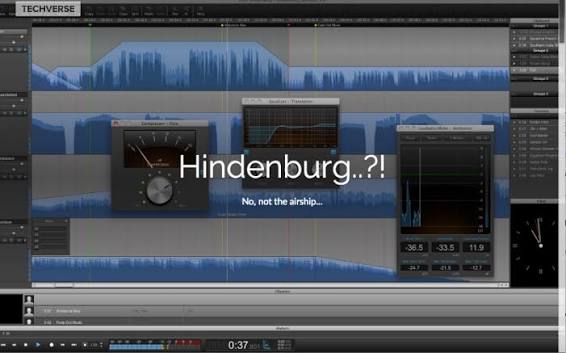
Hindenburg is a unique DAW built specifically for spoken-word audio. The interface is elegant and minimalist, avoiding the clutter that makes traditional DAWs intimidating. It features automatic volume leveling, a drag-and-drop interview workflow, and voice profiling that matches tone across clips.
This makes Hindenburg ideal for radio broadcasters and podcasters who want higher production value without wrestling with complex audio engineering. The Journalist version costs $95 as a one-time purchase, while Pro runs $12 per month. The Pro version includes a built-in Skype call recorder and integrates with certain podcast hosting providers.
Hindenburg ranks ninth because of its specialized spoken-word focus and user-friendly design. The trade-offs are real: no video support and limited name recognition among general podcasters. But for audio-first shows that prioritize clean, consistent sound, it is a hidden gem.
10. DaVinci Resolve
DaVinci Resolve closes out our list as a powerful option for video podcasts. The free version includes both audio and video production capabilities, making it one of the best free options for creators working with video content. The Studio version costs a one-time $295 purchase.
The software offers professional-grade color correction, audio mixing, and video editing in a single platform. If you are producing a video podcast with multiple camera angles, graphics, and polished post-production, DaVinci Resolve can handle it all.
The downside is complexity. It has a steeper learning curve than dedicated podcast tools, and it is overkill for audio-only shows. DaVinci Resolve ranks tenth because it is a fantastic free option for video-focused podcasters, but it requires more technical expertise than most podcasters need.
The best podcast recording software depends entirely on your workflow. Remote interviewers who need video should look at Riverside or Zencastr. Editors who want to skip the learning curve should consider Descript. Live streamers will find StreamYard essential. Budget creators can rely on Audacity without spending a cent.
Video podcasters have different needs than audio-only hosts. Adobe Audition and Hindenburg serve the audio purists, while DaVinci Resolve covers the video production side. Adobe Podcast fills a specific niche for anyone dealing with noisy guest recordings.
Related Posts
0 Comments
Join the discussion and share your thoughts
No Comments Yet
Be the first to share your thoughts on this article!
