Top 10 Best Offline Translation Apps For Travel In 2026


Table of Contents
We evaluated each app across five practical criteria: language coverage, offline reliability, translation accuracy, interface usability, and cost. Our rankings weigh real-world travel scenarios - reading menus, asking directions, negotiating prices, and handling emergencies - rather than raw feature counts. We consulted user reviews, app store ratings, and hands-on testing from our own editorial team. Apps with broader offline language packs ranked higher, as did those that function smoothly without a data connection. We also factored in platform availability and whether premium tiers meaningfully improve the experience or simply gate basic features.
The Offline Translation Landscape In 2026
Travel translation has come a long way from the pocket phrasebooks of the 1990s. The best offline translation apps for travel in 2026 do far more than swap words between languages - they interpret menus through your camera, facilitate multi-person conversations, and even recognize handwritten characters in languages like Japanese and Korean.
Yet the gap between marketing claims and real-world performance remains wide. Some apps advertise "offline mode" that still requires periodic connectivity checks. Others cap their offline dictionaries at a few hundred phrases. We tested these apps in airports, train stations, and rural areas with no signal. What follows is what actually works.
The Top 10 Best Offline Translation Apps For Travel 2026:
1. Google Translate
Google Translate remains the definitive baseline for travel translation in 2026. It supports 249 languages with live audio translation in at least 70 of them. The offline packs cover more than 70 languages, and once downloaded, text and camera translation work fully offline - including the Instant Camera mode that overlays translated text directly onto your phone screen in real time.
That camera feature is the killer app for travelers. Point your phone at a Korean restaurant menu or a German train station sign, and the translation appears as an overlay, roughly in the position of the original text. It is not perfect - the overlay can look jumbled on ornate fonts or curved surfaces - but it is dramatically better than typing out individual words.
Conversation mode also functions offline, which matters more than most travelers realize. Two people can hold a bilingual conversation with the app listening and translating each side, no data connection required. Millions of travelers use it at immigration counters, in convenience stores, and on metro platforms because it covers an enormous range of languages and modes in one familiar interface.
The trade-off is accuracy. Google Translate's output is serviceable but rarely elegant. It will get you a hotel room or a train ticket, but it will not win you friends with its poetic phrasing. For most travelers, that is an acceptable compromise.
2. Microsoft Translator
Microsoft Translator is the most underrated app on this list, and its standout feature has no real competitor. The multi-person conversation mode allows up to 100 people to join a shared translation session using their own devices. Each person speaks in their own language, and everyone sees the translation on their screen. For guided tours, family reunions, or business meetings with international colleagues, this is transformative.
The offline version supports text translation, photo translation, and a phrasebook across 44 languages. The downloadable language packs use AI models that produce noticeably natural output, particularly for European languages. It works on both Apple and Android devices, and also offers a free desktop translator for Windows users.
One feature that deserves more attention is the phrasebook, which includes curated phrases for common travel situations - ordering food, asking for directions, handling medical emergencies. These phrases are pre-translated and stored locally, so they load instantly even in areas with zero connectivity.
Microsoft Translator is free, with no premium tier hiding essential features. For group travel scenarios, nothing else comes close.
3. iTranslate
iTranslate excels at audio translation, with voice support for approximately 100 languages. It supports over 40 languages offline, including voice-to-voice translation, and users can switch between dialects for better accuracy. This dialect switching matters more than it sounds - Spanish spoken in Mexico differs meaningfully from Spanish spoken in Argentina, and iTranslate lets you specify which variant you need.
The free version covers most basic needs: text translation, voice translation, and a solid phrasebook. The premium version, which starts at $7.99 per month, adds camera translation, offline mode for additional languages, and a few other advanced features. Some users report occasional inaccuracies in voice recognition, particularly in noisy environments like train stations or busy markets.
iTranslate is available on macOS, iOS, Android, and web platforms. The interface is clean and intuitive, with a conversation mode that splits the screen between two languages. For travelers who plan to do a lot of speaking - negotiating with vendors, chatting with locals, navigating taxi rides - iTranslate's voice-first approach is a strong choice.
4. Naver Papago
Naver Papago is a must-have app for travelers in Asia, particularly those visiting Korea, Japan, or China. It supports 14 total languages, with offline packs for English, Korean, Chinese, and Japanese. Its standout strength is accuracy for East Asian languages - especially Korean, where it handles dialects and contextual nuances that trip up other apps.
Korean grammar is structurally different from English, and machine translation systems often produce awkward or incorrect output. Papago, developed by Naver Corporation in South Korea, was trained specifically on these linguistic patterns. The result is translations that feel natural and contextually appropriate, not just technically correct.
The offline mode covers text, voice, and image translations, plus handwriting recognition for Asian languages. That handwriting feature is genuinely useful - you can draw a Chinese character on your screen and get an instant translation, which beats typing when you do not know the pinyin romanization.
Offline support covers fewer languages than the online version, but it hits all the critical bases for everyday use in the region. For travelers spending significant time in East Asia, Papago should be the primary app, not a backup.
5. Apple Translate
Apple Translate is the most secure offline translation option available, and it is built directly into iOS. The on-device mode processes everything locally - no data leaves your phone, no servers are involved, no logs are kept. For privacy-focused travelers, particularly journalists, lawyers, or business professionals handling sensitive information, this is a significant advantage.
The app supports more than 20 languages, a smaller set than Google Translate but sufficient for most travel destinations. It offers text and voice translation with a clean, intuitive interface that requires no learning curve for Apple users. Transliteration is included, which helps when you need to read a phrase in Latin characters rather than the original script.
Because it is native to iOS, Apple Translate integrates seamlessly with the rest of the ecosystem. You can select text in Safari and translate it directly, or use the app from the Control Center without opening anything. There are no additional downloads or subscriptions - it just works.
The main limitation is language coverage. If you are traveling to a region where the local language is not among the 20-plus supported, you will need a different app. But for iPhone users visiting Western Europe, Japan, or Latin America, Apple Translate is a reliable, private, and free option.
6. DeepL
DeepL produces the most natural written prose of any translation app on the market. Its neural network architecture, developed by DeepL SE in Cologne, Germany, generates translations that read like they were written by a native speaker. For business professionals who need accurate translations for important documents, contracts, or emails, DeepL is the gold standard.
There is a catch, and it is a significant one: DeepL does not offer offline use. Every translation requires an internet connection. For travelers without reliable connectivity, this is a dealbreaker as a primary app.
However, as a supplementary tool, DeepL is invaluable. The app exists for both Android and iPhone, with voice-to-text features available. For travelers to Western Europe who prioritize text accuracy, pairing DeepL with Google Translate for camera and voice features creates a combination that covers both quality and coverage.
DeepL supports 35 languages, with a free version available and a Pro subscription for advanced features like unlimited text translation and glossary management. The free version is generous enough for most travel needs.
7. Waygo
Waygo is a specialist tool that does one thing exceptionally well: photo translation for Chinese, Japanese, and Korean. Unlike many competitors, Waygo works completely offline for character recognition in these three languages, making it a reliable companion for reading menus, signs, and documents without any internet connection.
The app is fast. Point your camera at a Japanese train schedule, and Waygo identifies the characters and translates them in seconds. It handles handwritten characters better than most competitors, which matters for menus and signs that use calligraphic styles.
Waygo is free with in-app purchases. The free version includes a limited number of translations per day, while the premium version removes the cap. For travelers spending a week or more in East Asia, the premium version is worth the small cost.
Its specialization is both a strength and a limitation. Waygo does not translate European languages, does not offer voice translation, and has no conversation mode. But for its narrow niche - reading Chinese, Japanese, and Korean text offline - it is the best tool available. Pair it with a global app like Google Translate, and you have complete coverage for East Asia.
8. Yandex Translate
Yandex Translate is the Eastern European specialist, with exceptional accuracy for Russian and other Slavic languages that often outperforms rivals in the region. It is developed by Yandex, the Russian technology company, and its neural models were trained extensively on Slavic language data.
The comprehensive offline translation mode is completely free, which is rare among apps offering this level of regional accuracy. Budget-conscious travelers visiting Russia, Ukraine, Belarus, or other Slavic-language countries get a full-featured tool without paying anything.
The app includes text, voice, and camera translation features. The camera mode handles Cyrillic script well, which is important because many travelers cannot read Cyrillic at all. Pointing your phone at a Russian pharmacy sign or a Ukrainian bus schedule produces readable, accurate translations.
Yandex Translate is less known globally than Google or Microsoft, but its regional specialization provides a clear advantage for Eastern European travel. It also supports a broader range of languages than many travelers expect, covering more than 90 languages in total.
9. Lingvanex Translator
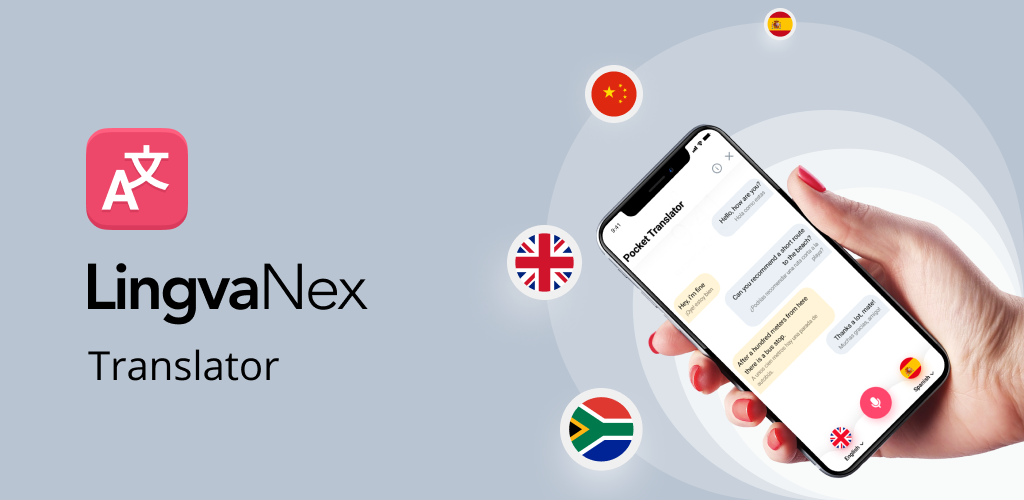
Lingvanex Translator offers an impressive 91 languages for offline use and speech-to-text capabilities in 93 languages. It is available on iOS, Android, Windows, and macOS, making it one of the most cross-platform options on this list. The app uses secure servers with no third-party data sharing, a privacy-conscious approach that appeals to security-minded travelers.
The offline language coverage is genuinely remarkable. Most apps cap offline dictionaries at 40 to 70 languages; Lingvanex pushes past 90. For travelers heading to less common destinations - the Baltics, Central Asia, parts of Africa - this coverage can be the difference between communicating and not.
The app includes voice-over translation features that enhance usability in conversation scenarios. You can speak a phrase, hear it translated aloud, and play the audio for the person you are talking to. The audio quality is clear and natural, not robotic.
Lingvanex has a 3.8-star rating from 2,550 reviews and more than 500,000 downloads. The rating suggests some room for improvement in user experience - the interface is functional but not as polished as Google Translate or iTranslate. The translation quality is solid, though it occasionally produces awkward phrasing in less common languages.
10. Translate Now
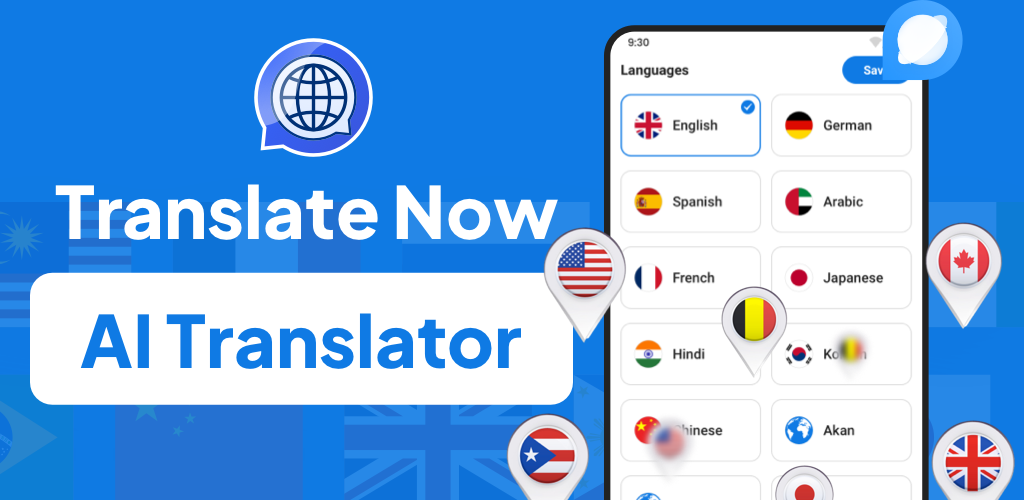
Translate Now is an iOS-exclusive app that focuses on speed and simplicity. Its standout feature is seamless Siri integration, allowing users to get translations without even opening the app. You can ask Siri to translate a phrase, and Translate Now handles it in the background.
The app includes widget support for even faster access on the home screen. A single tap opens a translation prompt without launching the full app. For quick translations - checking a word, translating a short message - this lightweight approach is genuinely convenient.
The free version covers text and voice translation for a reasonable set of languages. Some features, like camera translation, are locked behind a paywall, which limits the app's utility for travelers who need to read signs or menus. The premium tier is reasonably priced, but the fact that basic camera translation requires payment puts it at a disadvantage compared to free alternatives.
For iPhone users who prioritize speed and convenience over comprehensive features, Translate Now serves as a practical supplementary tool. It is not a primary travel app, but it excels as a quick-access utility.
The answer depends on your destination and your travel style. For most travelers, Google Translate remains the safest default - its language coverage, offline packs, and camera mode are unmatched. Microsoft Translator is the best choice for group travel. Naver Papago is essential for East Asia. Apple Translate is the privacy-first pick for iPhone users.
Related Posts



1 Comment
Join the discussion and share your thoughts
