Top 10 Best Mac Apps In The World 2026

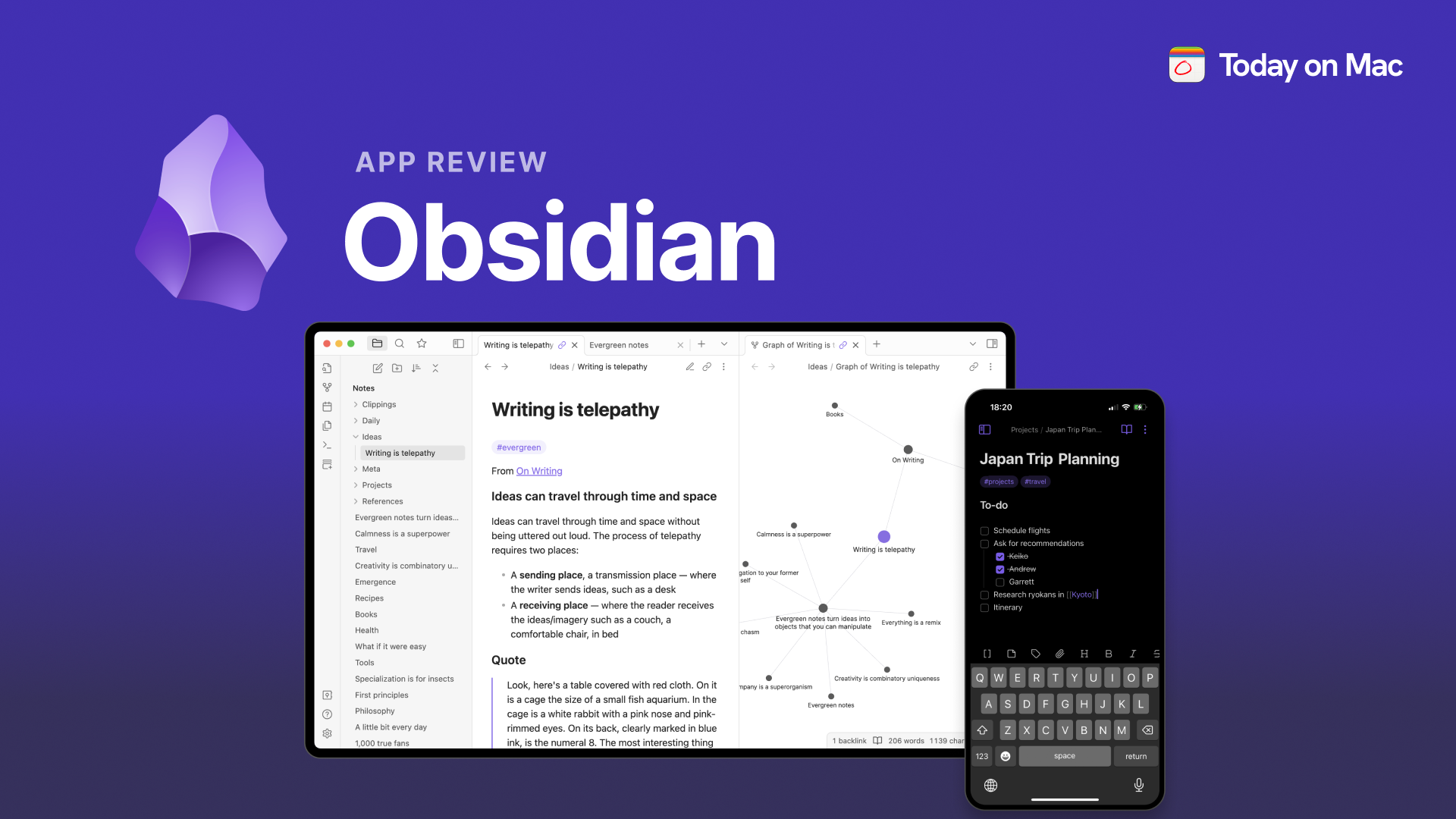
Table of Contents
Our team evaluated dozens of applications across the macOS ecosystem for this ranking. We weighed user ratings from the Mac App Store and third-party review platforms, feature depth, developer support consistency, and value relative to price. We also factored in community sentiment from Mac power user forums and publications that track app performance over time. Each app on this list earned its position through sustained quality and user trust, not just marketing momentum. We prioritized tools that solve real problems for both casual users and professionals, and we verified that each app remains actively maintained as of 2026.
These Are The List Of The Top 10 Best Mac Apps In 2026:
1. Fantastical
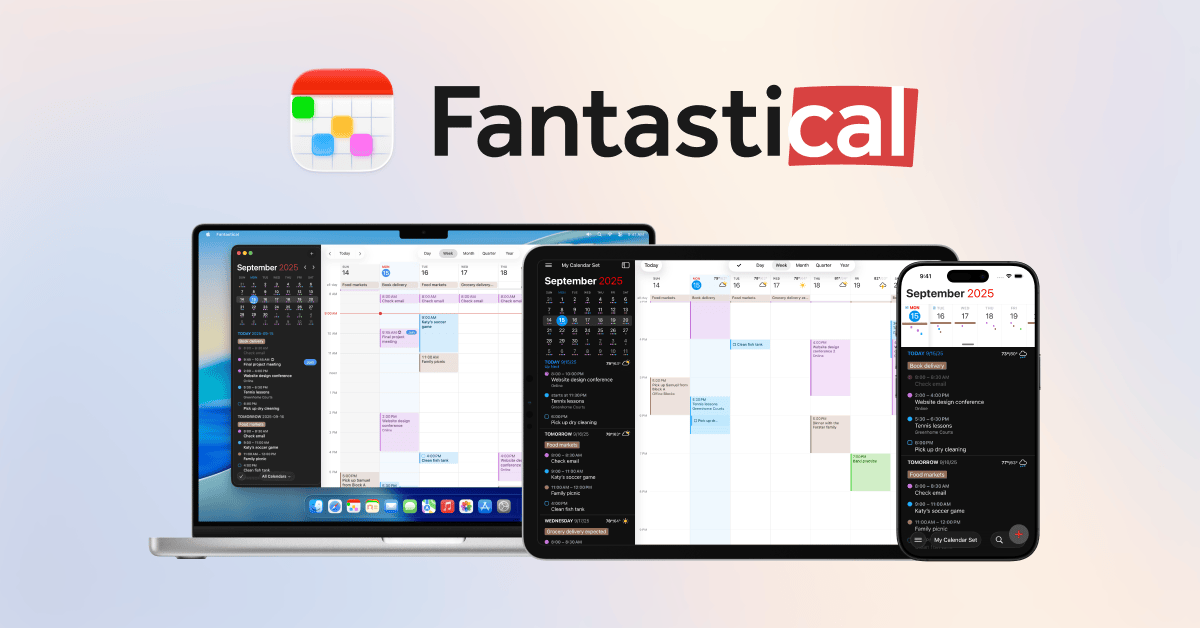
Fantastical has held the crown as the premier calendar application for macOS for years, and the 2026 edition continues that streak. The app's natural-language event entry remains its signature feature. Type "Date night every first Friday of the month" and Fantastical parses it instantly, creating a recurring event without any fiddling with date pickers or repeat settings.
The app picked up an Apple Design Award and was named Mac App of the Year, which explains its $4.75/month subscription price. For that fee, users get deep integration across macOS, iOS, iPadOS, and watchOS. The menu bar access alone makes it worth the cost for people who live in meetings. Email-to-calendar forwarding works reliably, and the app can join online meetings directly from calendar events, which saves a surprising amount of time each week.
What keeps Fantastical at the top of every "best Mac apps" list is the polish. The interface is clean without being sterile, and the cross-platform synchronization just works. Power users who juggle multiple calendars, time zones, and scheduling conflicts consistently rate it as indispensable.
2. CleanMyMac X
CleanMyMac X remains the go-to utility for Mac maintenance, and its "Smart Care" tab is the reason why. The feature bundles system cleanup, malware removal, performance monitoring, and routine maintenance into one interface that even non-technical users can navigate without anxiety.
The app consistently earns 4.5+ stars across app stores, and its developer support is notably reliable. Updates arrive regularly to maintain compatibility with the latest macOS releases and security patches, which matters more than most users realize. A maintenance tool that breaks after a system update is worse than no tool at all.
In practice, CleanMyMac X frees up gigabytes of storage by identifying large files, clearing caches, and removing unnecessary language packs and universal binaries. The safety record is spotless, which has built trust over years of use. For users who want their Macs running smoothly without learning terminal commands, this remains the safest bet available.
3. Raycast
Raycast has become the launcher of choice for developers and power users, and its rise has been meteoric. The free tier alone offers lightning-fast search across apps, files, and actions. The Pro version, at $10/month, adds cloud sync, custom themes, and advanced automation features.
The plugin ecosystem is where Raycast truly separates itself. Developers have built thousands of extensions that handle everything from GitHub workflows to project management updates. The scripting API allows for custom workflows that would require significant coding effort elsewhere. Window management, clipboard history, and snippet expansion are all built in, eliminating the need for multiple separate utilities.
With a 4.8/5 average user rating, Raycast has effectively displaced traditional launchers for a significant portion of the Mac community. The modern interface feels native to macOS, and the developer-friendly architecture means the tool keeps getting better as the community grows.
4. 1Password
Password management is one of those categories where the stakes are highest and the margin for error is zero. 1Password has earned its reputation as the gold standard on macOS through a combination of enterprise-grade security and consumer-friendly design.
The app uses AES-256 encryption, and its Watchtower feature continuously scans against a database of over 1 billion breached credentials. When a service you use gets compromised, 1Password tells you before you even hear about it on the news. Touch ID autofill works in Safari and other browsers, filling credentials in about 2 seconds while blocking 99% of phishing attempts.
At $36/year, the subscription is reasonable for the peace of mind it provides. Travel Mode is a standout feature that hides vaults when crossing borders, and the family and team vaults make secure credential sharing straightforward. For anyone managing sensitive personal or professional data, this app is non-negotiable.
5. Final Cut Pro
Final Cut Pro remains the professional video editing suite that Mac users choose when they want serious power without a subscription. At $299.99 one-time, it undercuts Adobe Premiere Pro's recurring fees while delivering performance that takes full advantage of Apple Silicon.
The Magnetic Timeline is still the standout feature, fundamentally changing how editors assemble projects. Compound Clips and advanced color grading tools round out a feature set that supports 4K and 8K video with real-time playback. Apple has kept the app in active development, with regular updates that add meaningful capabilities rather than just bug fixes.
YouTube creators, broadcast producers, and independent filmmakers all rely on Final Cut Pro. The one-time purchase model makes it financially attractive for professionals who would otherwise pay hundreds per year for editing software. It consistently appears on "best reviewed Mac apps" lists for good reason.
6. Alfred
Alfred is the veteran of the Mac launcher scene, and it has aged gracefully. The free version handles basic app launching and file search, but the Powerpack upgrade, a $29 one-time purchase, transforms it into a full automation platform.
The Snippets feature alone saves power users thousands of keystrokes daily. Text expansion for email addresses, code snippets, and frequently used phrases works flawlessly. The visual workflow editor lets users create complex automations without writing code, connecting triggers to actions across apps and system functions.
Alfred's longevity has built a massive community. Thousands of shared workflows are available, covering everything from system commands to web searches and app actions. The 4.7/5 user rating reflects years of consistent updates and reliability. For users who prefer a one-time purchase over a subscription, Alfred remains the strongest choice.
7. Obsidian
Obsidian has fundamentally changed how people approach note-taking on a Mac. The local-first Markdown file system means users own their data completely, with no cloud dependency or proprietary format lock-in. Files are just plain text on your drive, accessible even if the app disappears tomorrow.
The plugin ecosystem is staggering, with over 1,500 community plugins available. Kanban boards, spaced repetition for learning, daily notes, and graph visualizations are just the beginning. The graph view, which shows connections between notes, has become iconic for knowledge management and research workflows.
The app is free for personal use, with optional sync services running $4-8/month. Users can also sync through iCloud, Dropbox, or Git for free. The offline capability is a major advantage for anyone who works without reliable internet access. Obsidian has essentially created its own category of "personal knowledge management," and it still leads that category.
8. Things 3
Things 3 is the task manager that productivity enthusiasts recommend when someone asks for "the pretty one." The Apple Design Award winner costs $49.99 one-time on Mac, which looks expensive against subscription competitors until you realize you own it forever.
The interface is genuinely beautiful, which matters more for task management than people expect. A tool you open dozens of times daily should not feel like a chore to look at. Natural-language quick entry means typing "Call dentist tomorrow at 9" creates the task with the right date and time automatically.
The "Today" and "Upcoming" views handle daily planning intelligently, while "Anytime" and "Someday" lists manage longer-term projects. Synchronization across Mac, iPhone, iPad, and Apple Watch is seamless. The 4.8/5 App Store rating reflects a user base that genuinely loves the product, not just tolerates it.
9. CleanShot X
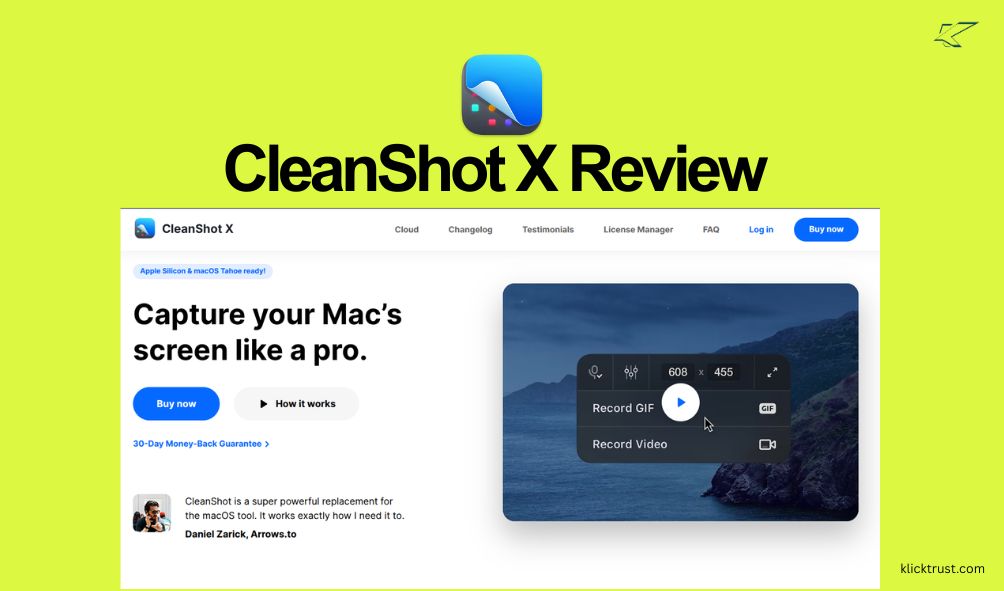
CleanShot X takes screenshots and screen recording far beyond what Apple's native tools offer, and the 4.9/5 user rating suggests users notice the difference. The $29 one-time purchase unlocks a feature set that includes scrolling captures, screen recording with webcam overlay, and OCR text extraction.
The annotation toolkit is the most comprehensive available, with over 100 tools covering arrows, shapes, blur effects, and step-by-step guides for tutorials. The cloud upload service supports custom domains, which matters for teams and creators who want branded sharing links.
The "Quick Access" overlay is a small touch that makes a big difference. After any capture, a temporary thumbnail appears that can be dragged directly into any application. No saving to desktop, no locating the file, just drag and drop. For anyone who creates tutorials, documentation, or shares screenshots regularly, this app pays for itself quickly.
10. SoundSource 6

SoundSource 6 solves a problem Apple has never fully addressed: granular audio control on macOS. The $39 one-time purchase gives users per-application volume adjustment, effects, and routing that the operating system simply does not offer natively.
The app supports industry-standard Audio Unit plugins, which means users can apply EQ, compression, and spatial audio effects to individual apps or system-wide. The headphone EQ feature includes presets for popular headphone models, which is a godsend for anyone who switches between different headphones regularly.
Menu bar access makes it effortless to switch audio devices, boost quiet applications, or apply system-wide effects. The developers maintain active compatibility with the latest macOS releases, ensuring the app continues working flawlessly after system updates. For podcasters, musicians, or anyone who cares about audio quality, this is the tool that fills the gap.
The Mac app ecosystem in 2026 is remarkably strong, and these ten applications represent the best of what the platform offers. From productivity powerhouses like Fantastical and Raycast to specialized tools like SoundSource 6, each app on this list has earned its place through consistent quality, active development, and genuine user satisfaction.
Related Posts

1 Comment
Join the discussion and share your thoughts