Top 10 Best Free Video Conferencing Apps In The World 2026

Table of Contents
Our rankings prioritize the combination of participant limits, meeting duration, feature depth, and cross-platform accessibility. We weighed user sentiment across professional review sites, official feature documentation from each provider as of early 2026, and real-world performance in common scenarios like team standups, client calls, and remote education. Security defaults and integration ecosystems also factored heavily. This list reflects what a free user actually gets without paying a cent, not what the paid tiers offer.
The Top 10 Best Free Video Conferencing Apps In 2026:
1. Zoom
Zoom remains the default choice for free video conferencing, and for good reason. The free plan supports up to 100 participants with 40-minute group meeting limits, which resets when the host starts a new session. This is generous enough for most small business huddles, classroom teaching, or family gatherings. Zoom's stability across desktop, mobile, and web is hard to beat. Screen sharing, breakout rooms, and local recording come standard on the free tier, features that many competitors reserve for paid plans.
What keeps Zoom at number one is its ecosystem. The platform integrates with hundreds of third-party apps, from Slack and Salesforce to Google Calendar and Outlook. Users rarely encounter lag or dropped connections, even on modest internet connections. According to our analysis of user reviews across multiple platforms, Zoom consistently earns the highest marks for ease of use and reliability among free conferencing tools. The trade-off is the 40-minute cap on group calls, which can disrupt longer meetings, but for most casual and professional use, it is a minor inconvenience.
2. Microsoft Teams (Free)
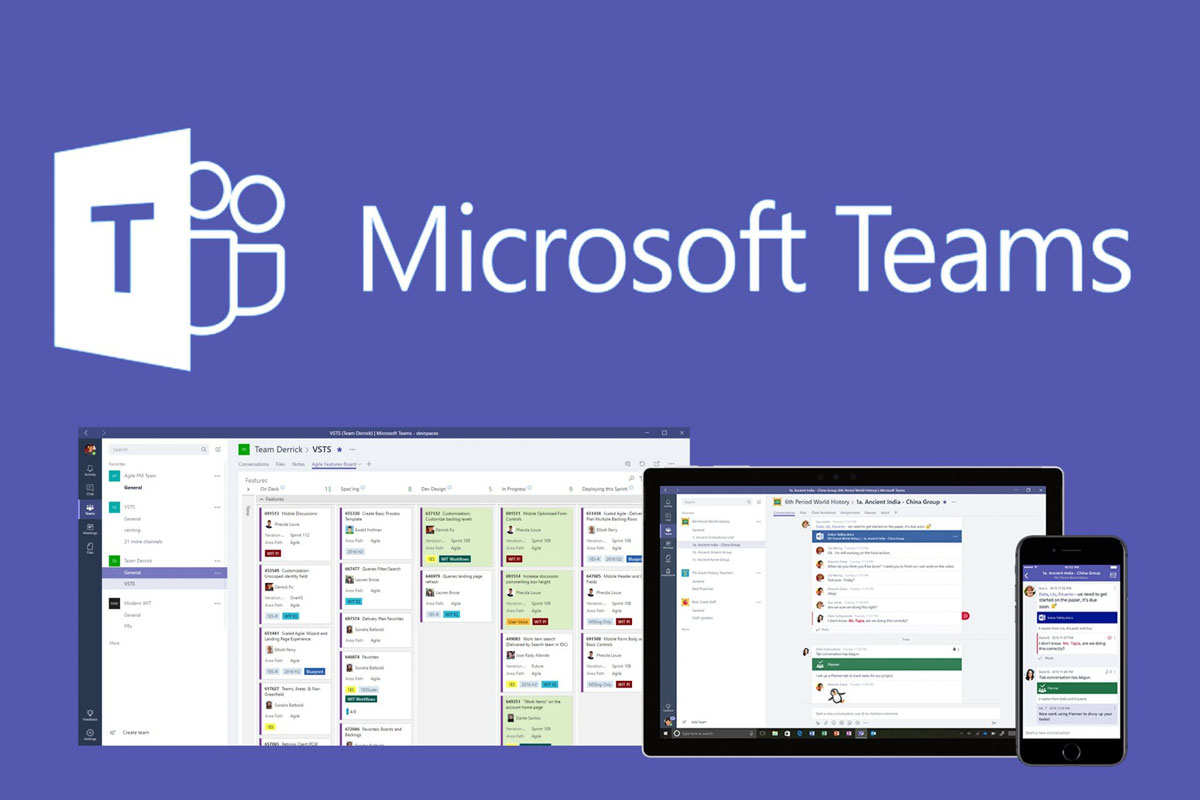
Microsoft Teams free version is a powerhouse for structured collaboration. It offers unlimited group meetings up to 60 minutes with up to 100 participants. The free plan includes chat, file sharing with OneDrive, and access to Office web apps like Word, Excel, and PowerPoint. Teams is built around channels and workspaces, making it ideal for teams that need persistent communication alongside video calls.
The learning curve is steeper than Zoom. Setting up a team, managing permissions, and navigating the interface takes more clicks. But for organizations already using Microsoft 365, the integration is seamless. Teams free also supports screen sharing, background effects, and meeting recording for up to 30 days. It ranks second because its feature set for free users is unmatched in terms of collaboration depth, but it is overkill for simple one-off calls. If your workflow demands document co-authoring and threaded conversations alongside video, Teams is the strongest free option available.
3. Google Meet
Google Meet is the most frictionless video conferencing app for anyone with a Google account. Free users can host meetings up to 60 minutes with 100 participants. The service runs entirely in the browser, requiring no downloads for most users. Starting a call is as simple as opening Gmail or Google Calendar and clicking a link. Live captions, screen sharing, and HD video are included at no cost.
Meet's security posture is strong by default. Google encrypts all data in transit and at rest, and the platform blocks anonymous users from joining without host approval. The minimal interface reduces distractions, though it also means fewer advanced features. Free users do not get meeting recording, breakout rooms, or detailed analytics. Meet is best suited for individuals and small teams who prioritize quick access and security over deep functionality. It ranks third because it excels at simplicity and integration but falls short on the feature depth that Zoom and Teams offer for free.
4. Jitsi Meet
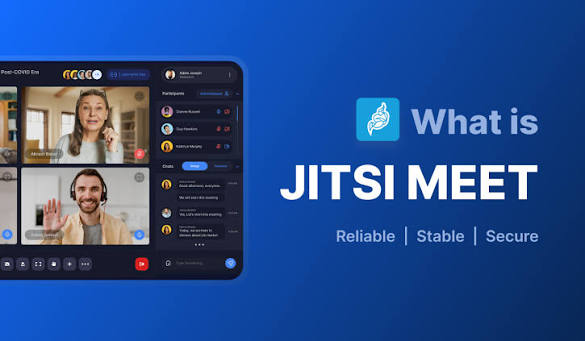
Jitsi Meet is the top open-source video conferencing solution, and it is completely free with no time limits. Up to 100 participants can join a single session. No accounts are required for guests, and the platform offers screen sharing, chat, and end-to-end encryption options. Because Jitsi is open source, organizations can self-host it on their own servers, giving them full control over data and compliance.
This makes Jitsi a favorite for privacy-conscious teams, educational institutions, and technical communities. The public instance at meet.jit.si works out of the box, but advanced users can deploy custom instances with features like recording, streaming, and custom branding. The trade-off is polish. The default interface is functional but not as sleek as commercial alternatives. Integration options are limited compared to Zoom or Teams, and support relies on community forums. Jitsi ranks fourth because it offers unparalleled privacy and customization for a free product, but it demands more technical comfort from its users.
5. Cisco Webex (Free Plan)

Cisco Webex brings enterprise-grade reliability to its free tier. The free plan supports up to 100 participants with 50-minute meetings. It includes HD video, screen sharing, personal meeting rooms, and cloud recording for up to five minutes. Webex is built on decades of enterprise conferencing infrastructure, which means strong security and compliance features are baked in from the start.
Webex free users get end-to-end encryption, host controls for muting and removing participants, and integration with calendars and email clients. The platform is particularly strong in regulated industries like finance and healthcare, where data protection is non-negotiable. The downside is the interface, which can feel dated and cluttered compared to Zoom or Meet. Webex also requires a download for the full experience, though a browser version exists. It ranks fifth because it delivers rock-solid reliability and security but lags in user experience and casual adoption.
6. Skype

Skype is the veteran of the video calling space, and its free plan remains relevant for personal and small group communication. Group video calls support up to 50 participants with no strict time limit. Screen sharing, call recording, live subtitles, and file sharing are all included. Skype also offers low-cost calling to phone numbers, which is useful for international communication.
Microsoft has shifted Skype's focus toward personal use rather than business conferencing. The interface is straightforward, and the app works across desktop, mobile, and web. Integration with Microsoft accounts makes it easy to find contacts. Skype's participant cap of 50 is lower than the top competitors, and the platform lacks advanced features like breakout rooms or workspace channels. It ranks sixth because it is a solid, free option for casual calls and international communication, but it no longer competes with business-focused platforms on feature depth or scalability.
7. Discord (Voice & Video Channels)
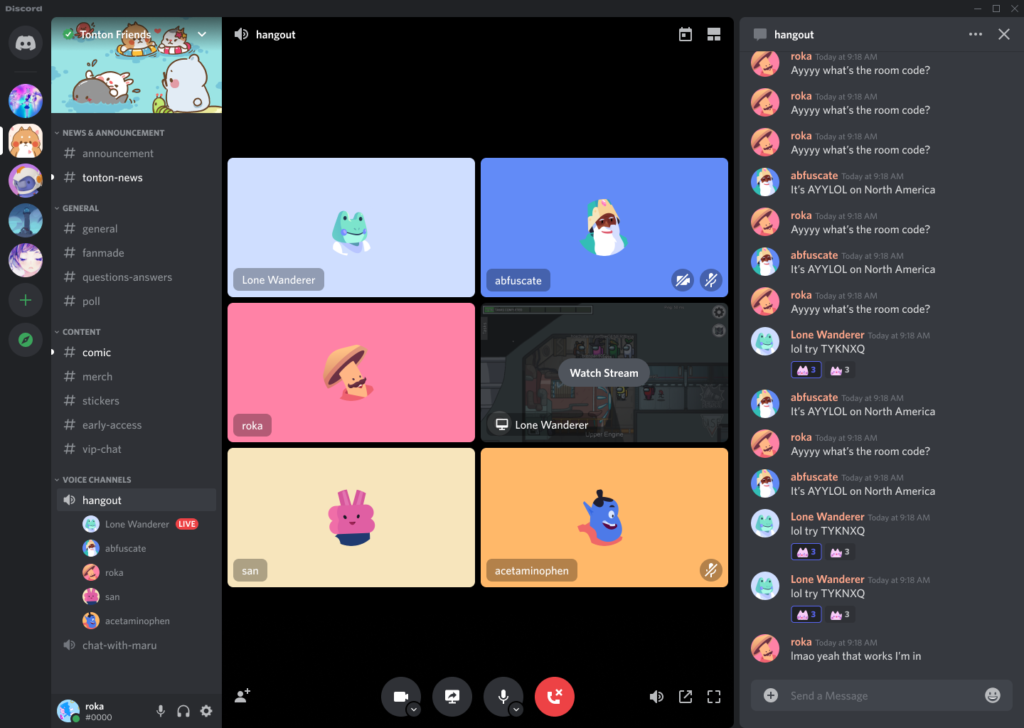
Discord started as a gaming chat platform, but it has evolved into a general-purpose communication tool for communities, study groups, and even remote teams. Free servers support video calls with up to 25 users per video channel and hundreds of users in voice-only channels. There are no meeting time limits. Screen sharing, text chat, and persistent server communities are all free.
Discord's strength is its flexibility. Teams can create dedicated channels for different topics, share files, and jump into voice or video calls instantly. The platform is ideal for recurring standups, coworking sessions, or informal collaboration. However, Discord is not designed for formal business meetings. It lacks calendar integration, meeting recording, and professional host controls. The video quality can vary depending on server load. It ranks seventh because its free features are generous and unique, but it is best suited for informal or community-driven communication rather than structured conferencing.
8. Zoom Workplace
Zoom Workplace Free extends the standard Zoom free plan with integrated team chat and lightweight collaboration tools. Users can create channels, share files, and jump into video meetings directly from chat. This creates a persistent communication layer around the video conferencing core that Zoom is known for.
The meeting constraints remain the same as the standard Zoom free plan: up to 100 participants and 40-minute group meetings. The chat features are functional but not as mature as Microsoft Teams or Slack. File sharing, channel organization, and search are basic. Zoom Workplace Free is best for teams that already use Zoom for meetings and want a simple way to add persistent chat without paying. It ranks eighth because it builds on Zoom's strong conferencing engine but offers a less polished collaboration experience compared to dedicated team communication platforms.
9. Whereby
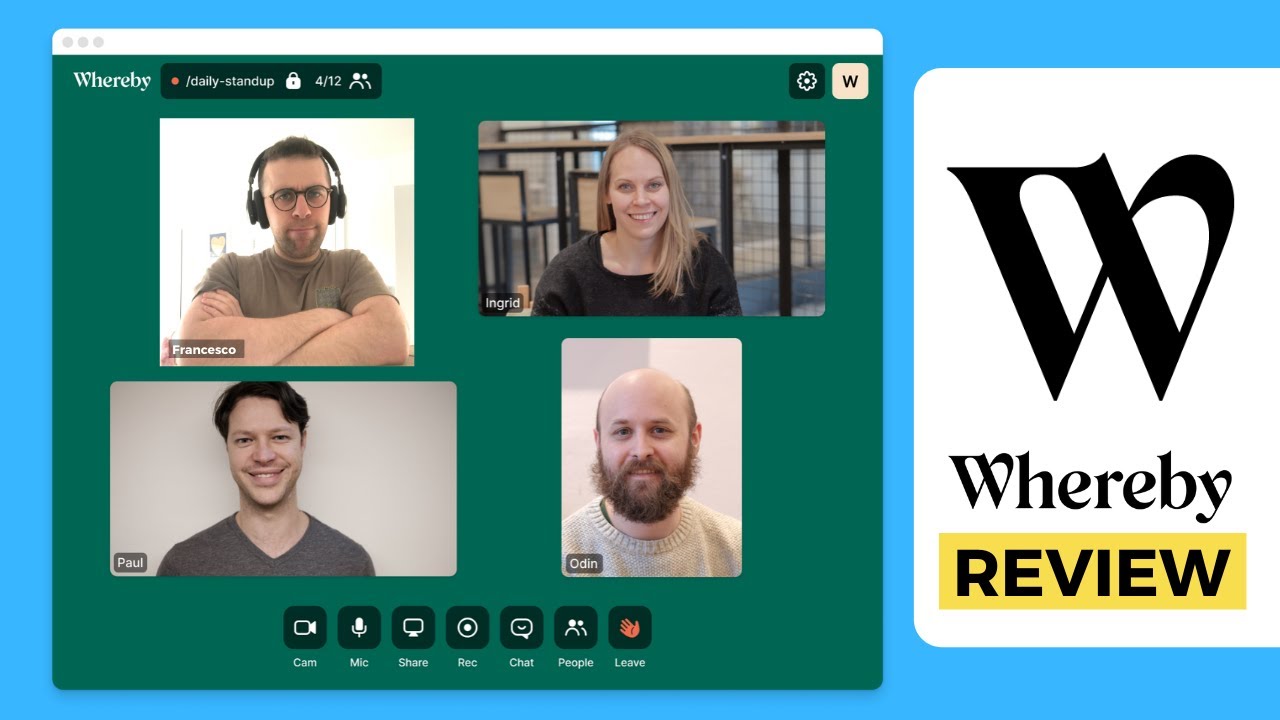
Whereby is built around simplicity. Users join meetings via custom room links with no downloads or account creation required for guests. The free plan includes one personal meeting room, screen sharing, chat, and reactions. Up to 100 participants can join, but meeting duration is limited and the number of rooms is restricted to one.
Whereby is popular for client calls, coaching sessions, and ad hoc meetings where ease of access matters more than feature depth. The browser-based experience is smooth and fast. However, the free tier is quite constrained. You cannot create multiple rooms, meeting length is capped, and advanced features like recording and custom branding require a paid plan. It ranks ninth because it excels at simplicity and high participant capacity but offers very limited functionality for free users compared to the top platforms.
10. FaceTime

FaceTime is Apple's native video calling service, and it is free for all Apple device users. Group FaceTime supports up to 32 participants with tile views, spatial audio on supported devices, and high video quality. The service is end-to-end encrypted by default and integrates directly into Messages and Contacts.
FaceTime's quality is excellent. Calls are clear, video is smooth, and the interface is minimal. Starting a call takes seconds. However, FaceTime is limited to Apple devices. Android and Windows users cannot join natively, though Apple introduced a web link feature that allows non-Apple users to join via a browser. The participant cap of 32 is lower than all other apps on this list. It ranks tenth because it delivers outstanding quality and privacy for Apple users but is too restrictive in device support and group size to compete with cross-platform conferencing apps.
Related Posts



0 Comments
Join the discussion and share your thoughts
No Comments Yet
Be the first to share your thoughts on this article!