Top 10 Best Break Reminder Apps In The World 2026

Table of Contents
The average knowledge worker now spends over seven hours per day staring at a screen, according to recent workplace ergonomics studies. That number keeps climbing as remote and hybrid arrangements cement themselves into the professional mainstream. The result: a growing awareness that our bodies were not designed for uninterrupted sitting, and our eyes were not built for endless close-range focus.
Break reminder apps have evolved from simple countdown timers into sophisticated wellness tools. The best options in 2026 do more than ping you every hour. They understand your calendar, detect when you have actually stepped away, guide you through stretches, and even monitor your posture. We tested and compared the leading options across Windows, macOS, Linux, Android, and the web to find the ten that deserve your attention this year.
How We Ranked These
Our evaluation weighed several factors: cross-platform availability, depth of customization, enforcement options (can the app actually make you take a break?), calendar awareness, pricing model, and user satisfaction across app stores and forums. We prioritized tools that respect your workflow rather than interrupt it blindly. Apps with active development and regular updates scored higher than those with stagnant codebases. We also considered specific use cases, from RSI recovery to meeting-heavy schedules, because the right break app depends heavily on how you work.
The Top 10 Break Reminder Apps 2026:
1. Restier
Restier has emerged as the most broadly recommended break reminder app of 2026, and for good reason. It runs on macOS, Windows, and Linux, making it the rare cross-platform option that does not force you into a single ecosystem. But its real strength lies in how it handles the realities of modern distributed work.
Most break timers assume you sit at a desk doing one thing. Restier understands that your day involves long focus sessions, multiple monitors, and frequent video calls. Its meeting-aware behavior means it will not interrupt you mid-presentation. Guided breaks provide structure when you need it, while wellness nudges encourage hydration and posture checks without being annoying. Eye-friendly resets follow the 20-20-20 principle, reminding you to look at something roughly 20 feet away for 20 seconds every 20 minutes.
What sets Restier apart from simpler countdown timers is its acknowledgment that break timing is only half the battle. The app is designed for the reality of distributed teams, where your calendar is a patchwork of Zoom calls, deep work blocks, and the occasional genuine gap. It adapts to that rhythm rather than forcing a rigid schedule. For most users, this makes it the most balanced all-around option across all three major desktop platforms.
2. Stretchly
If you want a break reminder that costs nothing and gives you total control, Stretchly is the answer. This free, open-source application runs on Windows, Mac, and Linux, and it punches well above its price point (which is zero).
Stretchly's standout feature is its flexibility with break content. You can upload your own images or short videos for each break type. That means if your physiotherapist prescribes specific exercises for your shoulder or wrist, you can replace the default stretch content with exactly what you need. No other free break app goes this far in personalization.
The app also includes natural-break detection, which pauses your timers when you step away from the keyboard. This prevents the frustrating scenario where you take a genuine break, return to your desk, and immediately get hit with a reminder to take a break. It is a small touch, but it makes the app feel intelligent rather than robotic. The trade-off: Stretchly lacks forced-break enforcement and calendar awareness, so it will not stop you from working or check your schedule. For most users, that is a fair exchange for a completely free, endlessly customizable tool.
3. Workrave
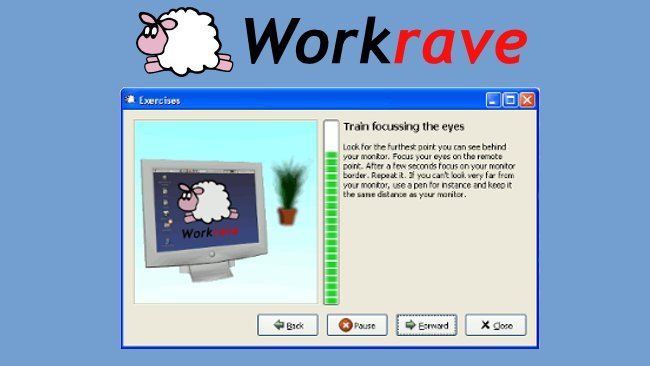
Workrave has been a fixture in the break reminder space for years, and it remains the best free option for Windows and Linux users who need a strict, RSI-focused tool. Its pedigree comes from the open-source community's long-standing concern about repetitive strain injuries, and that focus shows in every feature.
The app includes animated exercise demonstrations that are noticeably clearer than Stretchly's static defaults. When Workrave tells you to stretch your wrists or roll your shoulders, it shows you exactly how. For anyone recovering from or actively preventing RSI, this guidance is invaluable.
Workrave also offers optional lock breaks that force you to step away from your computer. You can configure these to be unskippable, which sounds harsh but can be exactly what you need if you habitually ignore gentler reminders. Its weekly break-compliance charts track your adherence over time, giving you concrete data about whether you are actually taking the breaks you schedule. The interface is less polished than modern paid alternatives, but the functionality remains top-tier for its niche.
4. Time Out

Mac users have a deep bench of break reminder options, and Time Out remains one of the most trusted. This free app (with in-app purchases) has been around for years and has earned a loyal following through consistent quality and genuinely useful features.
Time Out supports micro-breaks as short as 15 seconds, perfect for shaking out your arms and rolling your neck without losing your train of thought. For longer resets, it offers normal breaks of 10 minutes, encouraging you to get up, walk around, and give your eyes a real rest. The full-screen lockout capability is the enforcement mechanism here: when a break starts, your screen goes dark and you cannot dismiss it. That might sound aggressive, but many users report that this is precisely what they need to actually follow through.
Users consistently praise Time Out's well-written in-app instructions, which walk you through setup and customization without jargon. The subscription model is also unusual: you can use the app for free indefinitely, with an optional supporter payment that unlocks additional features. It is a balanced approach that respects users who cannot or will not pay while rewarding the developers who maintain the app.
5. DeskRest
DeskRest takes a different angle on the break reminder category. Instead of just timing your intervals, this macOS app watches how you sit and encourages better posture throughout your workday. It is a newer entrant, but it has quickly carved out a niche for users who care about ergonomics as much as eye strain.
The headline feature is video detection that monitors your posture using your webcam. When you slouch or hunch forward, DeskRest notices and prompts you to sit up. This goes beyond anything most break apps offer, which typically assume that reminding you to take a break is enough. DeskRest operates continuously, nudging you toward better habits even between breaks.
Custom break screens let you personalize what you see during each pause, and habit streaks gamify your wellness behavior in a way that keeps you coming back. The "quitting time" reminders are particularly valuable for remote workers who struggle to end their workday. When your scheduled hours are up, DeskRest tells you, helping establish the work-life boundaries that blur so easily when your office is also your living room.
6. Stand Up.
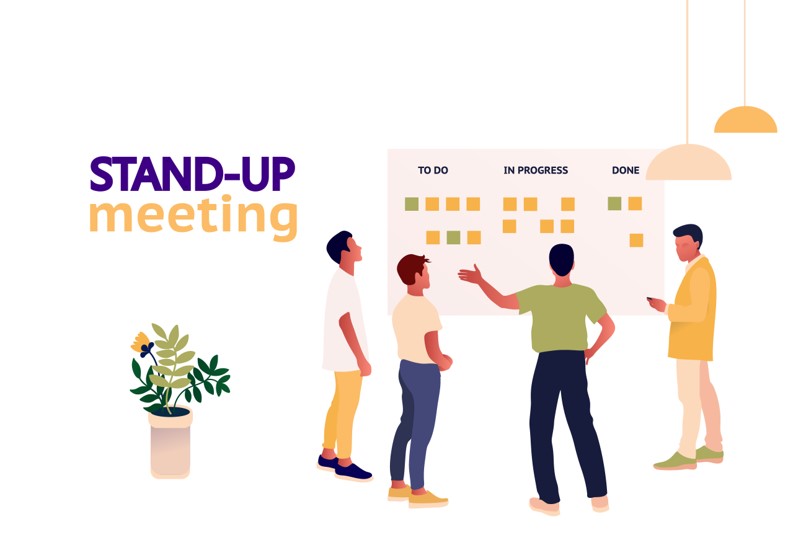
For professionals whose calendars are a cascade of back-to-back meetings, Stand Up. is the break reminder that finally gets it right. This app is calendar-aware, integrating with up to three calendars simultaneously, and it holds break reminders until your meetings conclude.
The practical impact is significant. If you are presenting to a client or leading a team sync, the last thing you need is a pop-up telling you to stretch. Stand Up. understands your schedule and waits until you are actually free. That single feature makes it invaluable for consultants, project managers, sales professionals, and anyone else whose day is dictated by the calendar.
Stand Up. runs on Mac, Windows, and the web, making it accessible across the platforms most professionals use. It lacks exercise guidance and forced-break enforcement, so it will not show you stretches or lock your screen. But for its specific use case, calendar-aware break timing, it is the best option available. If your problem is that you never get a break because your meetings never end, this app is the solution.
7. Take a Break (Mac)
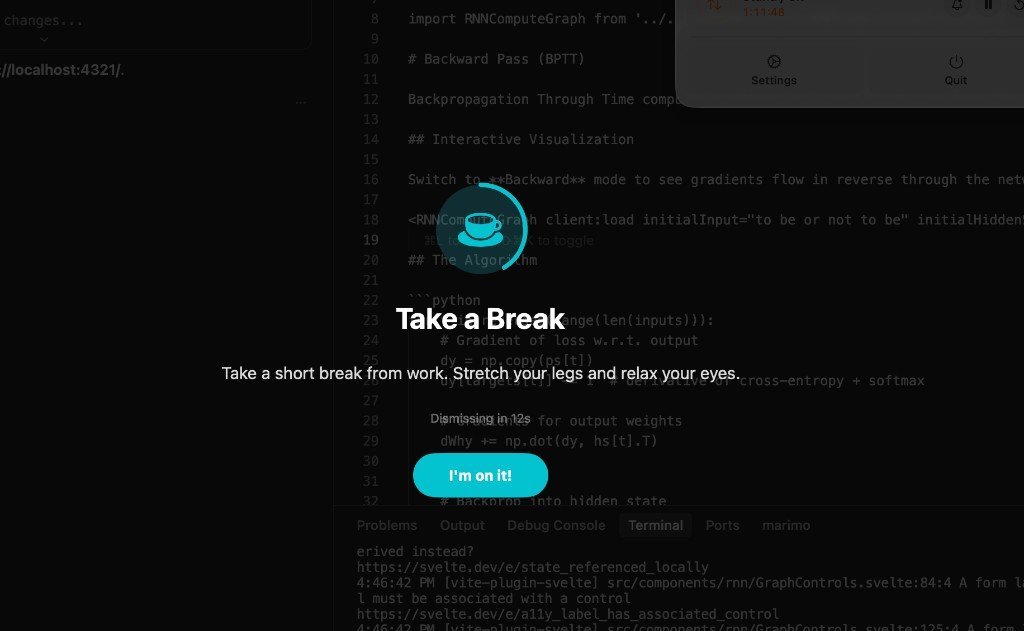
Sometimes you want a break reminder that simply does its job without a learning curve. Take a Break for Mac fits that description perfectly. It is a straightforward Mac App Store timer with a $1.99 Pro unlock, and it delivers exactly what it promises.
The app supports the 20-20-20 rule, reminding you to look at something 20 feet away for 20 seconds every 20 minutes. It also handles longer stand-up breaks, encouraging you to get out of your chair and move. Automatic screen lock at break time provides enforcement, and the app pauses automatically when you are watching video content, so it will not interrupt your lunchtime YouTube session or a training video.
The simplicity is the selling point. There are no complex settings to configure, no calendar integrations to set up, no posture detection to calibrate. You install it, set your intervals, and get on with your work. The one concern: the app has not received a visible update since January 3, 2025. It still works, but users should be aware that its development may have stalled.
8. Viraam

Viraam positions itself as a broader wellness reminder system rather than a focused break timer. In addition to break reminders, it covers hydration, mindfulness, and guided exercises, making it a one-stop shop for daily wellness habits.
The app requires macOS 14 or later, which means it is designed for users on current Apple operating systems. That is a deliberate choice: Viraam leverages modern macOS features to deliver a polished experience that older apps cannot match. The guided exercises go beyond simple stretch reminders, walking you through movements that address common desk-work complaints.
Viraam's pricing model is increasingly rare in 2026: a $14.99 one-time payment at its early adopter price. No subscription, no recurring fees, no premium tier locked behind a monthly charge. For users tired of subscription fatigue, this is a significant draw. The trade-off is that Viraam is broader than a focused break app, so if you only want interval reminders, you might find the extra features unnecessary. But if you want a comprehensive wellness companion, it delivers.
9. Work Break - Break Reminder (Android)
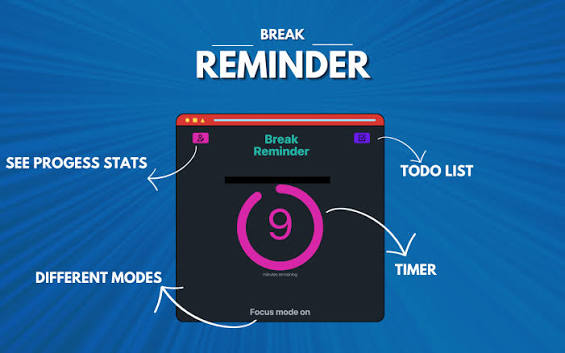
The break reminder market is dominated by desktop applications, which leaves Android users with fewer dedicated options. Work Break - Break Reminder fills that gap. Developed by Nadia and Martin, a small team focused on break and wellness utilities, this app is designed specifically for Android.
Work Break provides customizable break intervals and reminders tailored to mobile work patterns. That makes it suitable for people who work on tablets, phones, or in hybrid setups where their Android device is their primary tool. The flexibility to set your own intervals means you can adapt it to your specific workflow rather than conforming to a preset structure.
It is not the most feature-rich option on this list. There is no calendar awareness, no posture detection, no guided exercises. But for Android users who need a reliable, dedicated break reminder, it is the strongest choice available. The app is part of a small portfolio from its developers, who clearly understand the niche they serve.
10. Pomofocus

Sometimes the simplest solution is the best one. Pomofocus is a free, web-based Pomodoro timer that requires no installation whatsoever. Open your browser, navigate to the site, and you are ready to work in 25-minute focused intervals with 5-minute breaks.
The Pomodoro Technique has been around since the 1980s, and its popularity persists because the structure works. Twenty-five minutes of focused work followed by a short break is an approachable rhythm that many people find productive. Pomofocus implements this structure faithfully, with no extra features to configure or learn.
The zero-friction accessibility is the key advantage. You can use Pomofocus from any device with a web browser, whether that is a work computer, a personal laptop, or a tablet. There is no account to create, no app to download, no permissions to grant. If you want immediate structure without committing to an app ecosystem, this is the option.
The limitations are obvious: no exercise guidance, no calendar awareness, no posture detection, no customization beyond the basic interval structure. But for a significant number of users, the simple 25/5 rhythm is all they need. Pomofocus proves that a break reminder does not need to be complex to be effective.
Related Posts




1 Comment
Join the discussion and share your thoughts