Suno AI Review 2026: App, Free Plan, Login, Download, AI & FAQs

Table of Contents
We have spent the last few weeks living inside Suno AI, the tool that turns a sentence into a finished song with vocals, lyrics, and a full arrangement. It is fast, it is genuinely fun for the first hour, and it does something that felt like science fiction not long ago. So why does our final score sit at 1.5 out of 5?
The short answer is that a music tool is not only its output. It is the bill you pay, the rights you actually own, the support you get when something breaks, and whether the thing you are paying for will still work the same way in six months. On every one of those fronts, Suno gave us reasons to pause. This review walks through the app, the free plan, login, downloads, the quality of the AI, and the daily user experience, and then answers the questions readers keep sending us.
What Suno AI actually is
Suno is a generative music platform. You type a description such as a slow afrobeats love song with soft piano, or you paste your own lyrics, and the model returns a complete track in under a minute. The company was started in 2022 by a team that previously worked together at the data firm Kensho, and it has scaled at a startling pace. By early 2026 Suno reported more than 100 million users and over 2 million paying subscribers, with annual revenue in the region of 300 million dollars.
The newest model at the time of writing is Suno v5.5, released in March 2026. It added voice cloning, custom models you can train on your own catalogue, and a personalisation engine the company calls My Taste. On paper this is a serious product. The trouble starts when you look past the demo.

Profile table
Here is the quick reference profile our research team put together before the hands-on testing began.
Suno AI at a Glance | |
|---|---|
Brand | Suno AI |
Company | Suno, Inc. |
Founded | 2022 (public product launched 2023) |
Founders | Mikey Shulman, Georg Kucsko, Martin Camacho, Keenan Freyberg |
CEO | Mikey Shulman |
Headquarters | Cambridge, Massachusetts, United States |
Category | Generative AI music creation |
Latest model (2026) | Suno v5.5, released March 2026 |
Platforms | Web (suno.com), iOS app, Android app |
Pricing | Free plan; Pro $10/mo; Premier $30/mo (cheaper on annual billing) |
Free plan | 50 credits per day, about 10 songs, personal and non-commercial use only |
Reported scale | Over 100 million users, more than 2 million paid subscribers (early 2026) |
Reported revenue | Around $300 million annual recurring revenue (early 2026) |
Main concerns | Active copyright lawsuits, billing and support complaints, looming download caps |
Website | suno.com |
Nubia Magazine rating | 1.5 out of 5 |
Figures on users, revenue, and pricing reflect what Suno and reputable outlets reported in early 2026. Treat them as a snapshot, because this company changes its terms often.
The app: capable, but the same product everywhere
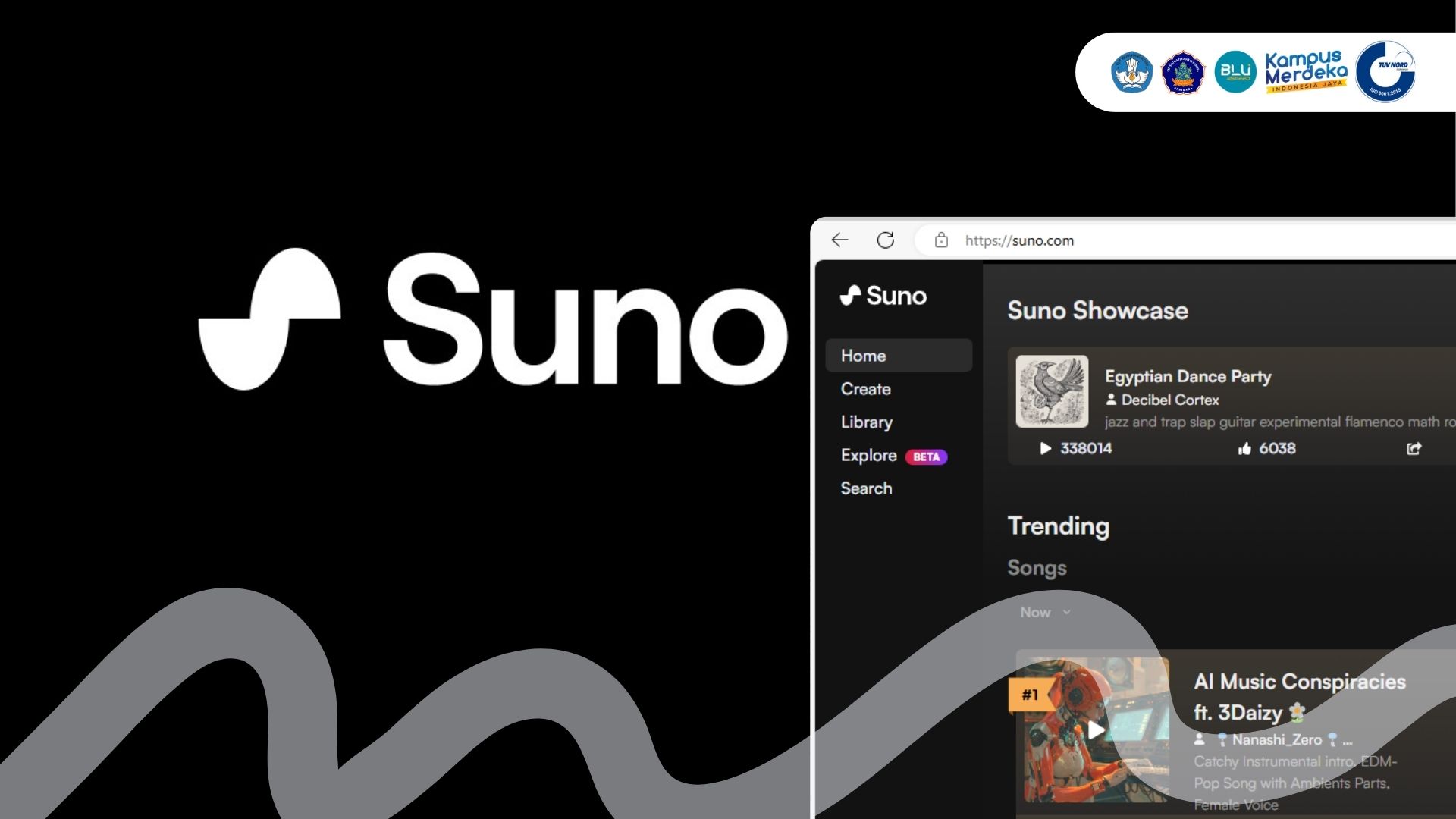
Suno runs in three places: the website at suno.com, an iOS app, and an Android app. The web version is the most complete, and it is the only place you can comfortably manage your library, edit, and pull down higher quality files. The mobile apps mirror the core idea, let you describe a song, tweak lyrics, and even sample sound from your phone microphone to feed into a track, but they feel like a lighter shell around the web tool rather than a standalone studio.
In practice we found ourselves drifting back to a laptop for anything beyond a quick idea. That is fine if you expected a phone toy. It is frustrating if you bought a plan expecting a full mobile production suite. On the Apple App Store, the official listing carries middling ratings, and a recurring theme in the reviews is billing surprises rather than the music itself.
What the app does well
- Turns a plain text idea into a structured song in under a minute.
- Handles mainstream genres like pop, afrobeats, hip hop, gospel, and EDM with surprising coherence.
- Lets you extend a track, remix it, or generate a cover in a different style.
Where it falls short
- The mobile apps are not a substitute for the web experience.
- Niche or blended genres often come back generic or slightly off.
- Vocals can turn brittle on high notes, and long prompts produce repetitive or nonsensical lines.
The free plan: generous on paper, narrow in practice
Suno gives free users 50 credits per day, which works out to roughly 10 short songs. That is more generous than many rivals, and it is the right way to test whether the tool fits you before paying. No credit card is required to start.
The catch is what you are allowed to do with anything you make. Free tracks are for personal, non-commercial use only. You cannot put them in a monetised video, a paid project, or anything that earns money. Suno is also blunt about the fact that subscribing later does not retroactively license a song you already made for free. If you create a hit on the free plan, you do not get to monetise it by upgrading afterwards.
There is a bigger storm on the horizon. Following Suno's settlement and licensing deal with Warner Music in late 2025, the company has signalled that free users may lose the ability to download audio entirely and be limited to streaming and sharing, while paid users move to monthly download caps. The exact limits were not published as we went to press, but the direction is clear. The free plan is being narrowed, not widened.
Login: simple, until you have more than one account
Signing in is straightforward. You create an account with email or a social login, pick a plan, and you are in. For most people this is a non-event.
The problems we saw, echoed widely in user reviews, cluster around two situations. The first is moving between the mobile app and the browser, since the website is the only reliable place to grab a high quality file, and some users report being unable to log in there with the same credentials. The second, and more painful, is creating a second account by accident and then being locked out of the original one that holds all your songs. Because support response times are a common complaint, an account mix up can leave you stranded with no quick way to recover your library.
Download: the part that quietly costs you
On a paid plan you can download your tracks, and standard downloads are included rather than charged separately. Free users can currently export an MP3, but with no commercial rights attached and, again, with that download access now flagged for removal under the new licensing arrangements.
A few details bit us during testing. Higher quality formats such as WAV are tied to the web app and to paid tiers, so the file you actually want is not always the file you can get on mobile. Credits are consumed not only by generating a song but by extending, remixing, or regenerating sections, so the count drains faster than newcomers expect. And on the lower paid tier, several users report there is no easy way to buy a one off top up of extra generations once you hit your monthly limit. You wait, or you upgrade.
The download story is the clearest example of our central worry. The thing you are buying, ownership of a usable file, is exactly the thing Suno is moving to restrict.
The AI and the music: impressive, then thin
Credit where it is due. For a casual user who wants a birthday song, a jingle, or background music for a personal video, Suno delivers something listenable in seconds, and the first few results can genuinely make you smile. The model nails the broad shape of popular genres and produces clean, radio adjacent demos with very little effort.
Spend longer with it and the cracks show. Lyrics on complex or specific prompts drift into repetition or lose meaning. Vocals lose composure on big notes. Anything outside the mainstream comes back blurry. Several long term subscribers told the same story we experienced: the output that delighted them at first began to feel samey, and some felt later model updates made their results worse rather than better, even after they had committed to an annual plan.
There is also the question hanging over every track. Suno is fighting major copyright lawsuits from record labels who allege it trained on their recordings without permission, and the music itself sits in a legally grey zone. In the United States, purely AI generated work cannot be copyrighted, so what you own is murkier than the marketing suggests. For a hobbyist that may not matter. For anyone hoping to build a real catalogue, it is a serious crack in the foundation.
User experience: fun to start, frustrating to depend on
Day one with Suno is a good time. The interface is clean, the loop of type, listen, tweak is addictive, and the speed is real. Our concern is not the first hour. It is the relationship.
Across independent review sites the same complaints repeat: charges that continued after a trial or cancellation, difficulty getting a refund because monthly plans are non-refundable and annual refunds only apply within a short window on unused accounts, credits that do not roll over, and support that is slow or silent when money is involved. One verified business review we read was titled around predatory billing and absent support, and it was not an outlier. When a product is delightful but its billing and support are shaky, the delight wears off fast.
Layer on the active legal fight, the artist led campaigns against the company, and the openly stated plan to deprecate current models in favour of new licensed ones, and you have a tool that is hard to recommend as something to build on. You may log in next month to find the model you liked is gone and the file you wanted is locked behind a new cap.
Nubia Magazin Verdict
This is not a score about whether the technology is clever. It clearly is. Our rating reflects what it is like to actually rely on Suno as a paying customer in 2026.
- The output is fun but thin once you push past simple prompts, and several users feel quality has slipped.
- The commercial rights are confusing, and the legal status of your music is unsettled while major lawsuits play out.
- Billing and support draw consistent, serious complaints, including charges after cancellation.
- The core value, downloads and reliable model access, is being actively restricted rather than expanded.
Add those together and Suno feels less like a stable tool you can plan around and more like a fast moving experiment that happens to take your card details. For curiosity and personal fun on the free plan, it is worth a look. As something to pay for and depend on, we cannot rate it highly yet. Hence 1.5.
Bottom line: A genuinely impressive generator wrapped in a fragile, fast changing product. Try it free, think twice before you pay, and read the rights terms before you build anything serious on it.
Frequently asked questions
1. Is Suno AI free to use?
Yes, there is a free plan that gives you 50 credits per day, which is roughly 10 short songs, and you do not need a credit card to start. The important limit is that free tracks are for personal, non-commercial use only, and Suno has signalled that free users may soon lose the ability to download files and be limited to streaming and sharing.
2. How much does Suno AI cost in 2026?
Beyond the free plan, Suno offers a Pro plan at 10 dollars a month and a Premier plan at 30 dollars a month, with lower effective prices if you pay annually. Pro includes around 2,500 credits a month and commercial rights, while Premier raises that to roughly 10,000 credits a month for heavier users.
3. Can I sell or monetise songs made with Suno?
Only on a paid plan, and only for songs made while you are subscribed. Free plan tracks carry no commercial rights, and upgrading later does not retroactively license a song you already made for free. Even on paid plans the legal picture is unsettled, because purely AI generated work cannot be copyrighted in the United States and Suno itself says it cannot guarantee copyright will vest in your output.
4. How do I log in to Suno AI?
You sign in at suno.com or in the mobile app using the email or social account you registered with. Most logins are smooth, but two situations cause trouble: switching between the app and the browser to download files, and accidentally creating a second account, which can lock you out of the original library. Use one consistent login method to avoid this.
5. Why can I not download my song or only get a low quality file?
Higher quality formats such as WAV are tied to the web app and to paid tiers, so the file you want is not always available on mobile or on the free plan. Free downloads are also being phased out under Suno's new licensing arrangements, and paid plans are moving toward monthly download caps. If a track will not download, try the web app and check whether your plan still allows the format you need.
6. Is there a Suno AI app for iPhone and Android?
Yes. Suno has official iOS and Android apps, and they let you create, describe, and sample audio on your phone. They are convenient for quick ideas, but they are lighter than the website, which remains the best place to manage your library, edit, and download higher quality files.
7. Is Suno AI legal and is it being sued?
Suno is operating, but it is facing major copyright lawsuits from record labels and rights groups who allege it trained on copyrighted music without permission. Warner Music settled and signed a licensing deal in late 2025, while other cases, including ones from independent artists and a key fair use ruling expected in 2026, are still ongoing. The tool is usable today, but the legal ground under it is not settled.
8. Why did I keep getting charged after I cancelled?
Unexpected charges after a trial or cancellation are one of the most common complaints about Suno. Monthly plans are non-refundable, annual refunds only apply within a short window on unused accounts, and support can be slow to respond about billing. Cancel through your account settings or your app store subscription page well before the renewal date, and keep a record of the cancellation.
9. Is Suno worth paying for, or should I use the free plan?
For personal fun and experimentation, the free plan is a reasonable way to enjoy the tool. For paid use we are cautious, given the billing complaints, the shrinking download rights, the plan to retire current models, and the legal uncertainty around what you actually own. Test it free first, and only pay if you are comfortable with terms that may change.
10. What are the best alternatives to Suno AI?
The closest direct rival is Udio, which many users feel edges Suno on raw audio quality and offers stem downloads, though it faces its own licensing pressures. Other options people compare include Riffusion for quick experimentation and various text to music tools from larger AI companies. The right pick depends on whether you value ease of use, audio quality, or clearer commercial rights.
Related Posts



0 Comments
Join the discussion and share your thoughts
No Comments Yet
Be the first to share your thoughts on this article!