Top 10 Best Visual Journaling Apps In The World 2026

Table of Contents
Our review of the Top 10 Best Visual Journaling Apps In The World 2026 highlights tools that combine drawing, media integration, and organization features for users seeking visual records of daily life. These apps stand out in 2026 for their balance of creative flexibility and practical journaling tools across different platforms and price models.
How We Ranked These
We evaluated each app based on user ratings from major stores as of 2026, download and adoption figures, platform availability, and specific support for visual elements like drawing, photo embedding, and custom layouts. Factors such as handwriting quality, cross-device sync, and pricing transparency also shaped the order, with priority given to apps that deliver consistent performance for illustrated diaries and mixed-media entries.
The List Of The Top 10 Best Visual Journaling Apps In The World 2026:
1. Notability
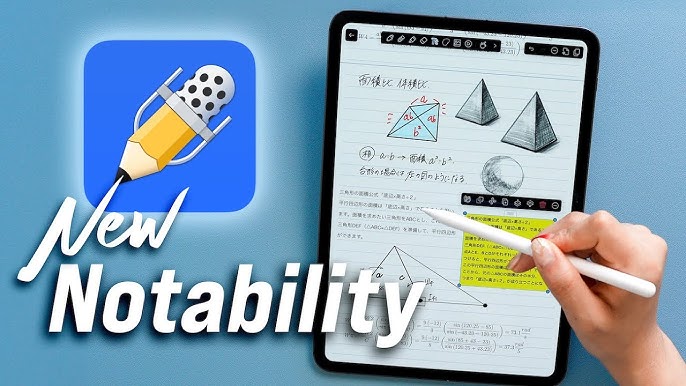
Notability leads the list with a 4.8/5 App Store rating from more than 280,000 reviews in 2026. The app supports infinite-scroll pages and pressure-sensitive tools that handle both quick sketches and detailed annotations on the same canvas. Audio recordings sync directly to handwritten notes, which helps users capture reflective sessions without switching between separate recording apps.
iCloud keeps everything current across iPad, iPhone, and Mac. A built-in marketplace supplies covers, paper textures, and sticker packs tailored for planning and visual reflection, reducing the need to hunt for third-party assets.
2. GoodNotes 6
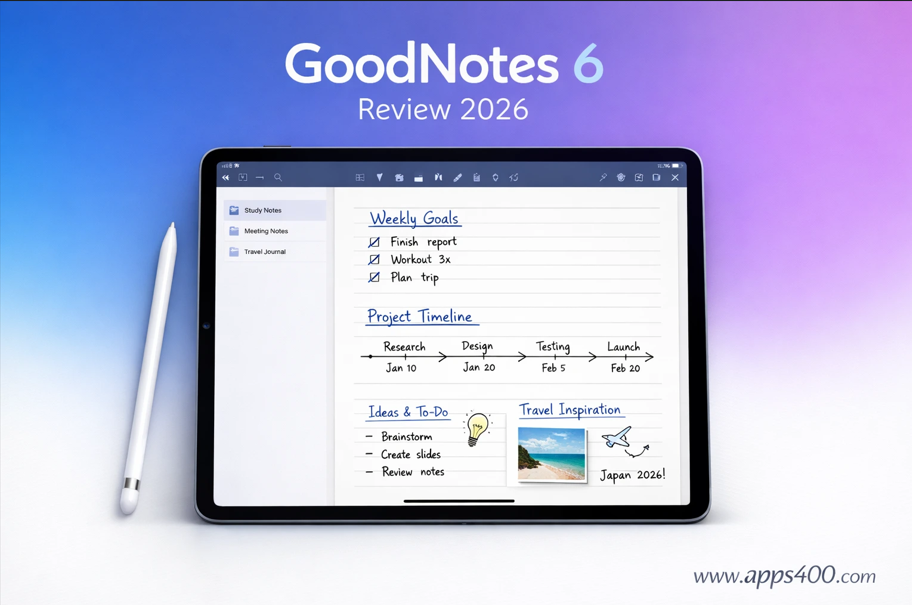
GoodNotes 6 serves more than 25 million users worldwide according to company data from 2025 and maintains a 4.8/5 rating. Its handwriting recognition works across multiple languages, while folders and favorites keep large collections of custom planners and mood trackers organized. Cross-platform support now reaches Android and Windows, letting users move between devices without losing formatting.
The shape tools and sticker library suit structured bullet-journal styles that mix text, icons, and illustrations. Collaboration options added in recent updates allow shared visual projects when teams or families want to contribute to the same notebook.
3. Day One Journal
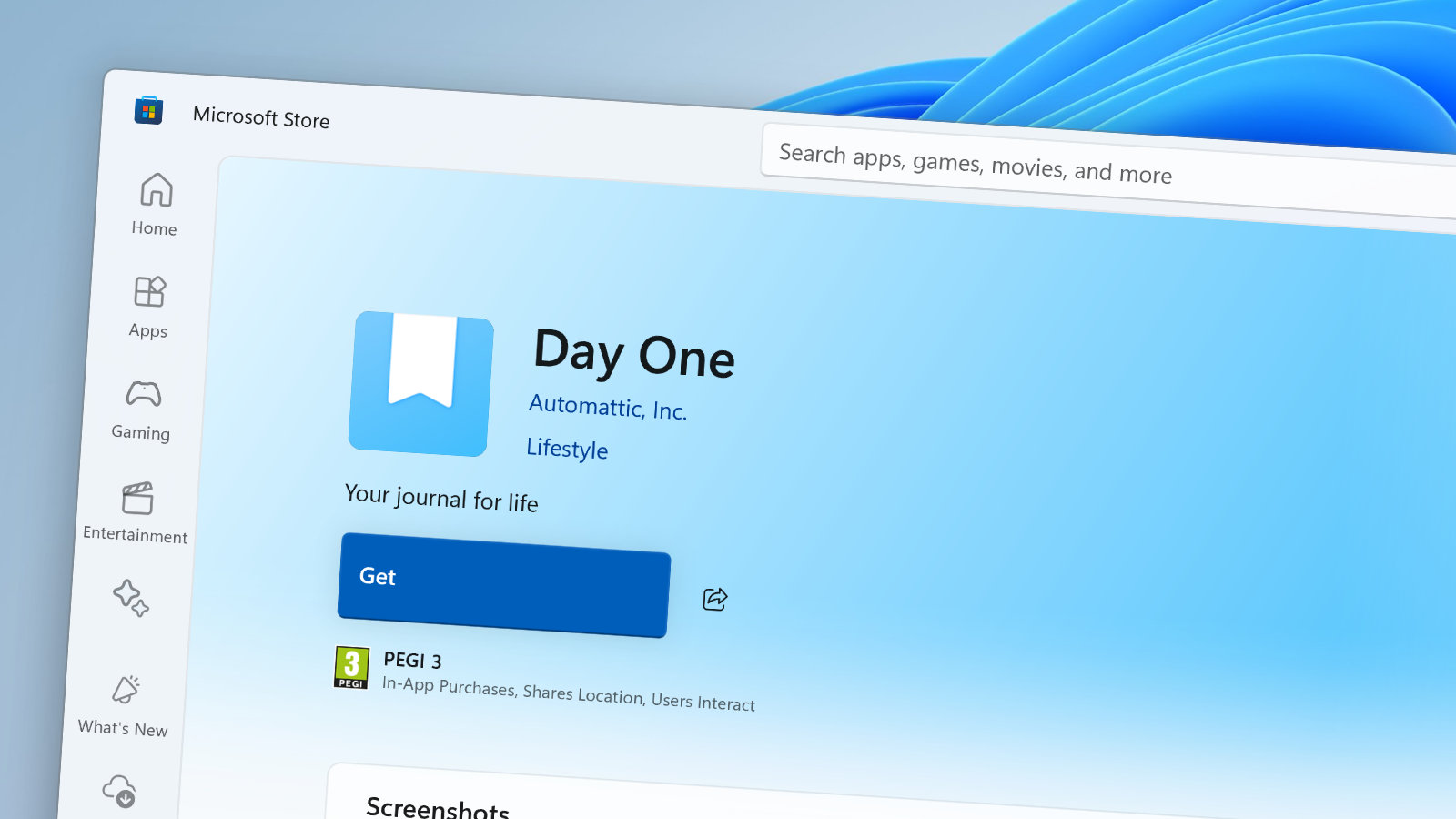
Day One Journal earned a 4.8/5 rating and an Apple Design Award in 2014. It records location, weather, and activity data automatically, then lets users drop photos, videos, and drawings straight into timeline entries. End-to-end encryption protects private visual logs, and a print-to-book service converts completed journals into physical volumes.
Drawing tools added in recent iOS updates give users the option to sketch directly in the feed rather than importing images from elsewhere. Multiple themed journals keep travel logs separate from gratitude or art-focused entries.
4. Concepts
Concepts holds a 4.7/5 rating and claims more than one million creative professionals as users. The infinite canvas and vector ink allow mood boards or mind-mapped pages that can be rearranged without redrawing. Export options cover PNG, SVG, and PDF, which makes it straightforward to share finished spreads or archive them outside the app.
Precision grids and measurement tools help maintain consistent layouts across long visual diaries. The app runs on iOS, Windows, Android, and certain Wacom tablets, giving designers a single workspace that travels between devices.
5. Procreate
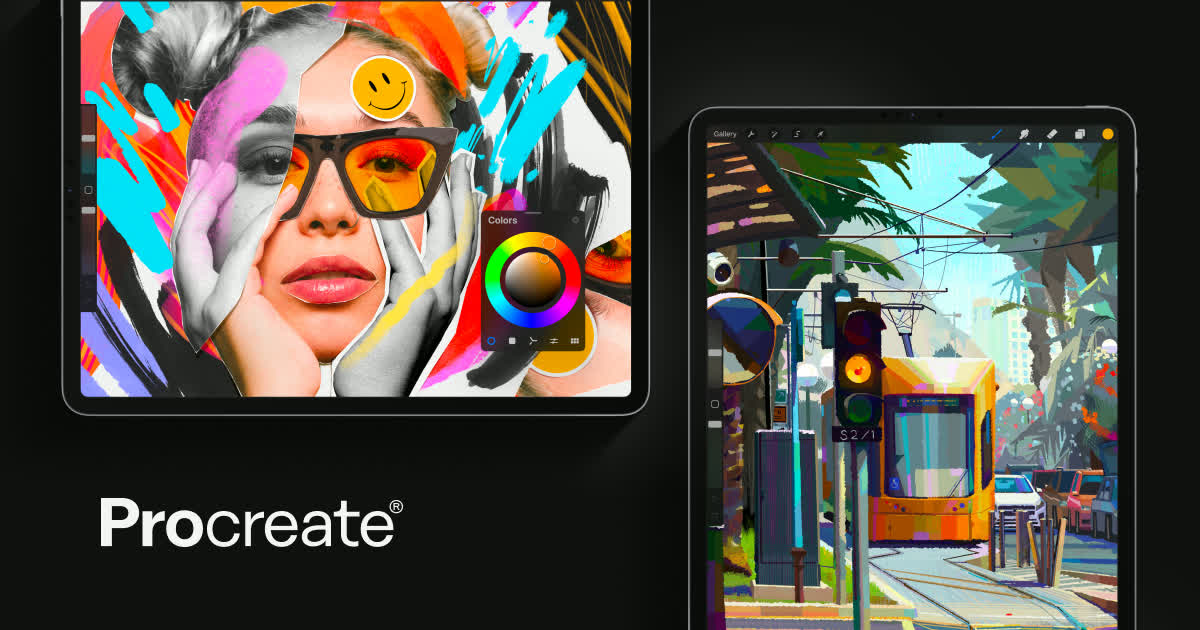
Procreate remains one of the top-grossing graphics apps on iPad from 2023 through 2026 with a one-time purchase price near $12.99. Artists use its brush engine and layering system to build custom journal templates and high-resolution illustrated pages. The companion app Procreate Dreams adds animation features for entries that incorporate motion.
The gallery and stack system functions as an informal archive when each canvas represents a single journal spread. Export quality supports print projects when users want physical copies of their work.
6. Journey
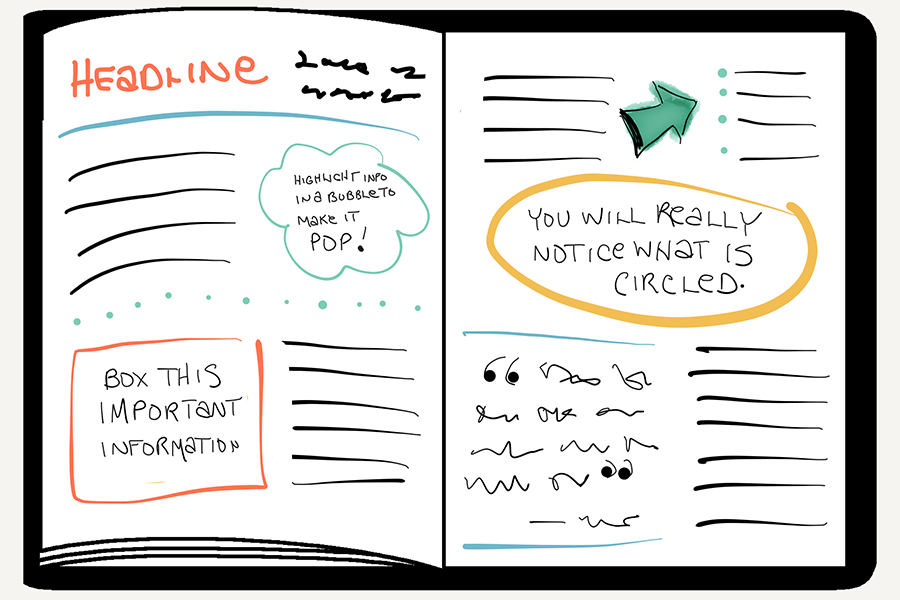
Journey reports more than five million Google Play downloads and a 4.5/5 rating in 2026. It runs on Android, iOS, macOS, Windows, and the web, with Google Drive sync keeping entries accessible everywhere. Calendar, timeline, and map views help users spot patterns in mood or activity data over time.
Built-in prompts and streak tracking guide beginners toward consistent visual gratitude or wellness logs. Media attachments sit alongside formatted text, and coaching programs supply templates for travel or habit-focused journals.
7. Diarium
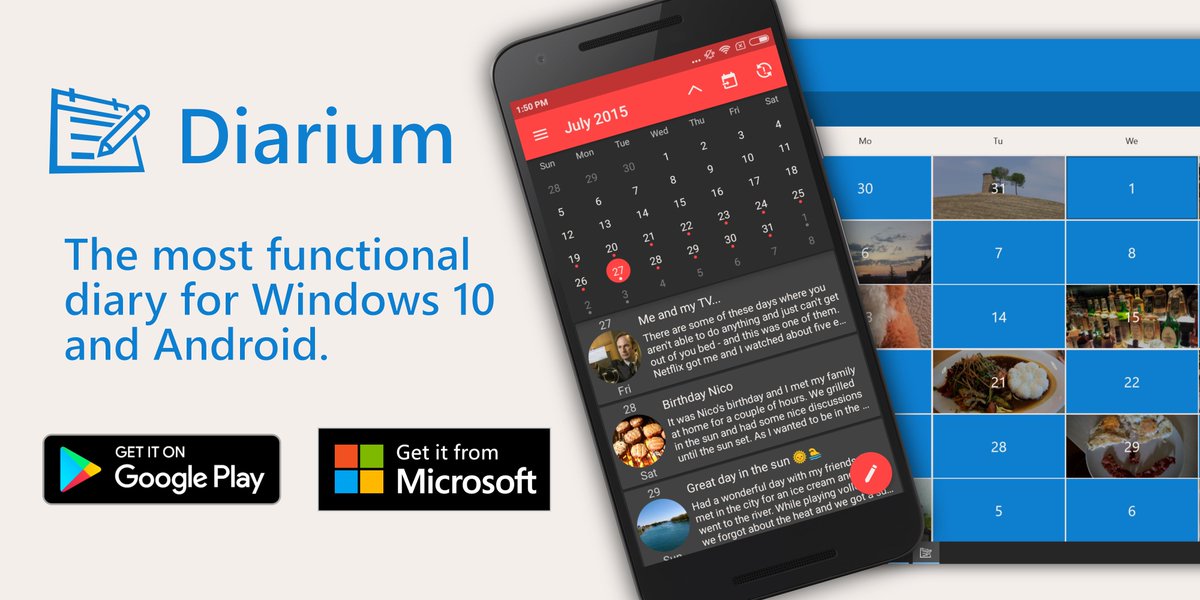
Diarium carries 4.7/5 on the Microsoft Store and 4.6/5 on Google Play. A one-time purchase under $15 covers most platforms. Automatic imports pull social posts, calendar events, and fitness numbers into entries, creating dense visual timelines without manual copying.
Calendar, timeline, and map modes display the same content in different formats. Tagging and custom fields let users build structured mood logs or project journals that still feel personal.
8. Paper by WeTransfer
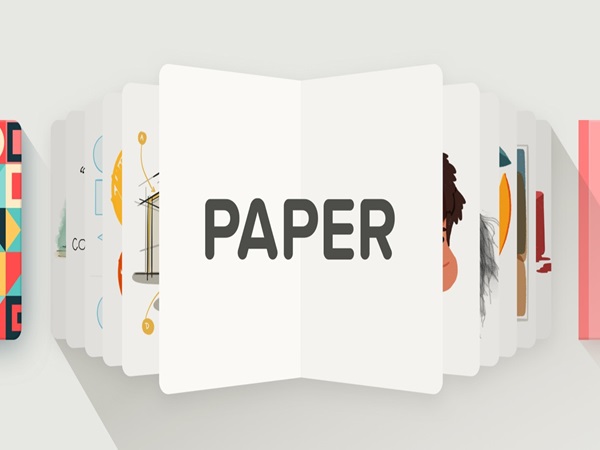
Paper maintains a 4.6/5 rating and tens of millions of downloads since launch. The notebook-style interface favors quick sketches and simple diagrams over complex layering. Photos and text sit on the same page, and the constrained tool set keeps the focus on fast visual thinking rather than technical editing.
Spaces and Journals organize longer creative projects or personal diaries. The minimalist approach suits users who prefer low-friction capture over advanced features such as OCR or audio layers.
9. Zinnia Journal & Planner
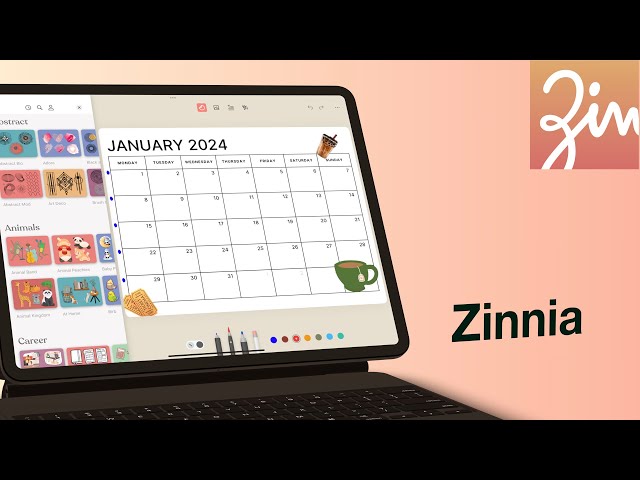
Zinnia scores 4.7/5 on the App Store and centers on sticker-driven layouts for iPad and iPhone. A subscription between $3.99 and $7.99 per month unlocks an expanding library of washi tape, brushes, and habit-tracker templates. Multi-layer pages support Apple Pencil handwriting alongside decorative elements.
Export options produce images or PDFs ready for sharing or printing. The app appeals most to users who enjoy scrapbook-style visual journals and want fresh design resources updated regularly.
10. Grid Diary
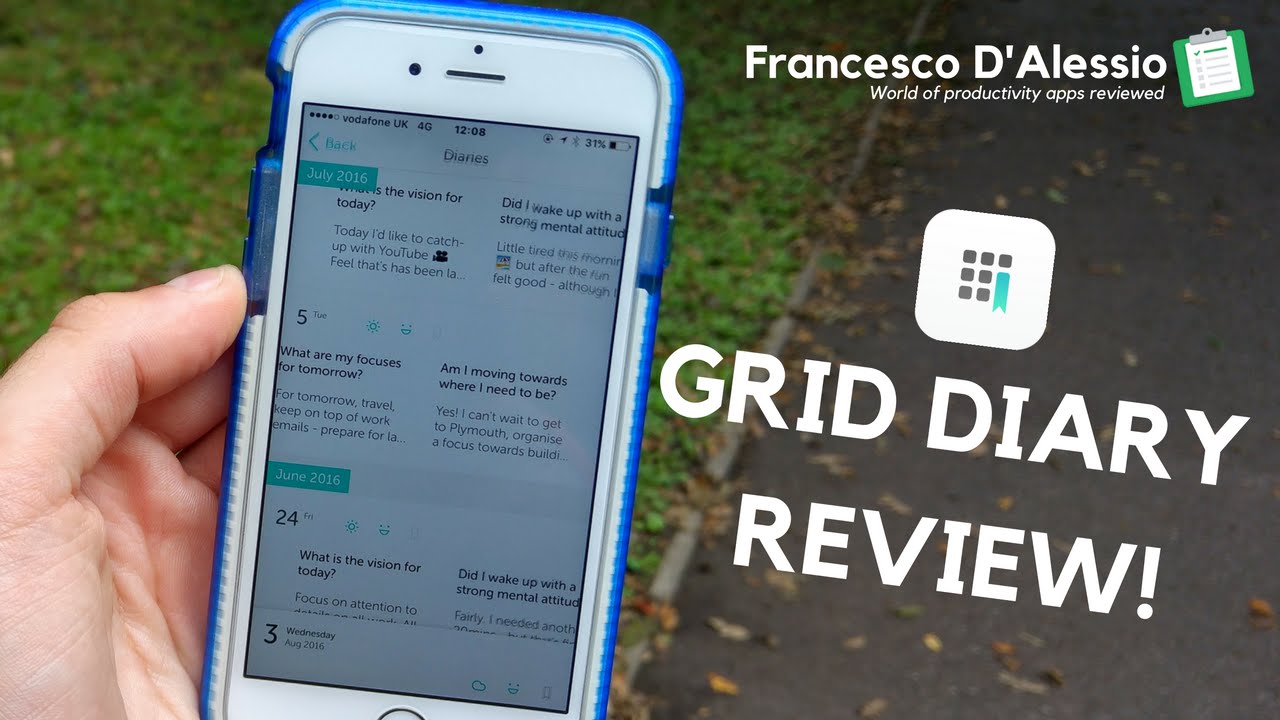
Grid Diary shows 4.7/5 on the App Store and 4.5/5 on Google Play. Its grid-prompt system breaks daily reflections into structured squares that accept short drawings, icons, or photos. A Pro subscription costs roughly $2.99 to $4.99 monthly and unlocks extra templates for gratitude or mental-health tracking.
Calendar and timeline views plus PDF export help users archive completed entries. Drawing tools remain basic compared with dedicated art apps, yet the prompt layout proves effective for consistent, semi-visual journaling routines.
The Best Visual Journaling Apps In The World 2026 reflect a range of approaches from full drawing suites to prompt-guided systems, each suited to different habits and device preferences in the current year.
Related Posts



0 Comments
Join the discussion and share your thoughts
No Comments Yet
Be the first to share your thoughts on this article!