Top 10 Best Graphic Design Apps In The World 2026

Table of Contents
Finding the right graphic design app in 2026 can feel overwhelming. The market is crowded with options, from industry-standard tools used by top studios to accessible platforms designed for social media managers and small business owners. We have analyzed the latest data from sources like PCMag, Storyflow, and user reviews to build this definitive ranking of the ten best graphic design apps available today. Our list covers everything from professional raster and vector editors to collaborative web-based platforms and affordable one-time purchase alternatives.
How We Made Our Picks
We evaluated each application based on five core factors: professional capability (the depth of features for expert users), ease of use for beginners and non-designers, collaboration tools, value for money (including subscription versus one-time purchase models), and cross-platform availability. Ratings from PCMag and Storyflow were cross-referenced with user sentiment from design communities and professional reviews. The final ranking prioritizes tools that serve a broad range of design needs while excelling in their specific niches.
These Are The Top 10 Best Graphic Design Apps In 2026:
1. Adobe Photoshop
Adobe Photoshop remains the undisputed leader in raster-based graphic design and photo editing. PCMag named it their top image editing pick for 2026, and with good reason. The software has evolved over three decades into a powerhouse that handles everything from simple photo retouching to complex digital paintings and composite images. Its nondestructive editing tools, combined with machine learning capabilities for removing objects and replacing skies, save professionals hours of manual work.
Photoshop integrates seamlessly with other Adobe Creative Cloud applications, making it the centerpiece of many professional workflows. The subscription starts at roughly $23 per month, and Storyflow gives it an 8.8 out of 10 rating. For any designer who needs pixel-level control, there is simply no substitute. The learning curve is steep, but the return on investment for professionals is unmatched.
2. Adobe Illustrator
If Photoshop rules the raster world, Adobe Illustrator is the definitive vector graphics software. It is the go-to tool for creating logos, icons, posters, packaging, and any artwork that needs to scale from a business card to a billboard without losing quality. Illustrator offers infinite scalability, full Apple Pencil support on iPad, and recently added 3D effects and textures that bring vector art to life.
PCMag and Storyflow both rank it as the vector standard alongside Photoshop's raster dominance. At roughly $23 per month as part of the Creative Cloud subscription, it is the same price as Photoshop and essential for professional illustrators and graphic designers. The precision and control Illustrator provides make it non-negotiable for brand identity work and print production.
3. Figma
Figma has emerged as the highest-rated design tool in Storyflow's 2026 ranking with a 9.0 out of 10 score. Its browser-based platform allows real-time team collaboration that traditional desktop software simply cannot match. Multiple designers can work on the same file simultaneously, see each other's cursors, and leave comments directly on the canvas. This has made Figma indispensable for modern design teams, especially those working on UI/UX projects.
The platform starts free, with professional plans at roughly $16 per month. Figma combines vector design tools with powerful prototyping and handoff features. While it is not a replacement for Photoshop or Illustrator in print or photo editing, it has become the standard interface design tool for startups and enterprises alike. PCMag also recognizes its dominance in collaborative design workflows.
4. Canva
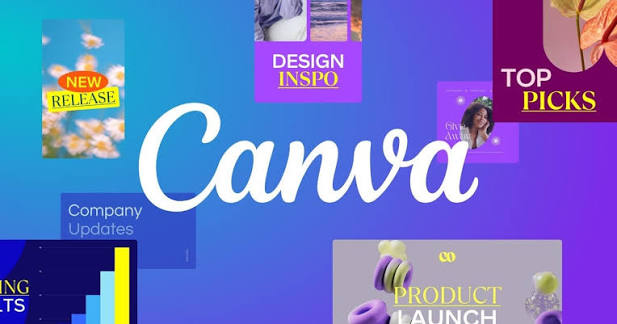
Canva revolutionized graphic design by making professional-looking designs accessible to non-designers. With thousands of professionally designed templates, users can create social media graphics, marketing materials, presentations, and even print documents in minutes. The platform is praised for its speed and ease of use. PCMag and Storyflow both highlight Canva as the best option for fast, template-based graphic creation.
Canva starts free, with Pro plans from roughly $13 per month. The free version includes over 1,000 Adobe fonts, which is a significant value. While it lacks the deep control of Photoshop or Illustrator, Canva fills an enormous gap for small businesses, educators, and content creators who need good results quickly without learning complex software. Storyflow gives it an 8.3 out of 10 rating.
5. Affinity Designer
Affinity Designer has become the most compelling alternative to Adobe's Creative Cloud, primarily because of its one-time purchase model. For roughly $70, users get a powerful combination of vector and raster design tools without any subscription fees. It works on Mac, Windows, and iPad, and is optimized for the latest hardware.
Storyflow rates it 8.2 out of 10 and notes its one-time purchase model as a standout strength. Affinity Designer is increasingly recommended by professionals as a free alternative to Illustrator, though it is not actually free. The software delivers professional-grade features without bloat or gimmicks. For designers who are tired of monthly payments, Affinity Designer is a serious contender.
6. Adobe InDesign
Adobe InDesign is the industry standard for page layout design. It specializes in multi-page documents such as magazines, books, brochures, and PDFs. If you are designing anything that involves flowing text across multiple pages with consistent formatting, InDesign is the tool. It integrates seamlessly with Photoshop and Illustrator, allowing designers to work on the same assets across applications.
InDesign costs $20.99 per month and receives an 8.0 out of 10 from Storyflow. Growth Marketing Pro and PCMag both highlight it as essential for professional print and digital publishing projects. It is not a tool for casual users, but for anyone working in publishing or print production, it remains the gold standard.
7. CorelDRAW Graphics Suite
CorelDRAW has been a pioneer in graphic design for decades and maintains a loyal user base. Its features span vector illustration, layout, photo editing, and technical design. CorelDRAW offers both subscription and one-time payment models, making it adaptable for amateurs and professionals alike. The software costs $22.42 per month or can be purchased outright.
RMCAD notes its continually upgraded capabilities and multiple tiers, while PCMag includes it among the top tested design tools. CorelDRAW is particularly strong in technical illustration and sign making, areas where it has a dedicated following. For users who prefer a perpetual license over a subscription, CorelDRAW remains a viable and powerful option.
8. Procreate
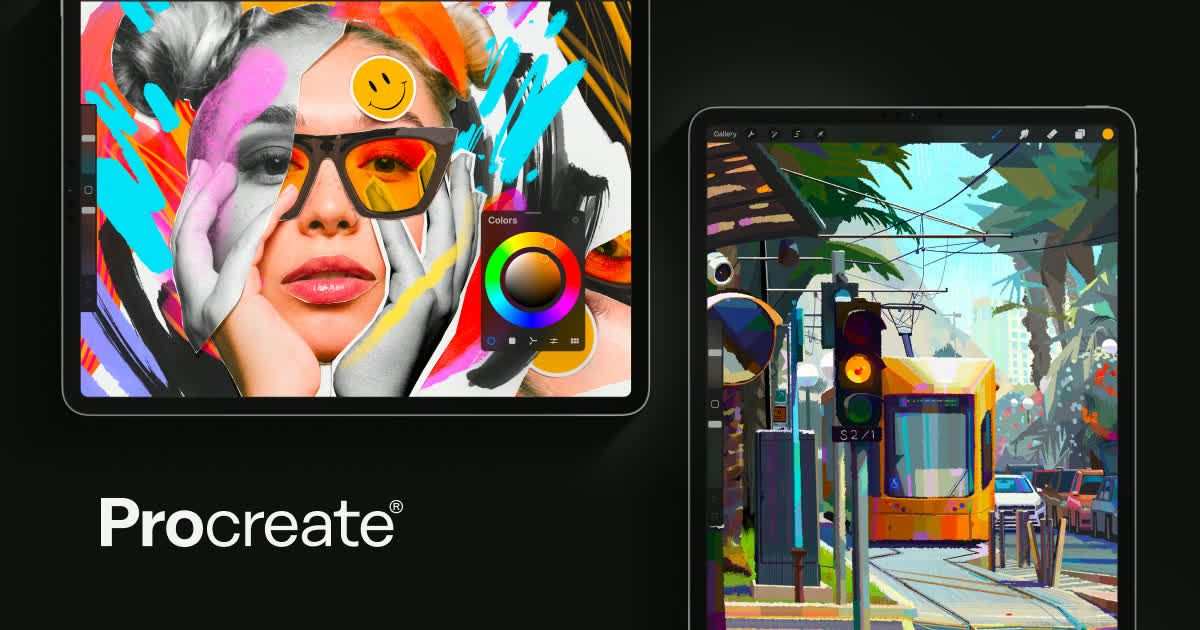
Procreate is the leading digital illustration app exclusively for iPad. Its intuitive interface and powerful brush engine rival desktop software, and the one-time purchase price of roughly $13 makes it exceptionally affordable. The app is optimized for Apple Pencil, delivering a natural drawing experience that many artists prefer over traditional tablets.
PCMag and Storyflow both recognize Procreate as the premier choice for iPad-based illustration and concept art. Storyflow rates it 7.8 out of 10. While it is limited to iPad and does not offer the full feature set of desktop applications, Procreate excels at what it does. For digital painters and illustrators on the go, it is an essential tool.
9. Adobe Express
Adobe Express, formerly Adobe Spark, focuses on predefined formats for quick content creation. Users can create brochures, posters, business cards, and social media graphics using thousands of professionally designed templates. The free version provides generative AI capabilities and templates, though it is limited by credits and available design elements.
PCMag and FlippingBook Blog highlight it as a versatile tool for users who need professional results without the complexity of full Adobe Creative Cloud applications. Adobe Express is a solid middle ground between Canva and the full Adobe suite, offering more control than Canva while remaining accessible to beginners. It starts free, with paid tiers for additional features.
10. Inkscape
Inkscape is a powerful, completely free open-source vector graphics editor available across all platforms. It offers flexible drawing tools, broad file format compatibility, and support for bezier and spiro curves. It is a common choice for users seeking a free alternative to Adobe Illustrator, with features catering to both beginners and expert designers.
Growth Marketing Pro and RMCAD both note its versatility and extensive capabilities, though some reviews mention it can feel clunkier compared to newer competitors like Affinity Designer. Inkscape is not as polished as paid alternatives, but for users on a tight budget or those who prefer open-source software, it is a remarkably capable tool that handles most vector design tasks effectively.
Related Posts
1 Comment
Join the discussion and share your thoughts
