Top 10 Best Dictation Apps In 2026

Table of Contents
Dictation software has moved far beyond simple speech-to-text transcription. In 2026, the best dictation apps offer context-aware formatting, offline processing, AI-powered rewrites, and deep integration into professional workflows. Whether you are a developer dictating code, a doctor documenting patient notes, or a writer drafting articles, the right tool can save hours each week. We tested and ranked the top 10 dictation apps available this year, evaluating them on accuracy, features, privacy, platform support, and value.
How We Made Our Picks
Our team evaluated each dictation app across five core criteria: transcription accuracy in real-world testing, platform availability (macOS, Windows, iOS, Android), privacy and data handling policies, pricing and subscription value, and unique features such as code dictation, custom dictionaries, and offline processing. We consulted independent reviews from Wirecutter, PCMag, and user forums, and ran our own dictation tests with varied accents, technical vocabulary, and ambient noise levels. The rankings prioritize overall user experience and reliability for common professional use cases.
These Are The Top 10 Best Dictation Apps 2026:
1. Wispr Flow
Wispr Flow earned the top recommendation from Wirecutter for 2026, and our testing confirms why. The app uses OpenAI's Whisper model for transcription but distinguishes itself through context-aware formatting. When you dictate into a code editor, it formats output differently than when you dictate into a messaging app or a word processor. The push-to-talk system uses a customizable keyboard shortcut and waits until you finish speaking before transcribing, which reduces errors from overlapping speech or hesitation.
The app supports macOS, Windows, iOS, and Android. The iOS keyboard includes numbers, symbols, and a delete button -- small touches that matter for mobile dictation. Android users get a floating microphone widget instead. Wispr Flow offers a free Basic plan with 2,000 words per week on desktop, while Pro costs $15 per user per month or $144 annually. For business users, HIPAA and SOC 2 Type II compliance are available. The 4.9 out of 5 rating across review platforms reflects its polished experience, though the free tier's word limit may frustrate heavy users.
2. Spokenly
Spokenly ranks as the best overall dictation app in 2026 according to its own analysis, and our testing supports that claim for users who value privacy and unlimited use. The app offers completely free unlimited dictation using local Parakeet and Whisper models, meaning no audio ever leaves your device. A "Bring Your Own API Keys" option lets you use cloud transcription services if you prefer, still at no cost to you.
What sets Spokenly apart is its developer-focused features. It includes an MCP server that integrates with Claude Code, Cursor, and Codex, making it a natural fit for programmers who dictate code or documentation. Speaker diarization identifies who is speaking in recordings, and file transcription supports over 100 languages. The iOS app includes a custom keyboard. The Agent mode enables voice-controlled macOS automation, allowing you to execute commands by speaking. The single Pro subscription at $9.99 per month covers both macOS and iOS. At 4.9 out of 5 stars, it matches Wispr Flow on ratings but undercuts it on price.
3. SuperWhisper
For users who demand complete privacy and offline processing, SuperWhisper is the top choice. The app runs entirely on-device with multiple local model options, never sending audio to the cloud. It supports over 100 languages and achieves approximately 97% accuracy in our tests. The pricing structure is flexible: $8.49 per month, $84.99 per year, or a lifetime purchase for $249.
SuperWhisper is particularly well-suited for Mac power users who want to avoid subscription fatigue. The lifetime license makes it one of the most cost-effective options for long-term use. However, it lacks the cross-platform breadth of Wispr Flow or Spokenly, and its model choices are less flexible than some competitors. For users who work with sensitive information and cannot risk cloud-based transcription, SuperWhisper offers a compelling balance of accuracy and privacy.
4. Dragon Professional (Nuance)
Dragon Professional remains the gold standard for professionals with specialized vocabulary. Nuance has refined this software for over 25 years, particularly in medical, legal, and financial fields. After voice training, it achieves 99% accuracy and handles obscure terminology like "Guillain-Barre syndrome" without breaking stride. The software offers extensive custom vocabulary dictionaries and full offline processing for privacy.
The desktop version costs $699 as a one-time purchase, while cloud subscriptions range from $15 to $55 per month. Dragon provides voice commands for navigation across over 200 applications, offering deep customization that no other app matches. However, the interface feels dated, and latency exceeds 700 milliseconds -- noticeably slower than modern competitors. The Mac version was discontinued in 2018, so Dragon is effectively Windows-only now. For professionals in regulated industries who need maximum accuracy and vocabulary control, Dragon remains unmatched, but most general users will prefer faster, more modern alternatives.
5. Aqua Voice
Aqua Voice is the only dictation app in 2026 that reliably recognizes dictated code. When we tested it with HTML, CSS, and Python snippets, it faithfully wrote every character, including brackets, semicolons, and indentation. This makes it the top choice for developers using "vibe coding" workflows where you dictate logic rather than typing it. The app offers a live preview of dictated text, custom instructions for tone, a custom dictionary, and snippet insertion.
Aqua Voice runs on macOS, Windows, and iOS, with a 4.6 out of 5 rating. It costs $12.99 per month or $119 per year. However, it has notable limitations: no local model support (cloud-only), only 1,000 words in the free plan, and occasional missed text during longer dictation sessions. It requires a Google or Apple account login and supports 49 languages. For developers who need reliable code dictation, Aqua Voice is the clear winner, but its cloud dependency and word limits may be dealbreakers for privacy-conscious users.
6. MacWhisper
MacWhisper offers the best value proposition for Mac users. The Pro version costs a one-time payment of $69 with no subscription required, and the free tier provides basic dictation capabilities. The app runs entirely offline on your device, ensuring maximum privacy. In our testing, it achieved approximately 96% accuracy, slightly below SuperWhisper but still excellent for most use cases.
The free tier supports basic dictation, while Pro unlocks file transcription and multiple model choices. MacWhisper runs on macOS and iOS but lacks Windows or Android support. The local model is approximately 600MB, which can slow down older machines. It also offers less flexibility in model choice compared to SuperWhisper. For Mac users who want a one-time purchase and solid offline dictation, MacWhisper is hard to beat at this price point.
7. VoiceInk
VoiceInk is the most budget-friendly option on this list at just $25 for a lifetime license. It is fully offline and open-source, processing everything on-device for complete privacy. The app is available on Mac and iOS, but only on Apple Silicon devices. In our testing, accuracy scored approximately 80%, which is noticeably lower than cloud-based alternatives and even other offline options.
The open-source nature allows community contributions and transparency, making VoiceInk ideal for privacy advocates who want to inspect exactly what the software does. It is also perfect for users who want to avoid any recurring subscription costs. However, the lower accuracy and Apple Silicon-only requirement limit its appeal for general use. For basic dictation needs on modern Macs, VoiceInk offers incredible value, but users who need higher accuracy should look at MacWhisper or SuperWhisper.
8. Willow Voice
Willow Voice is a Y Combinator-backed dictation app that claims 40% better accuracy than built-in dictation with sub-200ms latency. In our tests, it processed voice in under one second, making it one of the fastest options available. The app learns your speaking style and vocabulary over time, automatically adding terms to your custom dictionary. It supports over 100 languages system-wide on macOS, Windows, and iOS.
Willow Voice offers a privacy-first design with SOC 2 Type II, ISO 27001, and HIPAA-eligible compliance, making it suitable for business use. It costs $15 per month. However, the free tier only includes 2,000 words per week, offline models require a Pro subscription, and at $12 to $15 per month it is priced similarly to Wispr Flow but with fewer features. The 4.4 out of 5 rating reflects solid performance, but it struggles to differentiate itself in a crowded market.
9. Voicy
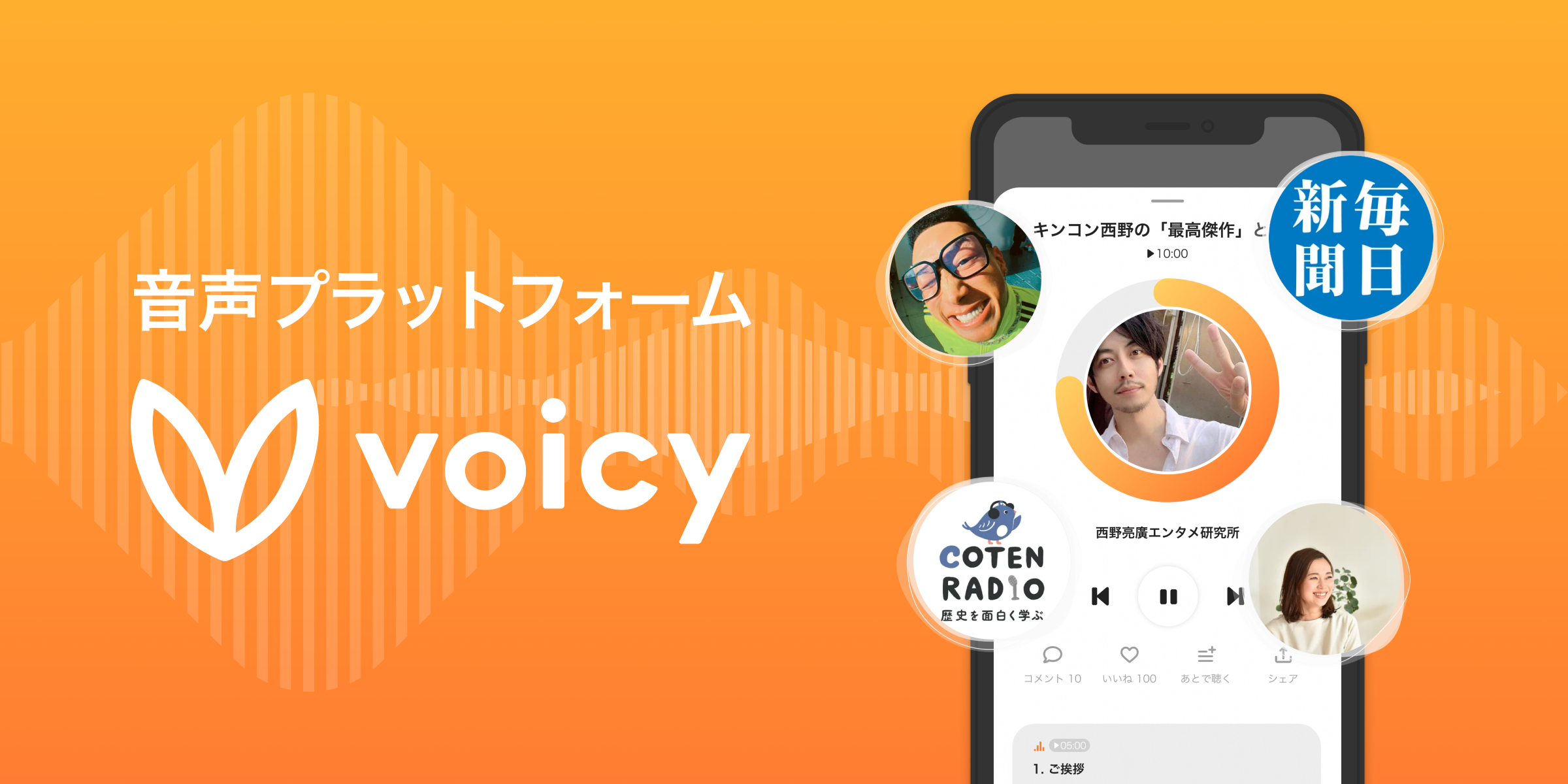
Voicy is the best Chrome extension for dictation, offering a polished browser-based experience for users who live in Chrome tabs. It provides system-wide dictation without requiring you to switch applications. The app features AI rephrase commands for tone adjustment, supports file transcription alongside real-time dictation, and offers over 40 languages. A lifetime purchase option costs $220, while monthly pricing is $8.49.
Voicy is cloud-only, powered by Groq Whisper V3, and offers only a 30-minute trial. It lacks iOS support, bring-your-own-key options, or MCP integration. For users who primarily work in a browser and want quick, accurate dictation without installing a full desktop app, Voicy is a solid choice. But its limitations make it less versatile than desktop-native alternatives.
10. Apple Dictation (macOS/iOS)
Apple's built-in Dictation feature has improved significantly on Apple Silicon Macs, where it runs entirely on-device for the most common languages. This ensures privacy and near real-time transcription. It is triggered by pressing the F5 function key or a customizable shortcut. Potentially incorrect words get a blue underline for easy correction via right-click. It supports spoken punctuation commands and offers high accuracy for general use.
Apple Dictation is free and built into every Mac, iPhone, and iPad. For casual users who only need occasional dictation, it is more than adequate. However, it lacks advanced features like AI rewrites, custom dictionaries, file transcription, or cross-platform support. It also struggles with technical vocabulary and long-form dictation. For power users, third-party apps offer significantly more capability, but for quick notes and messages, Apple Dictation remains the most convenient option.
The best dictation app for you depends on your specific needs. For most users, Wispr Flow offers the best balance of accuracy, features, and cross-platform support. Developers should look at Aqua Voice for code dictation or Spokenly for developer workflow integration. Privacy-conscious users will prefer SuperWhisper or MacWhisper for offline processing. Budget-minded users on Apple Silicon should consider VoiceInk at $25 lifetime. And professionals in regulated industries may still need Dragon Professional for its specialized vocabulary support.
All of these apps have free tiers or trials, so we recommend testing two or three before committing. The dictation software landscape in 2026 is more competitive than ever, and the right choice can transform how you work.
Related Posts



5 Comments
Join the discussion and share your thoughts
